Resetting a password#
If you forgot your password, the login page can help you to a new one, where the administrator allows it.
Asking for a reset#
- On the login page, press Forgot your password?
- The page reads "Forgot Password? You can request your password here." Type your Username Or Email and press Submit.
- Look in your mail. The server sends a message to the address that is stored with your account.
- The message has a link. It opens a page where you type a new password twice. Generate Password makes one for you.
- Sign in with the new password.
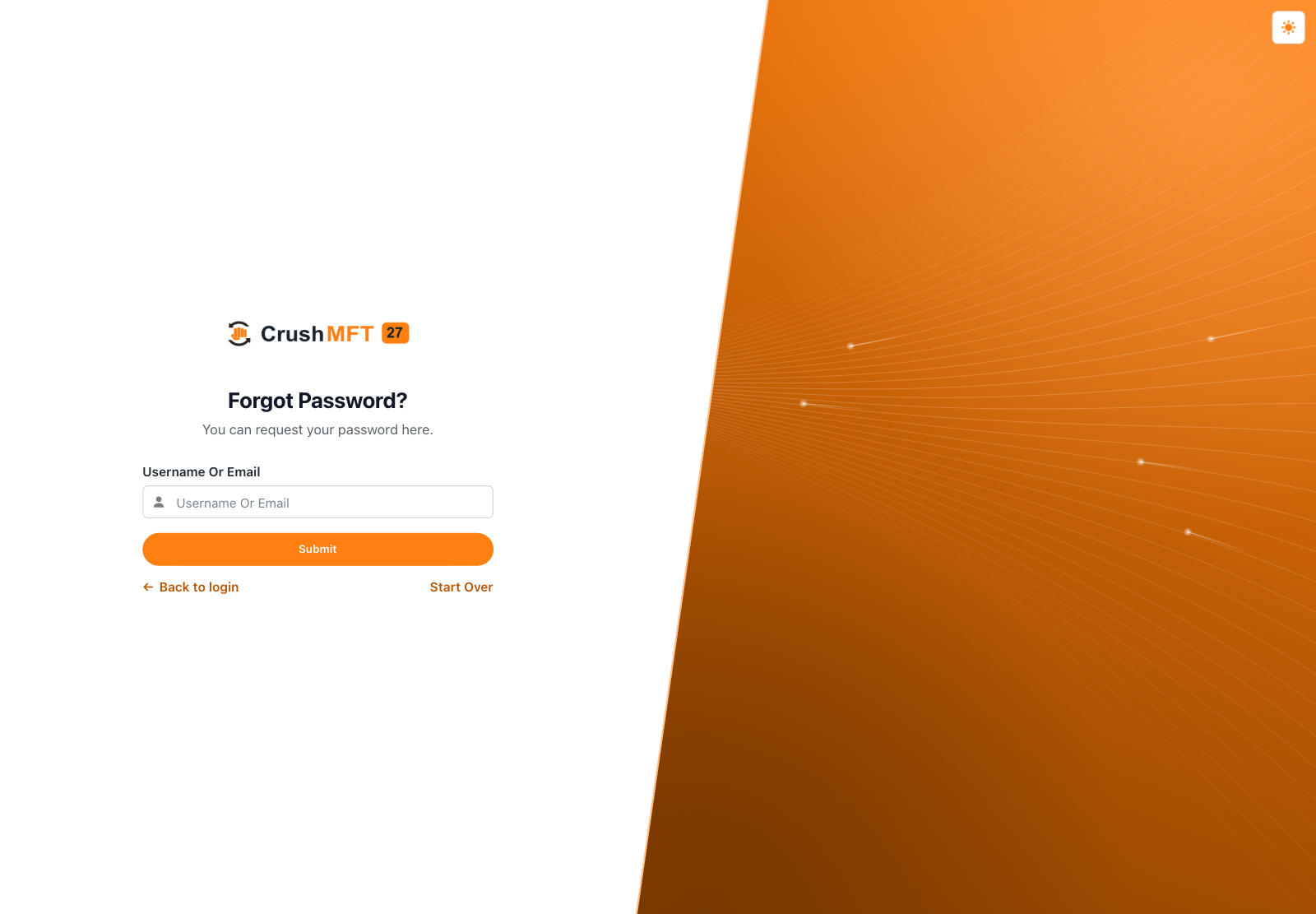
Back to login leaves the page; Start Over clears it.
The link in the mail is good for a short time only: ten minutes, unless your administrator changed that. If it has run out, ask for a new one.
Why you may get no mail#
The page answers the same whether or not the name exists. That is on purpose: it must not tell a stranger which names are accounts. So no mail can mean:
- the name or address you typed is not the one of your account;
- your account has no mail address stored;
- your account may not reset its own password: partners' accounts are often set so;
- the mail is in your spam folder;
- the server cannot send mail: "This server is not configured to send email password reminders."
In all of these, ask your administrator.
Changing a password you know#
When you are signed in: User Options, Change Your Password.
| Field | |
|---|---|
| Current Password | |
| New Password, Confirm Password | "Passwords do not match" if the two differ |
| Generate Random Password | makes one that fits the server's rules |
| Change Password |
A password the server will not take is refused with the reason: too short, missing a kind of character, used before, or "Password contains forbidden characters".
Not every account may change its password: the button is then not there.
A good password#
Long beats clever. Four or five unrelated words are easier to remember and harder to guess than P@ssw0rd!. Use one that you use nowhere else, and let a password manager keep it.
For administrators#
| What | Where |
|---|---|
| the reset by mail: its switch, its mail text, how long a link lasts | General Settings: password reset |
| the older reminder, which mails the password itself | General Settings: password reminder. It needs passwords stored in a form that can be read back, and is best left off. |
| who may change their own password | the user's restrictions |
| the rules a password must meet | Passwords and password rules |
| that the server can send mail at all | SMTP |
| setting a password for a user yourself | the User Manager |