Running jobs#
Server Admin shows the jobs that are running without leaving the Dashboard; building and changing jobs is done in the Jobs app.
On the Dashboard#
| Where | Shows |
|---|---|
| the Active Jobs number | how many jobs run at this moment |
| the Jobs card | "0 running / 0 scheduled", a chart of the running jobs over the last hour with one bar a minute, how many jobs are on a schedule, manual only or disabled, and a list of the jobs that run now: name, status, how long, since when. "No job is running right now." when none does. |
| the Jobs card opened large | two searchable lists: Running (job, status, started, running for) and Schedules (name, schedule, time, next run, enabled) |
| Server Health and Hosts / Cluster | the job hosts, the processes that run the jobs: whether each is healthy and how much memory it uses |
In the Jobs app#
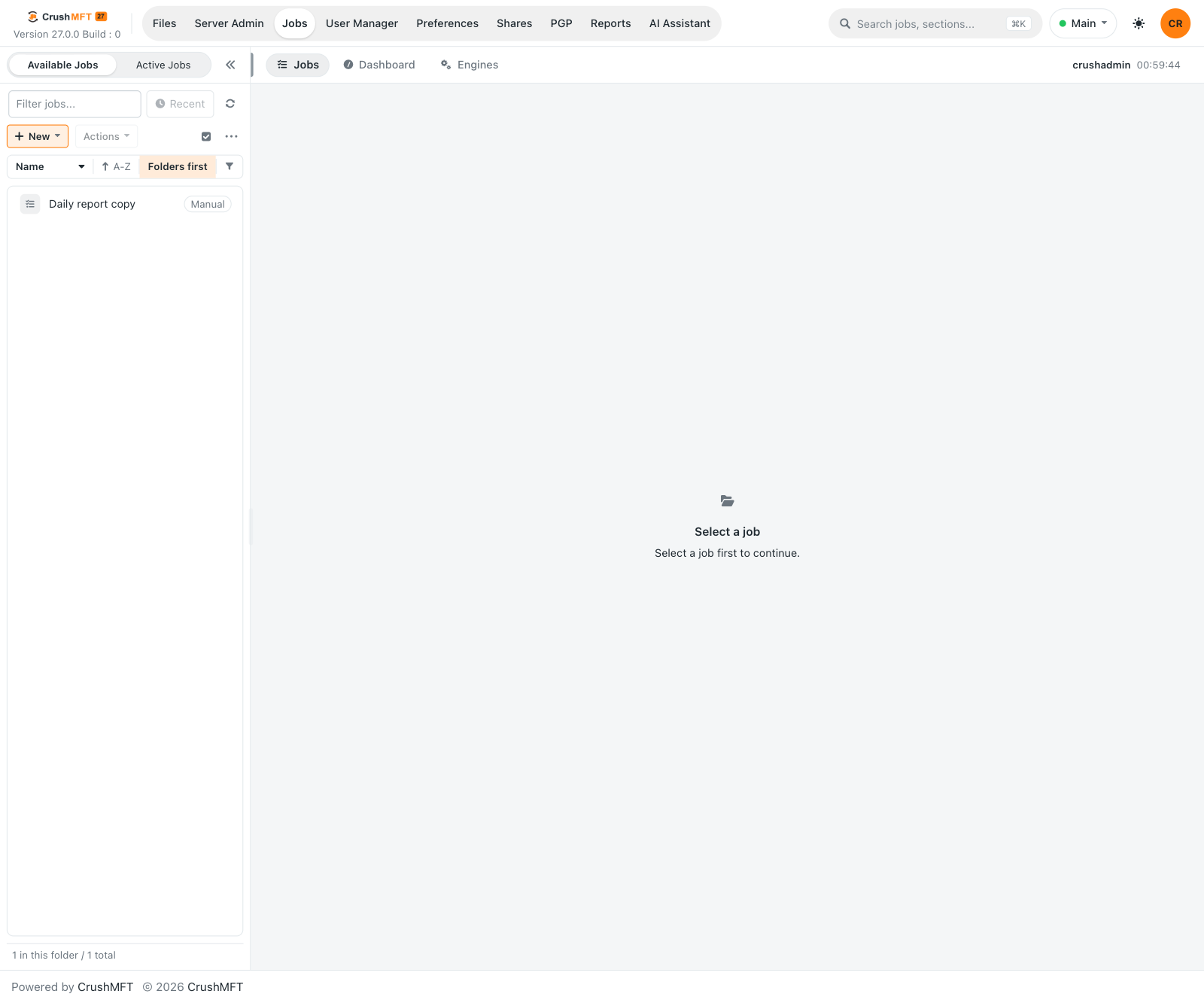
Show all on the Jobs card, and Job reports beside it, lead out of Server Admin: to the Jobs app, where Active Jobs lists the running jobs with their steps and logs, and to the reports about job runs.
When a job hangs#
- The Running for time of the job grows and its step does not change: open the job in the Jobs app under Active Jobs and read its log.
- A job host that is not Healthy, or whose memory bar is full, holds up every job on it: see the detail views.