About#
The About section of Server Admin tells you which version runs, and holds the maintenance tools an administrator needs now and then, most of them for a support ticket.
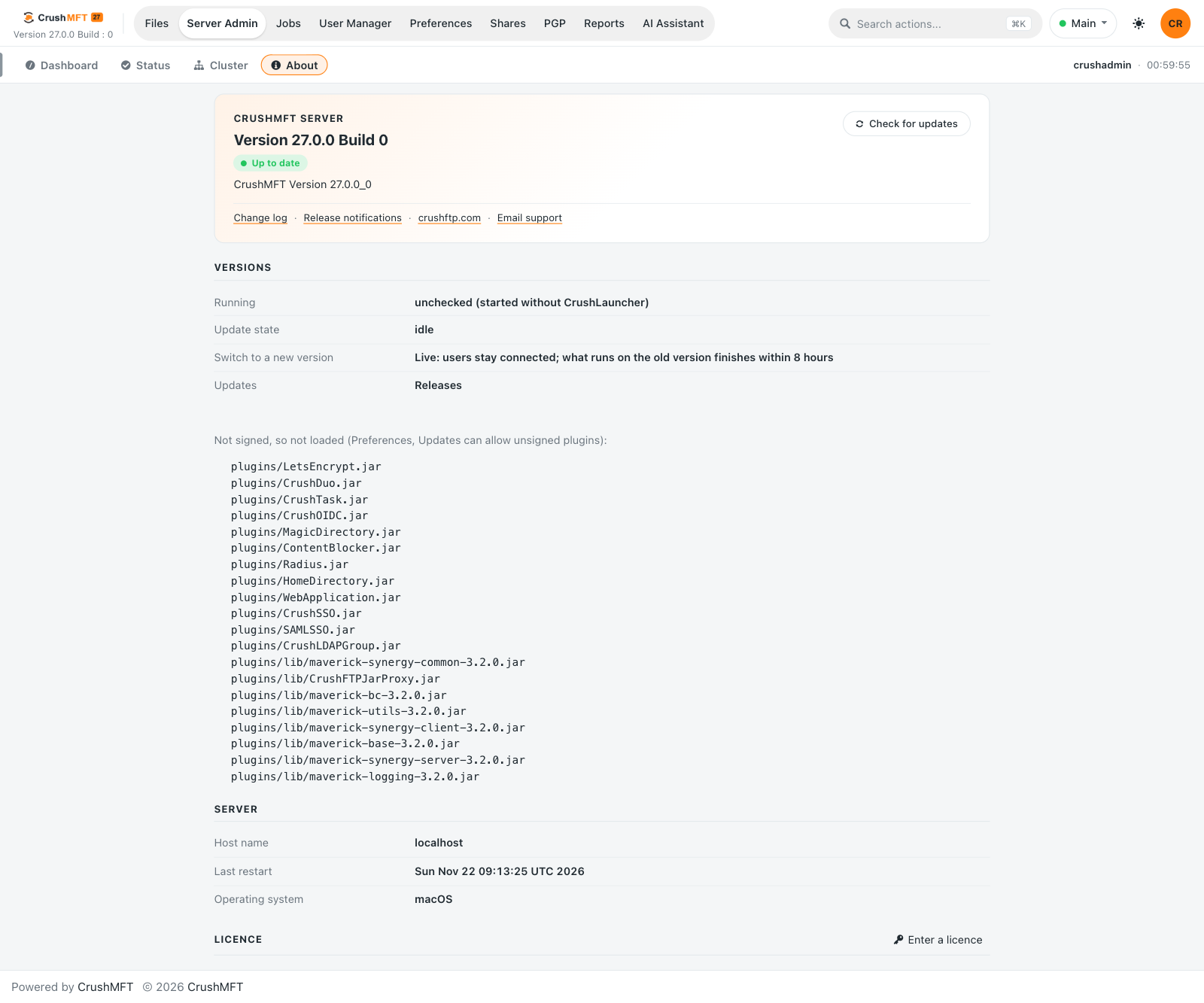
CrushMFT server#
| Part | What it is |
|---|---|
| Version and Build | what is running |
| Up to date, Check for updates | whether a newer version is waiting, and a button to look now |
| Change log | what changed in each version |
| Release notifications | where to sign up to be told about new versions |
| crushftp.com, Email support | the web site, and a mail to support |
Server licence#
Enter a licence opens the fields for a licence.
Caches#
The server keeps some things in memory so that it does not have to read them again. The section shows how large they are, such as the Keyword cache.
Maintenance#
| Tool | Button | What it does |
|---|---|---|
| Clear cache | Clear | drops the caches in memory, so that the next request builds them again. Harmless; the next requests are a little slower. |
| Thread list | Dump threads | opens a snapshot of every running thread of the server. Support asks for it when the server hangs or is slow. |
| Heap dump | Dump heap | writes the server's whole memory to a file on its disk, so that memory use can be analysed. The file is as large as the memory in use and can hold anything that was in memory: treat it as secret. |
| Verify the installed version | Validate | checks every file of the running version against its signed list: the signature, each file's size and SHA-256, and that there is no jar the list does not name |
| Send debug info to support | Send | the server collects its logs and settings and sends them to CrushMFT support. It can take 30 to 40 seconds. |
| Download debug info | Download | the same logs and settings as a file, to attach to a support ticket yourself |
Use Download debug info instead of Send when the server has no way out to the internet, or when you want to look at what goes out first.