CrushDrop#
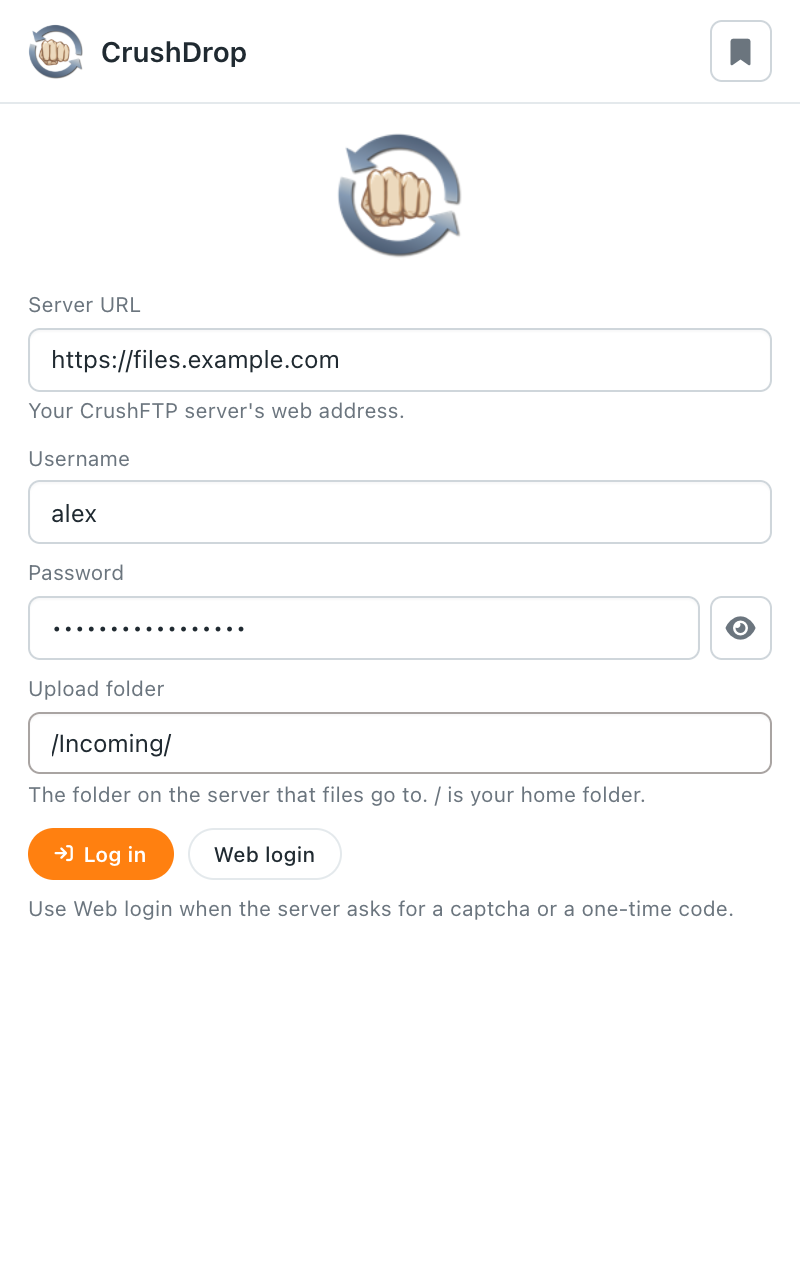
CrushDrop is the quick way to send someone a file that is too big for email. It sits in the menu bar or the system tray. Drop files on it: it uploads them to your CrushMFT server, makes a share link, and puts the link on your clipboard, ready to paste into an email or a chat. The file travels through your own server, not through someone else's cloud.
What it does#
- Drop, and paste the link. No browser, no folders to click through.
- Your server, your rules. The files go to your CrushMFT account; the server's sharing settings (how long a link lives, who may share) apply.
- Bookmarks for more than one server or upload folder.
- Stays signed in. It remembers your login (encrypted) and reconnects by itself.
- Out of the way. A tray icon that shows the upload's progress; light and dark themes.
CrushDrop was called the Attachment Redirector in earlier CrushFTP versions.
What you need#
| On the server | CrushMFT with an Enterprise license, reachable over HTTPS with a valid certificate, and an account that may upload and share. CrushMFT 27; most of it also works with CrushFTP 11. |
| On your computer | Windows 10 or 11, or a Mac with Apple Silicon |
Nothing has to be set up on the server for CrushDrop itself.
Download#
The download links will be added here when the builds are published (https://www.crushftp.com/early27/…).
Where to start#
| If you want to | Read |
|---|---|
| Install it | Install |
| Sign in | Logging in |
| Send a file | Sending files |
| Use more than one server or folder | Bookmarks |
| Find a setting | The tray menu |