CrushTunnel#
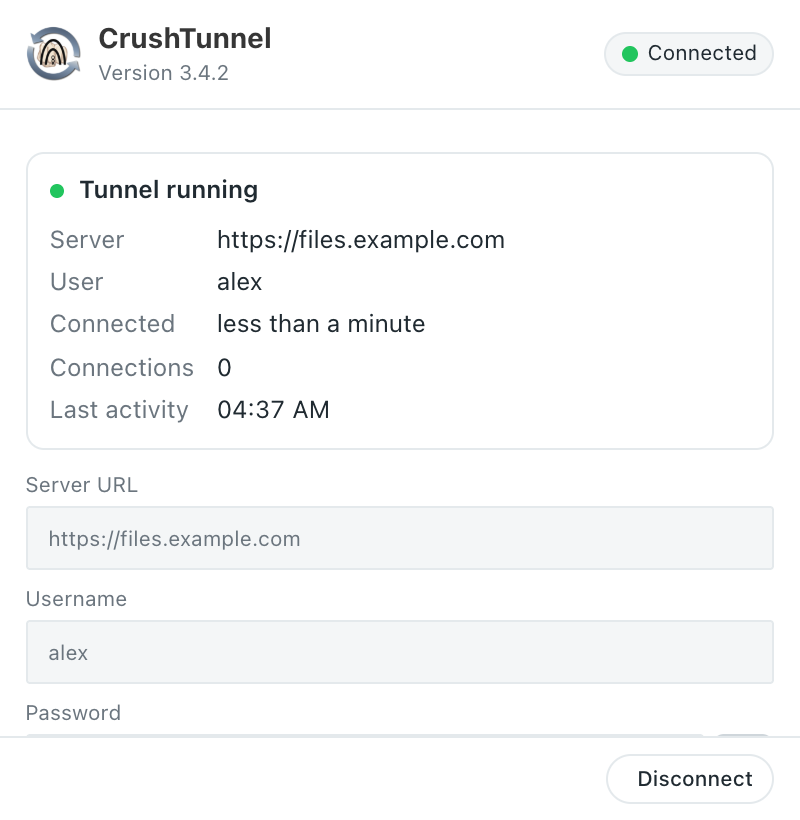
CrushTunnel makes transfers to a far-away CrushMFT server fast, and gives you a secure way in to a service behind it. It is a small app that sits in the menu bar or the system tray, connects to your CrushMFT server over HTTPS, and opens a local port on your computer. Whatever you send to that port travels through the tunnel.
Why a tunnel#
On a link with high latency (another continent, a satellite, a mobile network), one connection cannot use the bandwidth you pay for: the further away the server, the slower each connection gets. CrushTunnel splits the traffic over many HTTPS connections at once and puts it together again on the other side.

- It is only HTTPS. No UDP, no special ports, nothing for a firewall or a corporate proxy to object to.
- Everything in it is encrypted, also plain FTP or HTTP that you send through it.
- It is not a VPN. A tunnel reaches one address and port that the administrator defined, not the whole network.
- One place for the data. Remote offices get speed without a second copy of the files.
What you need#
| On the server | CrushMFT with an Enterprise license, a tunnel defined in its preferences, and your user allowed to use it (Server setup). CrushMFT 27; most of it also works with CrushFTP 11. |
| On your computer | Windows 10 or 11, or a Mac with Apple Silicon. The app brings its own Java. Linux and servers use the command line. |
Download#
The download links will be added here when the builds are published (https://www.crushftp.com/early27/…).
Where to start#
| If you want to | Read |
|---|---|
| Set the server up for tunnels | Server setup |
| Install the app | Install |
| Connect, and see what the window shows | Connecting |
| Send your transfers through it | Using the tunnel |
| Run a tunnel that is always on, without the app | Always on |
| Bring your server closer to users on other continents | Remote endpoints |
You may not need the app at all: CrushMFT's WebInterface and CrushClient can use the server's tunnel by themselves (Using the tunnel).