CrushMFTDrive#
CrushMFTDrive shows your CrushMFT server as a drive on your computer: a drive letter on Windows, a volume on the Mac, a folder on Linux. Open, edit and save files on it with any program, as if they were on a local disk. Nothing has to be downloaded and uploaded by hand.
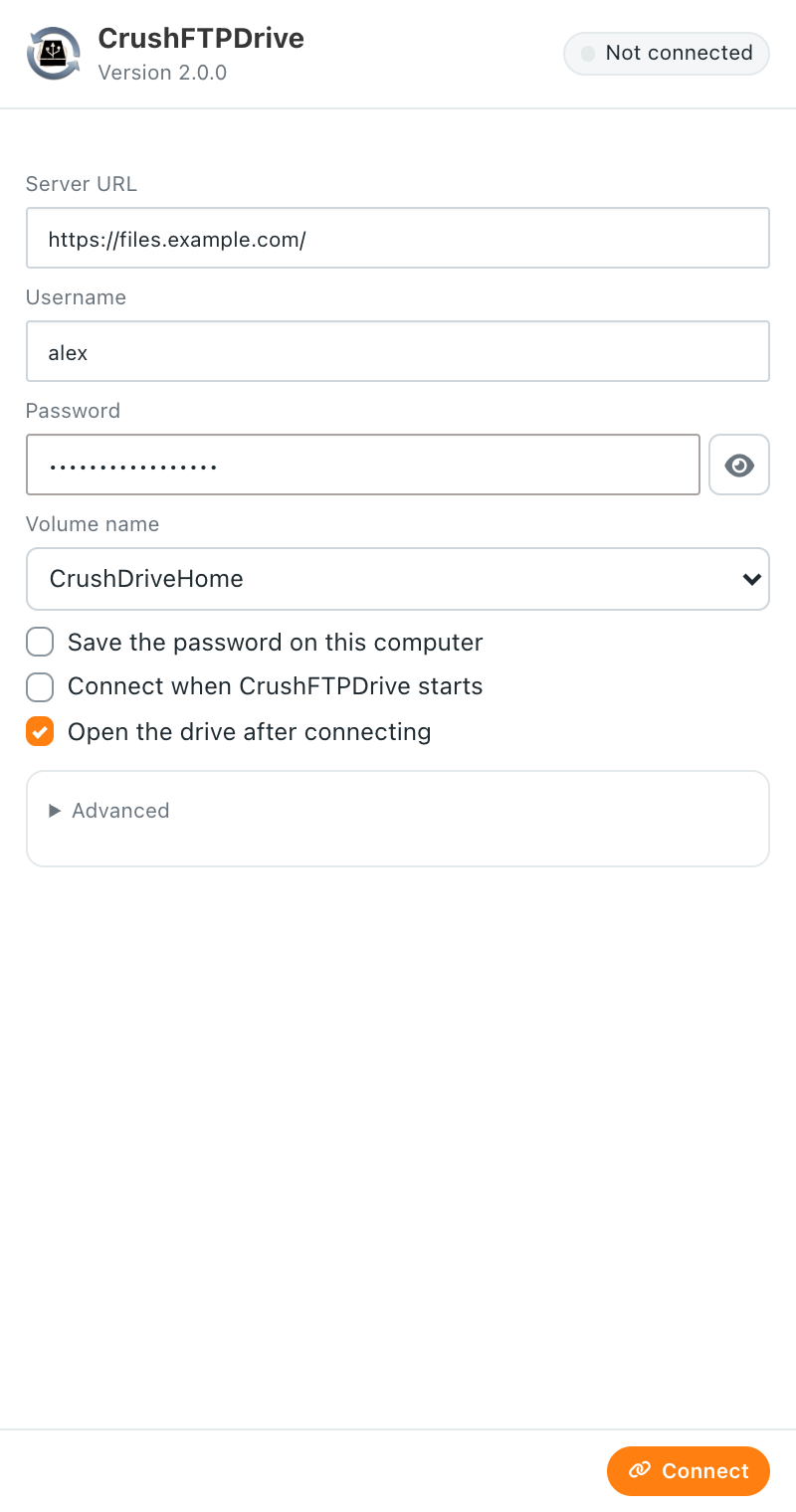
What it does#
- A normal drive. Finder, Explorer, Office and other programs work on it directly.
- Fast like a local disk. Files you open are kept in a cache on your computer. Saving is instant; the upload to the server follows in the background.
- Safe when the network is not. If the connection drops, the drive goes offline instead of hanging: files you already opened stay readable, what you save is queued, and everything is uploaded when the server is back. Uploads that were waiting survive a restart.
- Nothing is overwritten silently. If someone else changed a file on the server while you were editing it, both versions are kept.
- Clean on the server. The little files that Finder and Explorer scatter (
.DS_Store,Thumbs.db, …) stay on your computer and never reach the server. - Your server's rules. It logs in with your CrushMFT account over HTTPS; the server's permissions and quota apply.
This is CrushMFTDrive 2, a complete rewrite. The earlier CrushMFTDrive was withdrawn; this one replaces it.
What you need#
| On the server | CrushMFT with an Enterprise license. CrushMFT 27; most of it also works with CrushFTP 11. |
| Windows | Windows 10 or 11, and WinFsp |
| macOS | a Mac with Apple Silicon, and macFUSE |
| Linux | libfuse 2; run from the command line |
| Java | none to install with the app: it brings its own |
WinFsp, macFUSE and libfuse are the parts of the system that let a program provide a drive. Install says where to get them.
Download#
The download links will be added here when the builds are published (https://www.crushftp.com/early27/…).
Where to start#
| If you want to | Read |
|---|---|
| Install it | Install |
| Connect the drive | Connecting |
| Know what happens when you save | Working with the drive |
| Read its status | Status |
| Tune the cache and uploads | Advanced settings |
| Mount from a script or on Linux | Command line |
| Compare it with CrushSync | CrushSync › Comparison |