Troubleshooting#
| What you see | What to do |
|---|---|
| It stays on "Connecting to …" and then returns to the login with a notification | The server did not answer. Check the Server URL (it needs https:// and the right name) and your connection. |
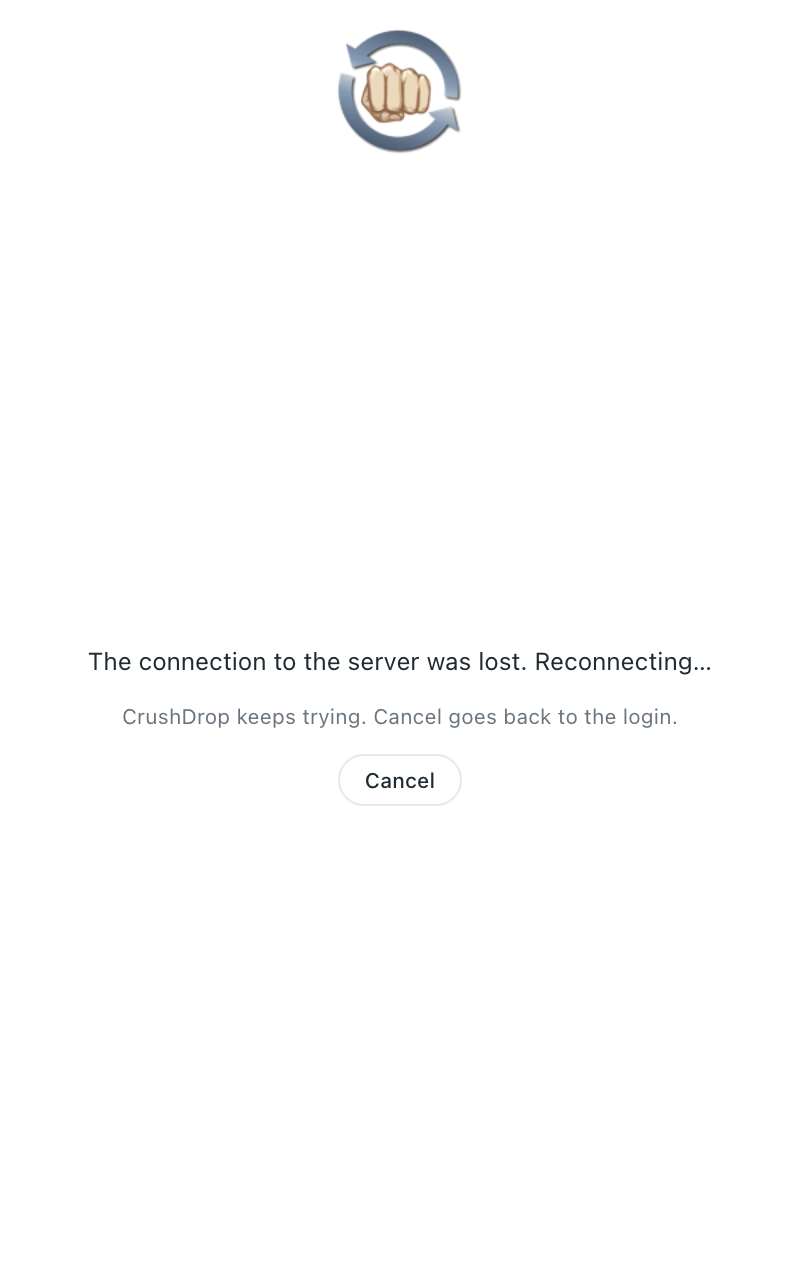
| "The connection to the server was lost. Reconnecting…" | CrushDrop keeps trying by itself. Cancel goes back to the login. |
| The login page of the server appears instead of the upload page | The username or password is wrong, or the server wants more than a password. Use Web login for one-time codes, captchas and company sign-in (Logging in). |
| A certificate error, or a blank page | The server's certificate is not valid for the name you entered. Use the name the certificate was made for; a self-signed certificate is not enough. |
| The upload page appears but files are refused | Your account may not upload to the upload folder. Try /, or ask the administrator. |
| No link is copied after an upload | Sharing is not allowed for your account, or the server has no Enterprise license. Ask the administrator. |
| The window is somewhere you cannot reach | Tray menu › Reset window position. |
| The window closes while you drag a file to it (Windows) | Untick Attach to tray and tick Always on top in the tray menu. |
| Windows: the icon is missing | It may be behind the ^ arrow of the notification area. |
| The page looks stale after a server update | Tray menu › Refresh, or Restart CrushDrop. |
Files for support#
output.logfrom CrushDrop's folder (Updates and files);- the version from the tray menu;
- your server's version, from its administrator.