WebInterface settings#
The WebInterface section of Preferences holds what belongs to the web side of the server for everyone: the logo, how long a web session lasts, the login page, links that need no login, the headers the server sends to browsers, and forms.
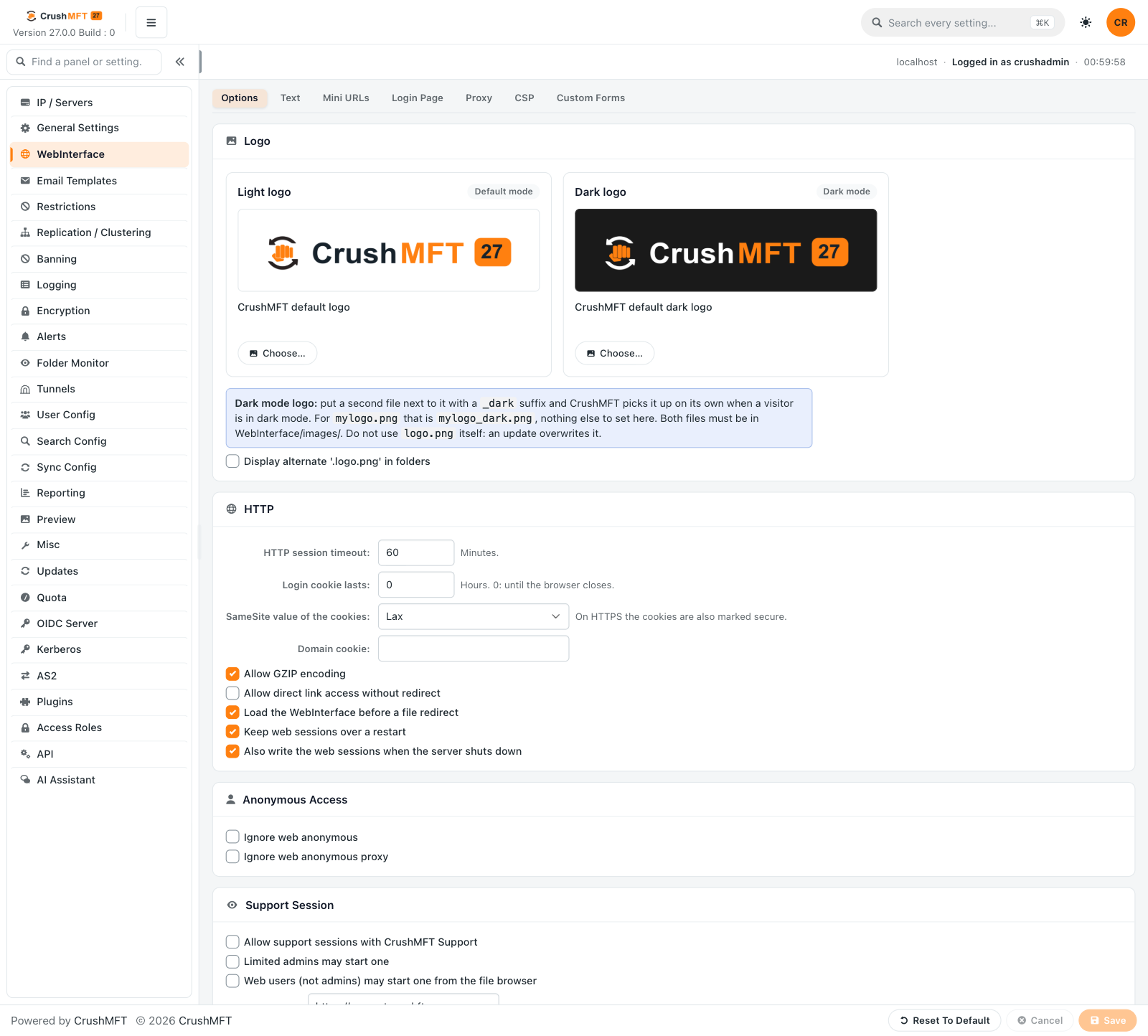
The section has seven tabs:
| Tab | Holds |
|---|---|
| Options | the logo, web sessions, direct links, anonymous access, support sessions |
| Text | a footer for every page, and the text of the "not found" answer |
| Mini URLs | short links that give one file or folder without a login, see MiniURLs |
| Login Page | the login page of each domain, its options, its texts and code, its colours and its languages |
| Proxy | what happens to files and logins that pass through the server to another one, see The Proxy tab |
| CSP | the security headers the server sends to browsers, see Content Security Policy |
| Custom Forms | forms that ask a user for more, for example with an upload, see Custom forms |
Save at the bottom saves all seven tabs together (saving).
Options#
Logo#
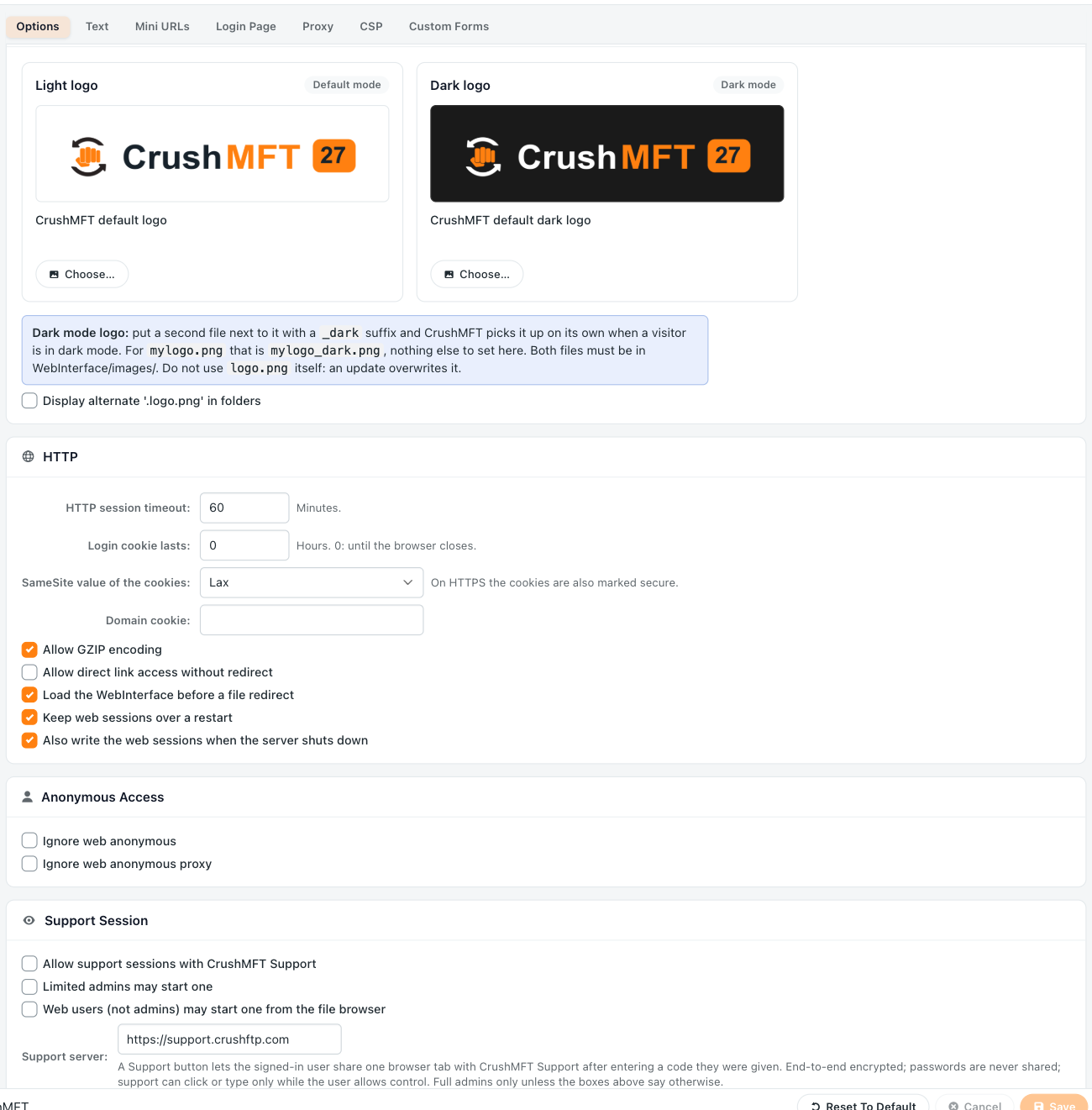
The logo at the top of the WebInterface and on the login page, for every user who has no logo of their own. Step by step: Login themes and the logo.
| Setting | What it is | Default |
|---|---|---|
| Light logo, Choose… | the picture shown in the light theme. It must be a file in the server's WebInterface/images/ folder. |
the CrushMFT logo, logo.png |
| Dark logo, Choose… | the picture shown in the dark theme. There is no setting for it: the server looks for a file with the same name and _dark before the ending. For mylogo.png that is mylogo_dark.png. |
logo_dark.png |
| Display alternate '.logo.png' in folders | kept from earlier versions. The WebInterface of version 27 does not use it. | off |
Do not replace logo.png itself: an update of the server writes it anew. Put your pictures in WebInterface/images/ under names of your own and choose them here.
HTTP#
| Setting | What it does | Default |
|---|---|---|
| HTTP session timeout | after this many minutes without a request, a web session ends and the user must log in again. A user's own idle time, set in the User Manager, can end it sooner. | 60 |
| Domain cookie | text that is added to the login cookie the server gives a browser, such as ; Domain=example.com to let the cookie count for all names under one domain. Leave it empty unless you know you need it. |
empty |
| Allow GZIP encoding | the pages and scripts of the WebInterface are sent compressed to browsers that accept it | on |
| Allow direct link access without redirect | someone who opens the address of a file without being logged in gets the file itself straight after logging in. Off: after the login they land in the WebInterface. | off |
| Load the WebInterface before a file redirect | after a login that came from the address of a file or folder, the WebInterface opens at that place | on |
Warning
A wrong Domain cookie makes it impossible to log in from a browser, and then you cannot change it back from the web either. The panel says so as soon as the field is not empty.
Anonymous Access#
A web request that comes without a login is treated as the user anonymous. If such a user exists, the visitor gets what that user may see; if not, they get the login page.
| Setting | What it does | Default |
|---|---|---|
| Ignore web anonymous | requests without a login are never tried as anonymous. Turn it on when you have no anonymous user: it saves the server a failed login for every visitor. |
off |
| Ignore web anonymous proxy | requests without a login are not passed on to the plugins that check logins against another system, such as LDAP or another server. Saves a lookup there for every visitor. | off |
Support Session#
A support session lets a signed-in user share one browser tab with CrushMFT Support, after typing in a code Support gave them. It is encrypted from end to end, passwords are never shared, and Support can click or type only while the user allows it.
| Setting | What it does | Default |
|---|---|---|
| Allow support sessions with CrushMFT Support | turns support sessions on. A Support button appears for those who may start one: full administrators. | off |
| Limited admins may start one | administrators with limited rights may start one too | off |
| Web users (not admins) may start one from the file browser | ordinary users may start one too | off |
| Support server | the address of the support server | https://support.crushftp.com |
While support sessions are on, the server adds the support server to the addresses browsers may connect to (Content Security Policy).
Text#
| Setting | What it is | Default |
|---|---|---|
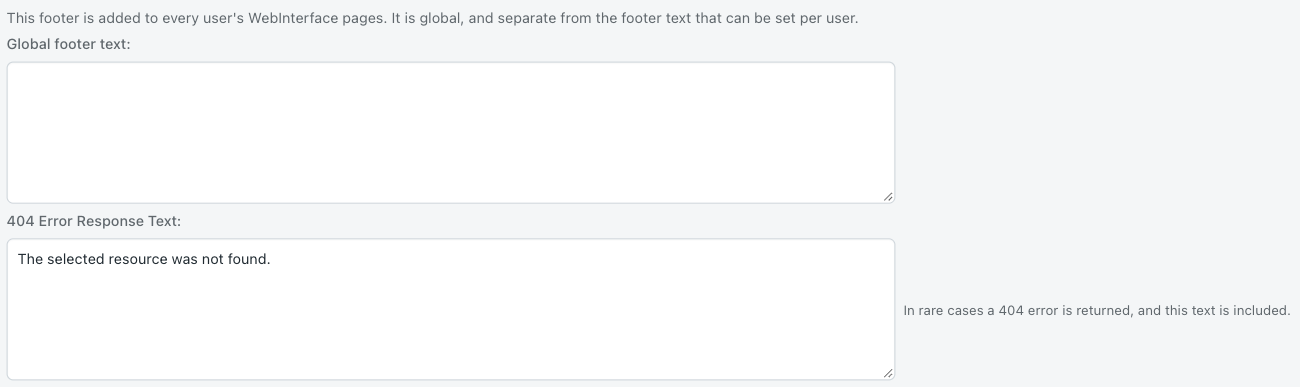
| Global footer text | a footer added to the pages of every user. A user can have a footer of their own as well; this one comes after it. | empty |
| 404 Error Response Text | what the server answers when someone asks for an address that does not exist. Variables of the session work in it. | "The selected resource was not found." |