Encryption#
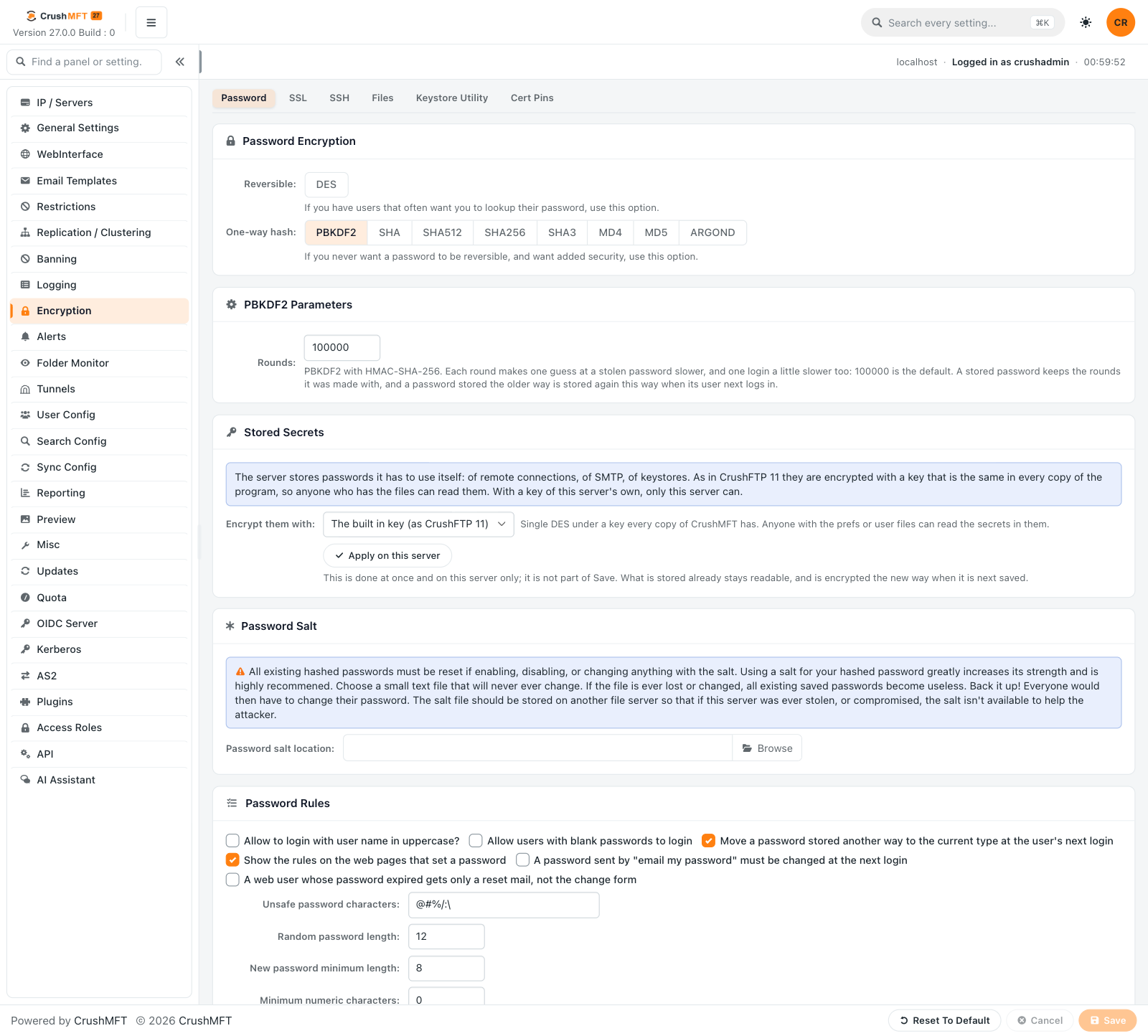
The Encryption section of Preferences holds everything about keys and secrets for the server as a whole: how passwords are stored, the certificate the server shows to those who connect, which TLS versions and ciphers it speaks, and the certificates it trusts on other servers.
| Tab | Holds | Page |
|---|---|---|
| Password | how user passwords are stored, how the server's own stored secrets are encrypted, and the rules for new passwords | How passwords are stored |
| SSL | the server certificate, TLS versions, client certificates | SSL certificates and the guide |
| SSL, lower half | the ciphers | Ciphers |
| Files | server-wide PGP encryption of stored files, on servers that still use it | PGP keys |
| Keystore Utility | a tool to look into keystores and change what is in them | The keystore utility |
| Cert Pins | the certificates of other servers this server has remembered | below |
Save at the bottom saves the settings of all tabs (saving). Three things in this section act at once and are not part of Save, and each says so: Apply on this server for stored secrets, everything in the Keystore Utility, and the buttons that make keys and certificates.
In FIPS mode some choices in this section are fixed or left out. See FIPS mode.
Cert Pins#
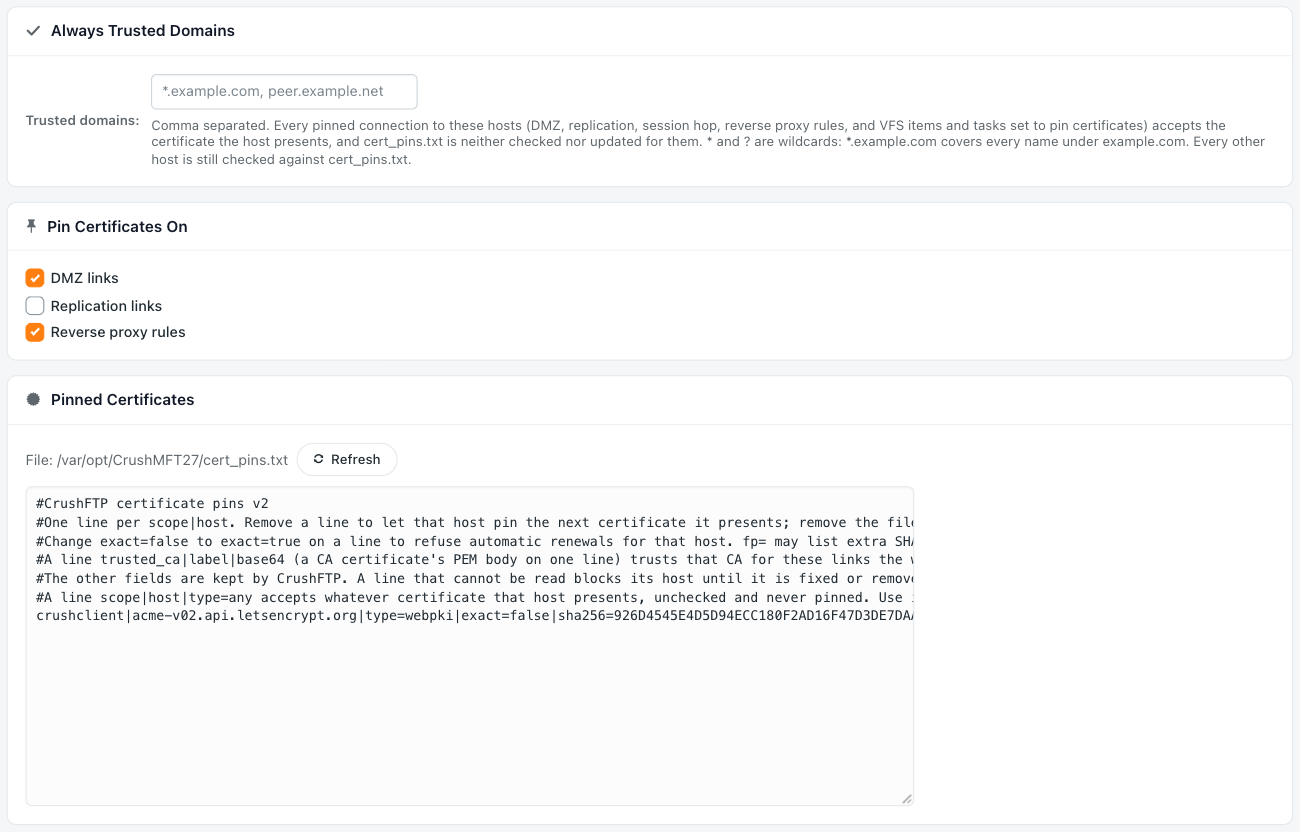
When the server connects to another server over TLS, as it does for a DMZ, for replication, for reverse proxy rules and for storage and tasks that are set to pin certificates, it remembers the certificate it was shown the first time. That is a pin. If the server later shows another certificate, the connection is refused, unless the new one is a plain renewal: issued by the same certificate authority for the same names, or made with the same key. The Cert Pins tab shows the pins and lets you name servers that are trusted without one.
| Part | What it is |
|---|---|
| Trusted domains | host names, separated by commas, whose certificate is accepted as it comes: no pin is checked or written for them. * and ? are wildcards: *.example.com covers every name under example.com. Use it for servers whose certificate is renewed often. Every other host is still checked against its pin. |
| Pinned Certificates | the pins the server holds, as they are in the file cert_pins.txt in the server's folder. A new server has none: the file is made when the first certificate is pinned. |
| Refresh | reads the list again |
The name in Trusted domains must be the one the server connects to. A connection that is set up to an IP address is matched by that address, not by the name on the certificate.
A certificate that was refused stays refused. To accept it, take the line of that server out of cert_pins.txt; the next connection pins what it is shown. The file is read again for every connection, so no restart is needed.
SSH#
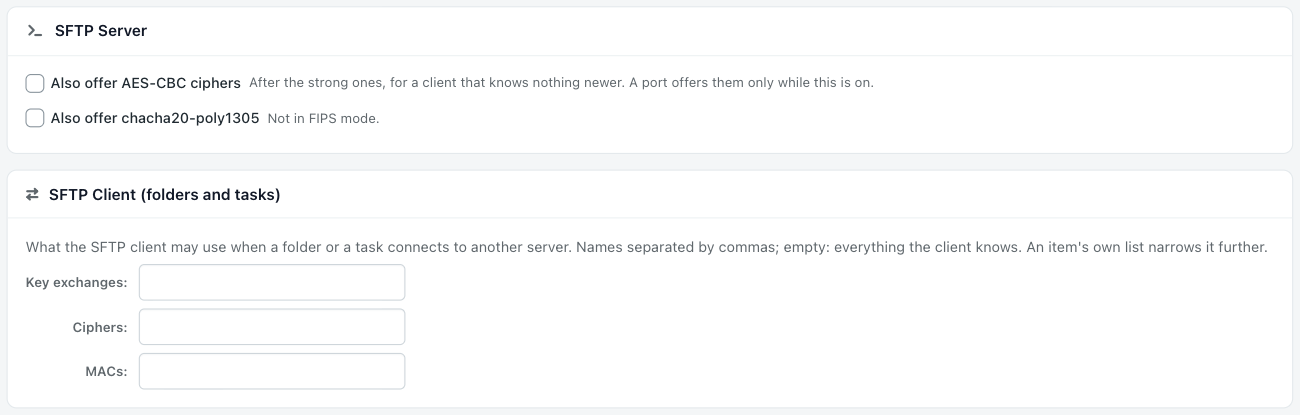
SFTP Server is for every SFTP port of this server:
| Field | What it does | On a new server |
|---|---|---|
| Also offer AES-CBC ciphers | the CBC ciphers are offered after the strong ones, for a client that knows nothing newer. A port offers them only while this is on. | off |
| Also offer chacha20-poly1305 | offers this cipher too. Not in FIPS mode. | off |
SFTP Client (folders and tasks) is what the server's own SFTP client may use when a folder or a task connects to another server: Key exchanges, Ciphers and MACs, as names separated by commas. Empty means everything the client knows. An item's own list narrows it further.
The keys are sftp_allow_cbc_ciphers, sftp_allow_chacha_ciphers, ssh_client_key_exchanges, ssh_client_cipher_list and ssh_client_mac_list. What an SFTP port offers is on the port: SFTP.