CrushTaskExample10#
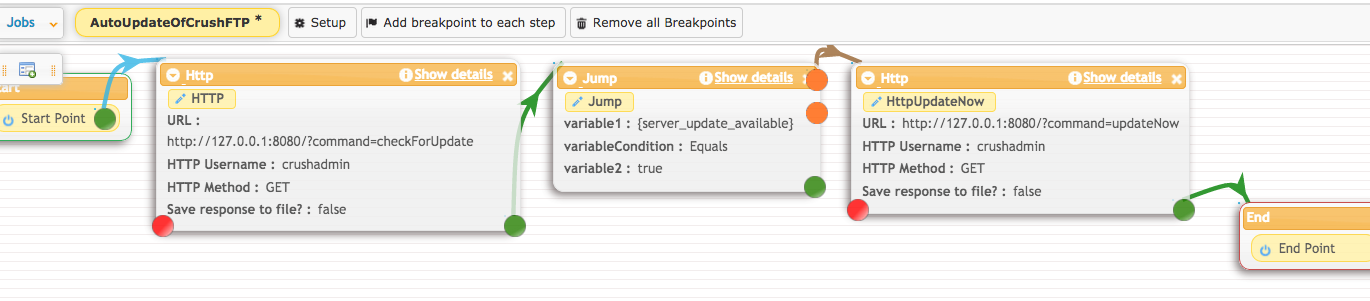
Automatically install CrushFTP updates.#
This job requires a CrushFTP Enterprise license to work, and to install the CrushFTP updates automatically.
You can schedule CrushFTP to install the updates on every day or every week.
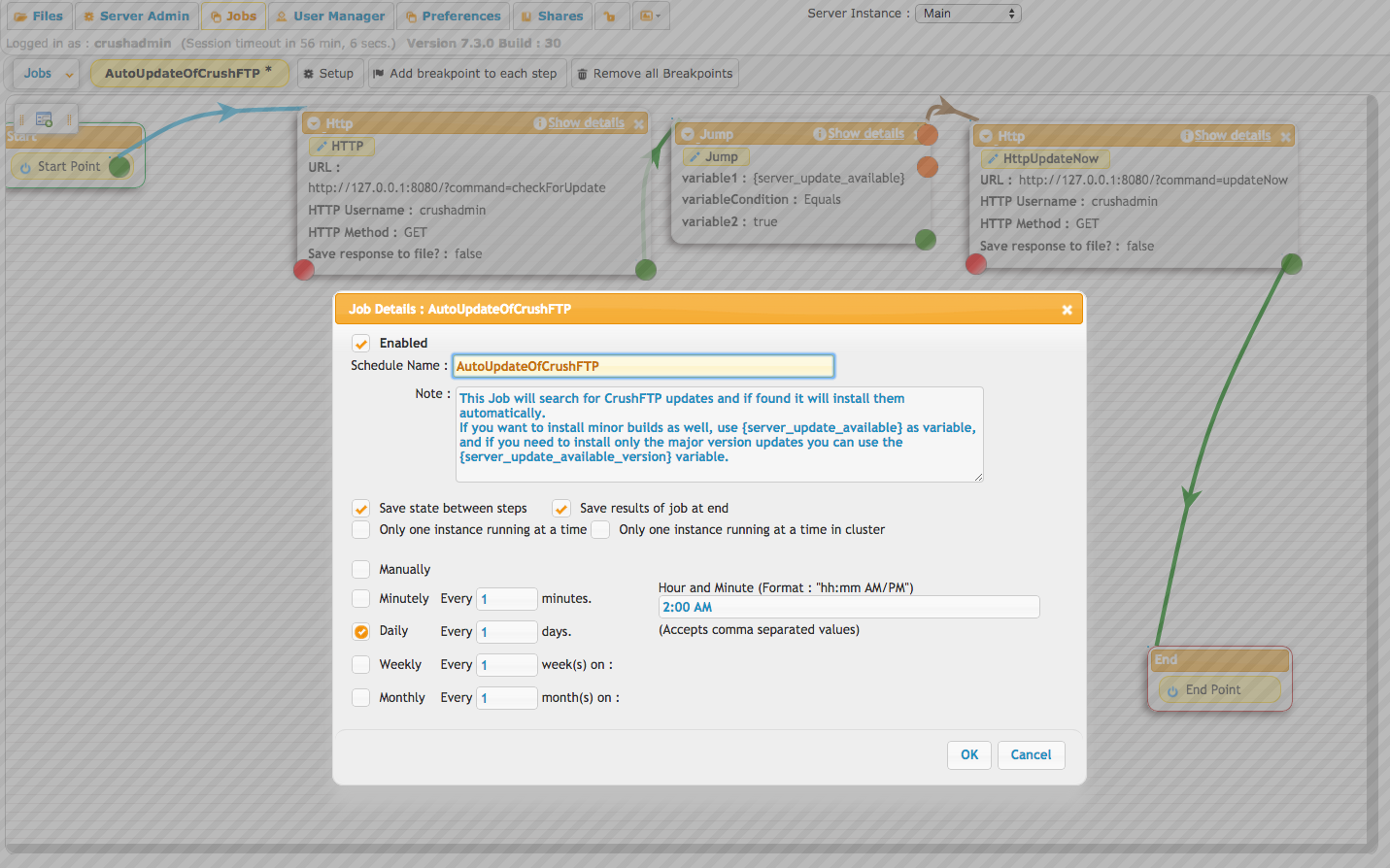
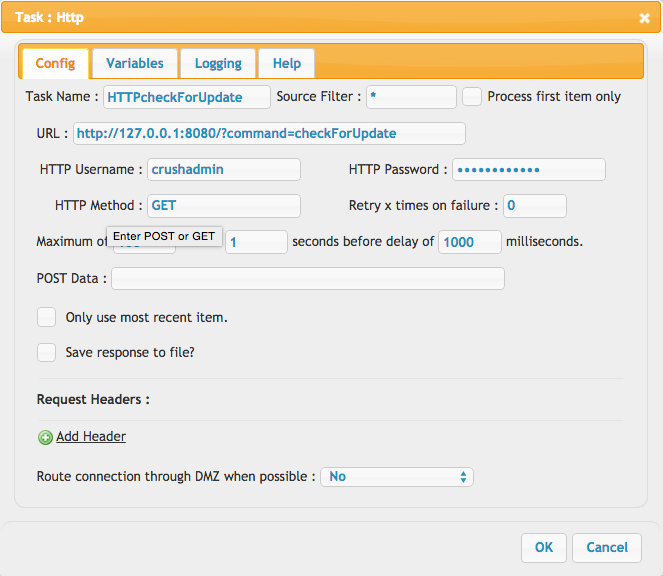
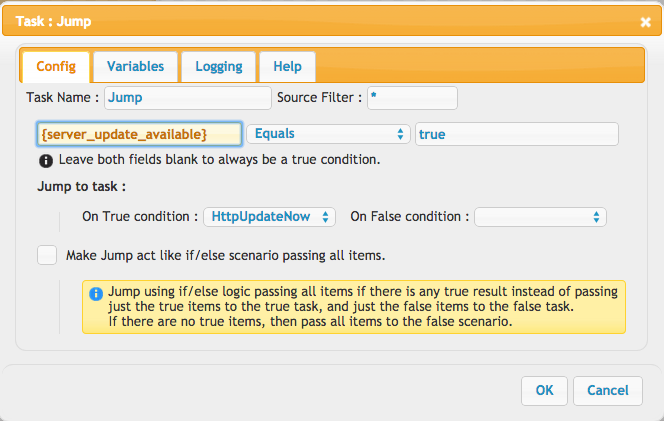
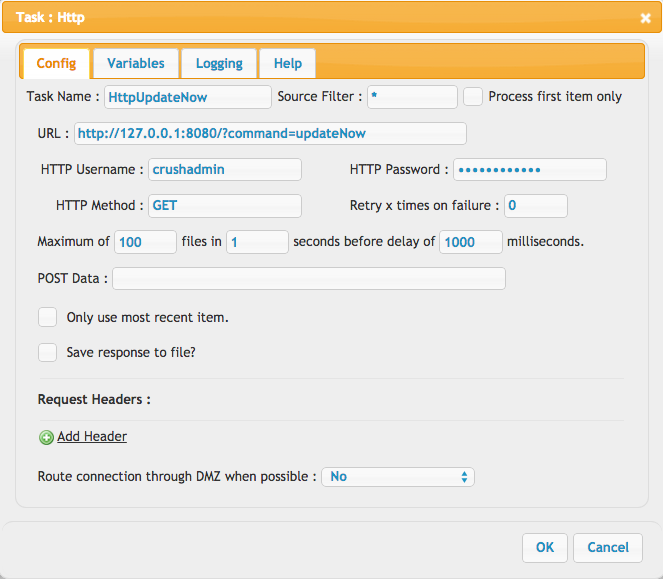
The job will search for any available updates and if finds some, based on your settings, it can install build and version updates, or just version updates. You need to enter the CrushFTP admin user logon details into the http call, and use one http port you have set in your Admin>>Preferences>>IP/Servers.