CrushFTP10New#
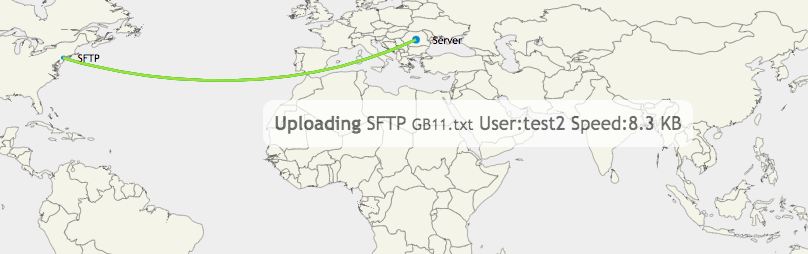
Dashboard Data Flow
Show visually where data is coming and going at a glance on the admin dashboard.
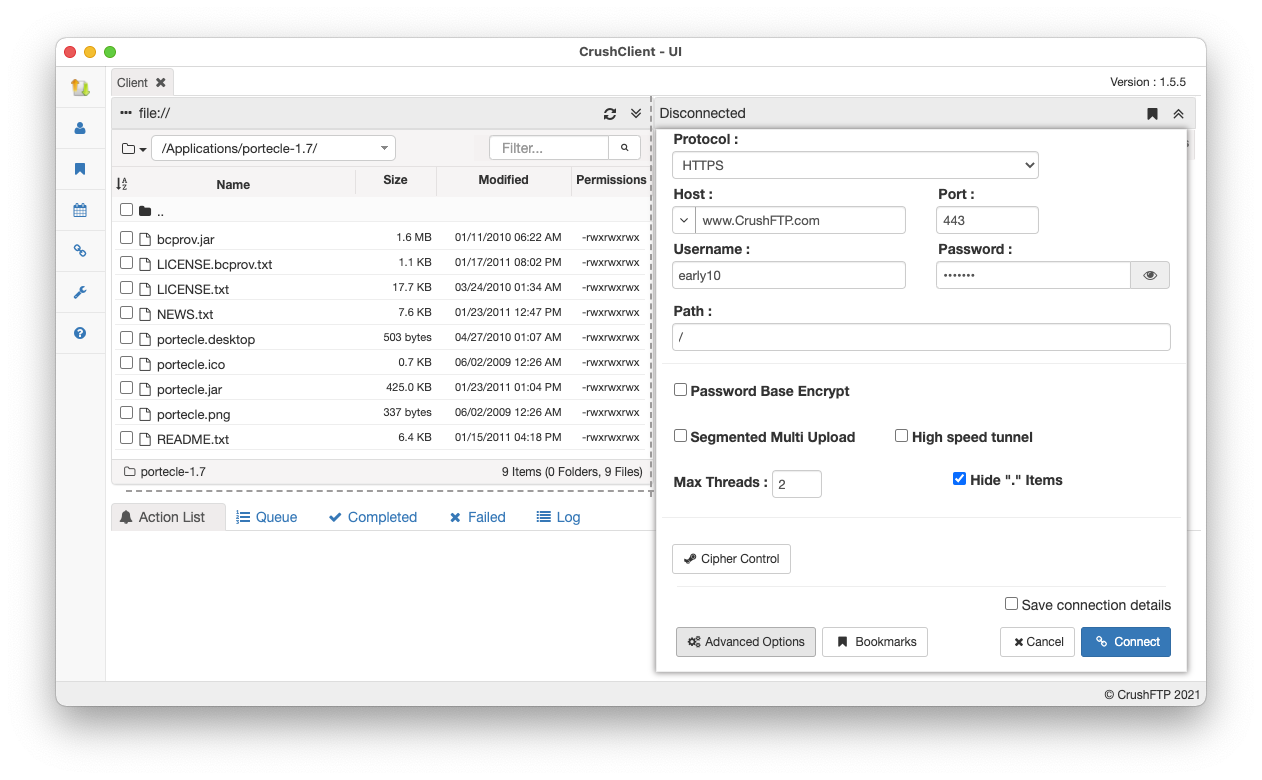
CrushClient app
New stand alone app with a familiar UI for file transfer supporting drag and drop and many protocols with advanced features.
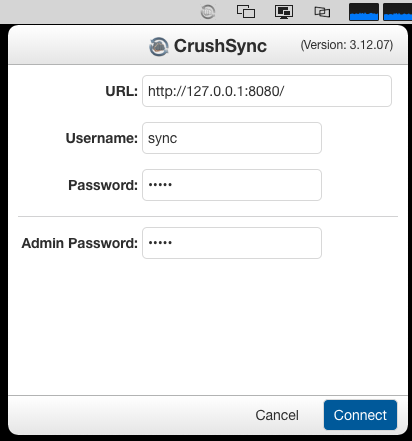
CrushSync app
New stand alone app which simplifies end user installation and startup.
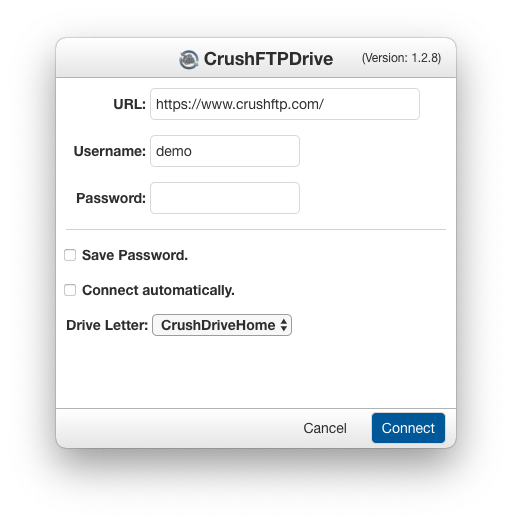
CrushFTPDrive app
New stand alone app which simplifies how to run CrushFTPDrive and utilizes improved FUSE filesystem mechanisms for macOS and Windows.
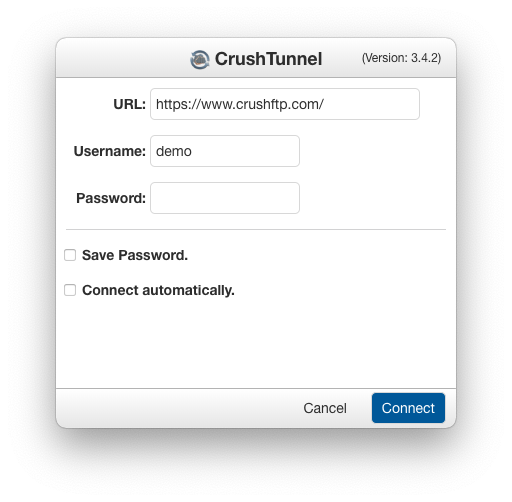
CrushTunnel app
New stand alone app which simplifies distribution and launching of CrushTunnel.
Office365 OAuth
Support for new OAuth requirements with Office 365.
Admin Changes Alert
update object alert for notifications about admin changes which can trigger an email action.
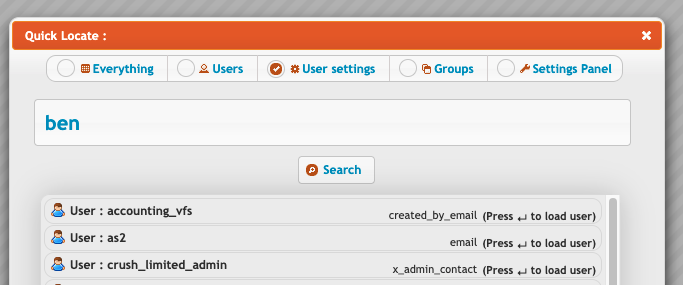
User settings search
Search for user config setting in the User Manager
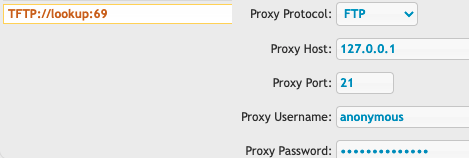
TFTP support
Support for files up to 32MB and can proxy the TFTP data to external locations.
Remote Certs, PGP keys, and SSH keys
Store your private secure keys and certificates on external servers and CrushFTP can retrieve them when needed.
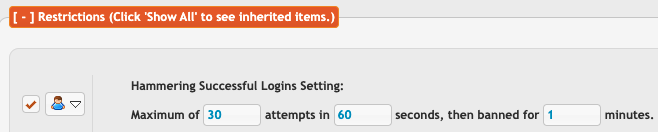
Login hammer
user level settings to control how much hammering is allowed.
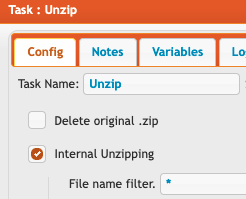
UnZip task filtering
Task can filter out files to only unzip files matching a pattern.
DMZv5 support
Improved DMZ communication that works with firewalls that interfere with normal CrushFTP to DMZ communication.
Admin API commands
getRestartShutdownIdleStatus,restartIdle,shutdownIdle,stopLogins,startLogins
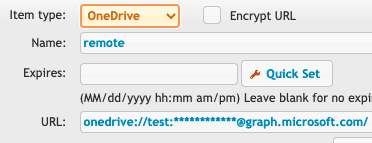
OneDrive
Support for OneDrive backend VFS for task and user manager VFS.
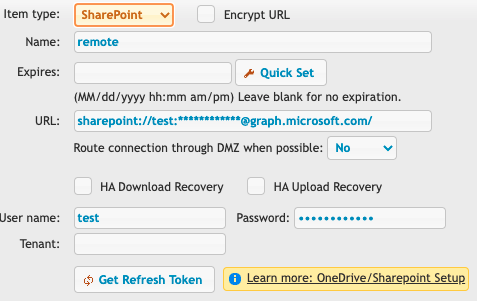
SharePoint
Support for SharePoint backend VFS for task and user manager VFS.
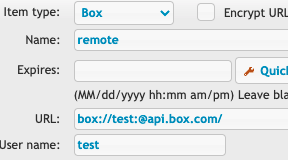
Box
Support for Box.net backend VFS for task and user manager VFS.
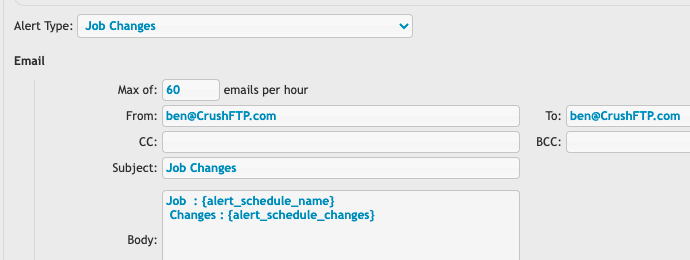
Job Change Alert
New Job Changes alert can trigger when admins make changes to jobs for an email action.
New SMB3
Added new SMB libraries that handle all the SMB scenarios out there for file storage.
Open files / Max files counts
Admin dashboard now tracks the file count history to easily spot future issues.
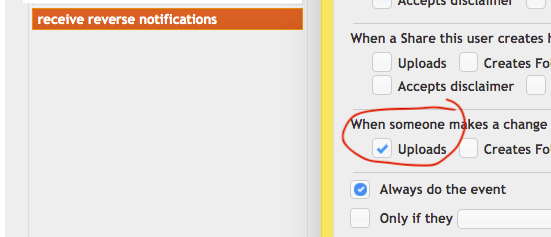
Reverse event notifications
Reverse events for users who have access to a particular folder someone else modified.