Quick Preview#
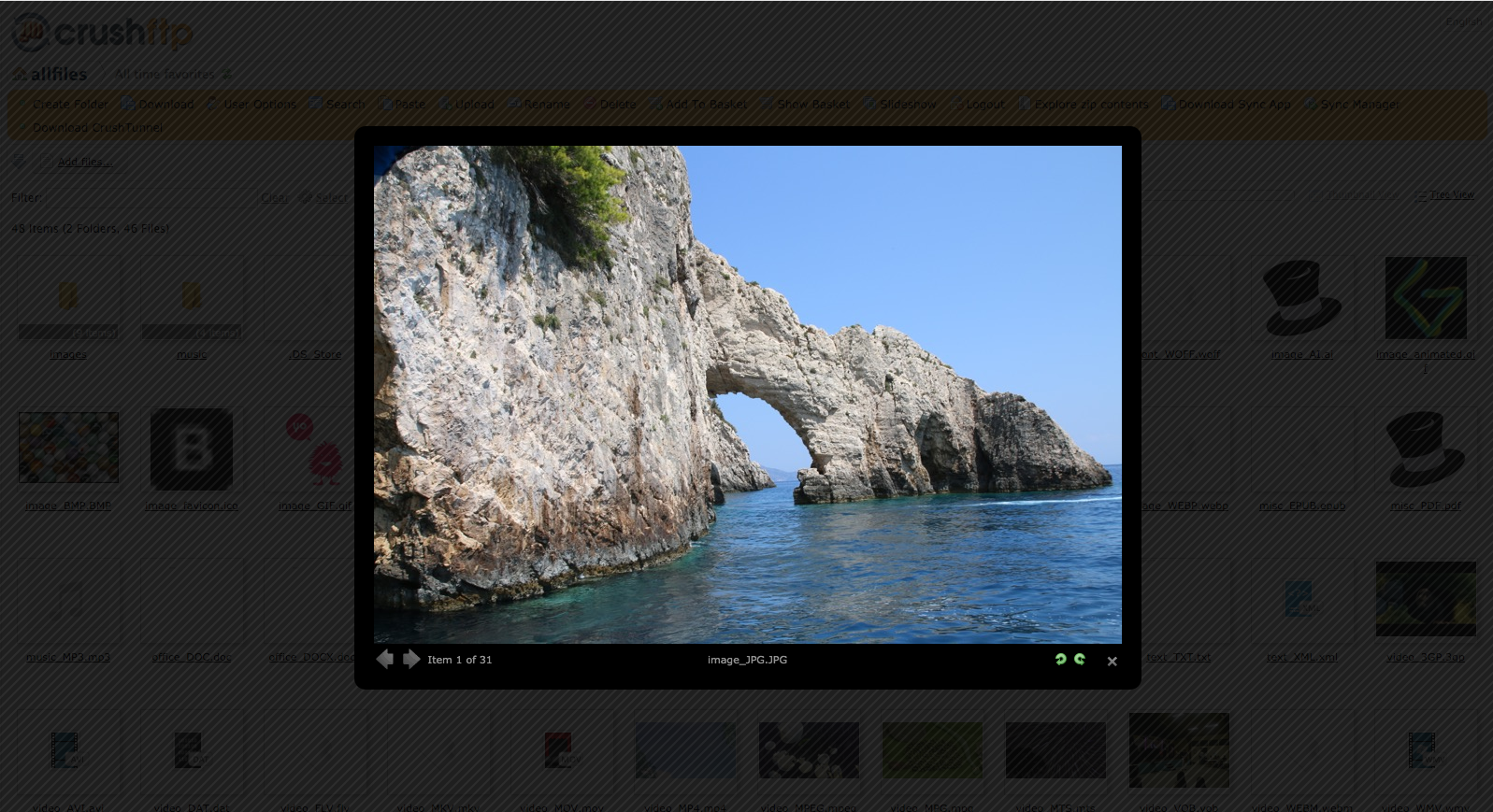
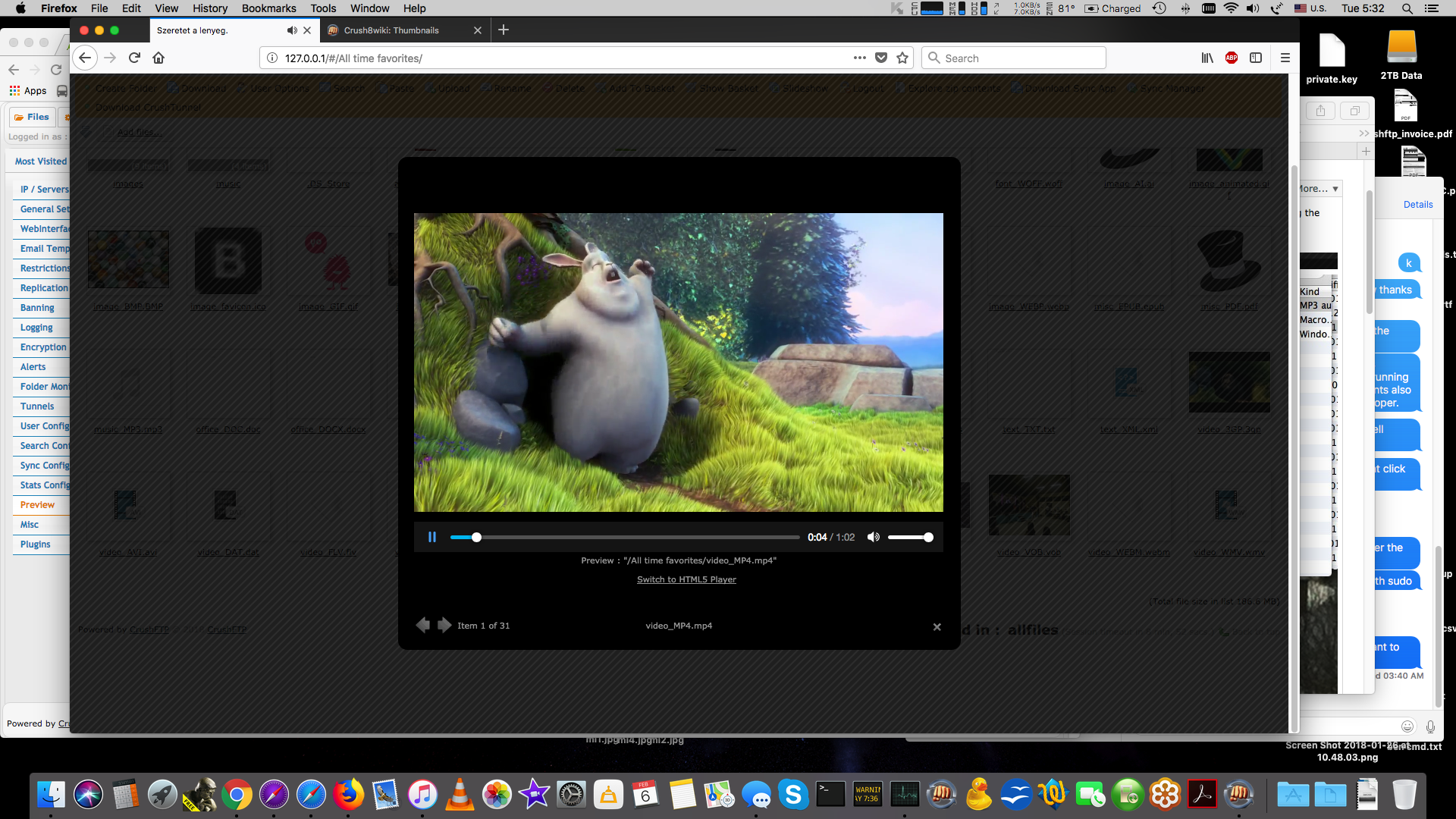
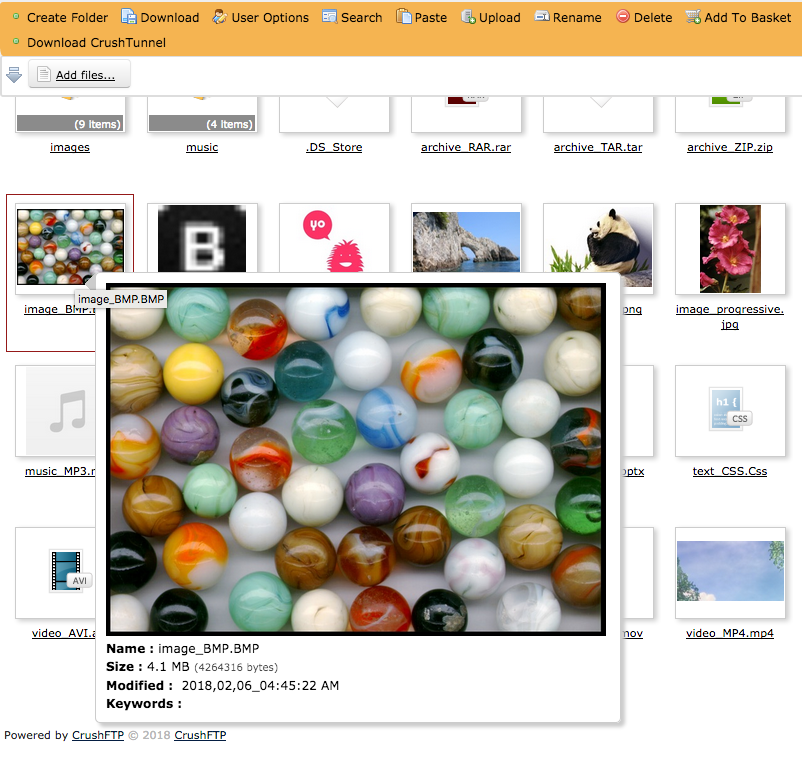
The quick preview of an item can be accessed if that item has a preview associated with it by right clicking on it and selecting quick view or preview. Doing so will pop up a larger window showing the large preview of that item. Click again once to close that image. You can also right click to download a copy of the low resolution preview. You can also have a quick view of the given item if it has a thumbnail generated by simply moving the file above it.