Bookmarks#
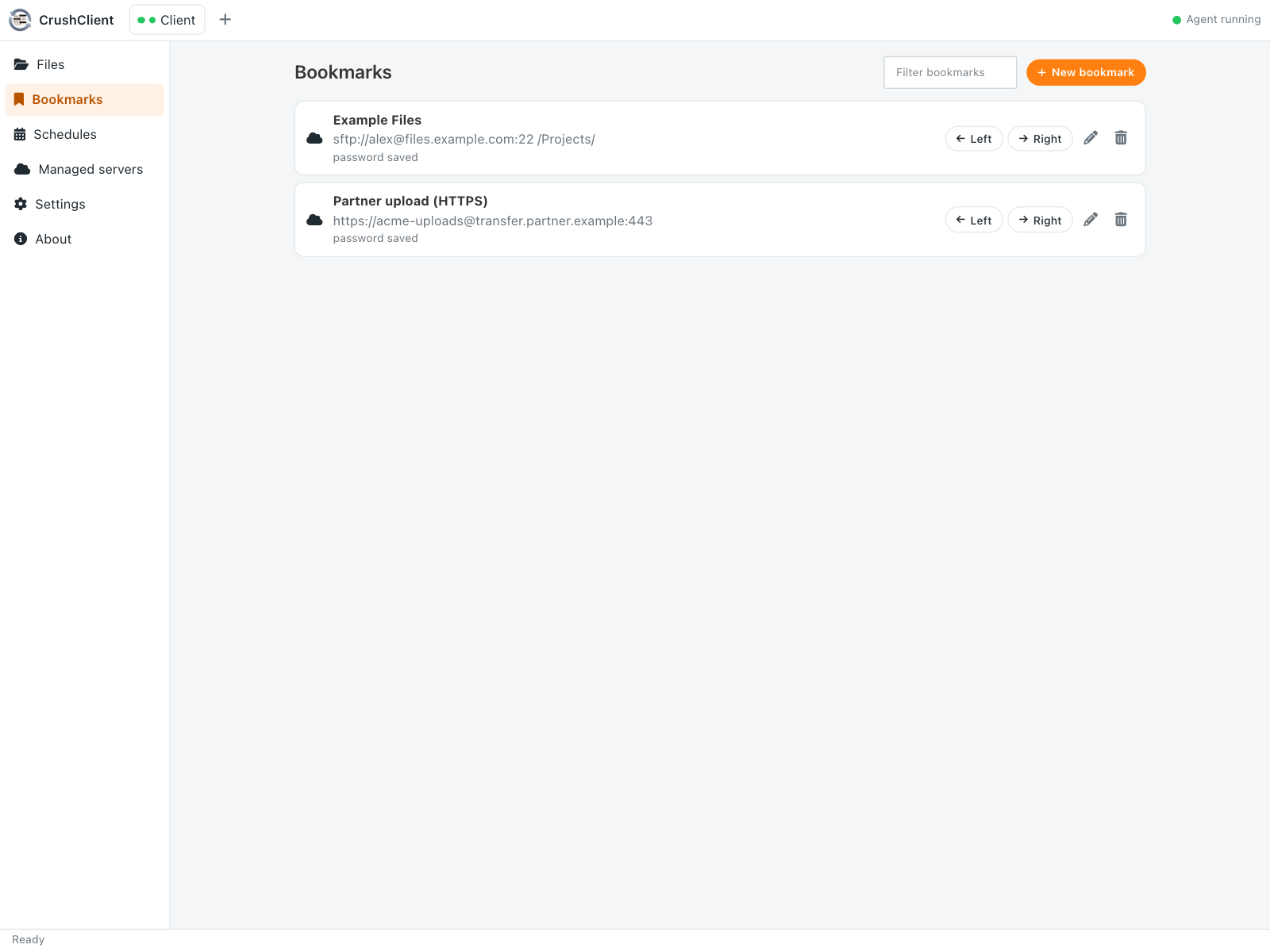
A bookmark keeps a connection: the protocol, server, login, starting folder and every advanced option. Its password is stored encrypted on your computer.
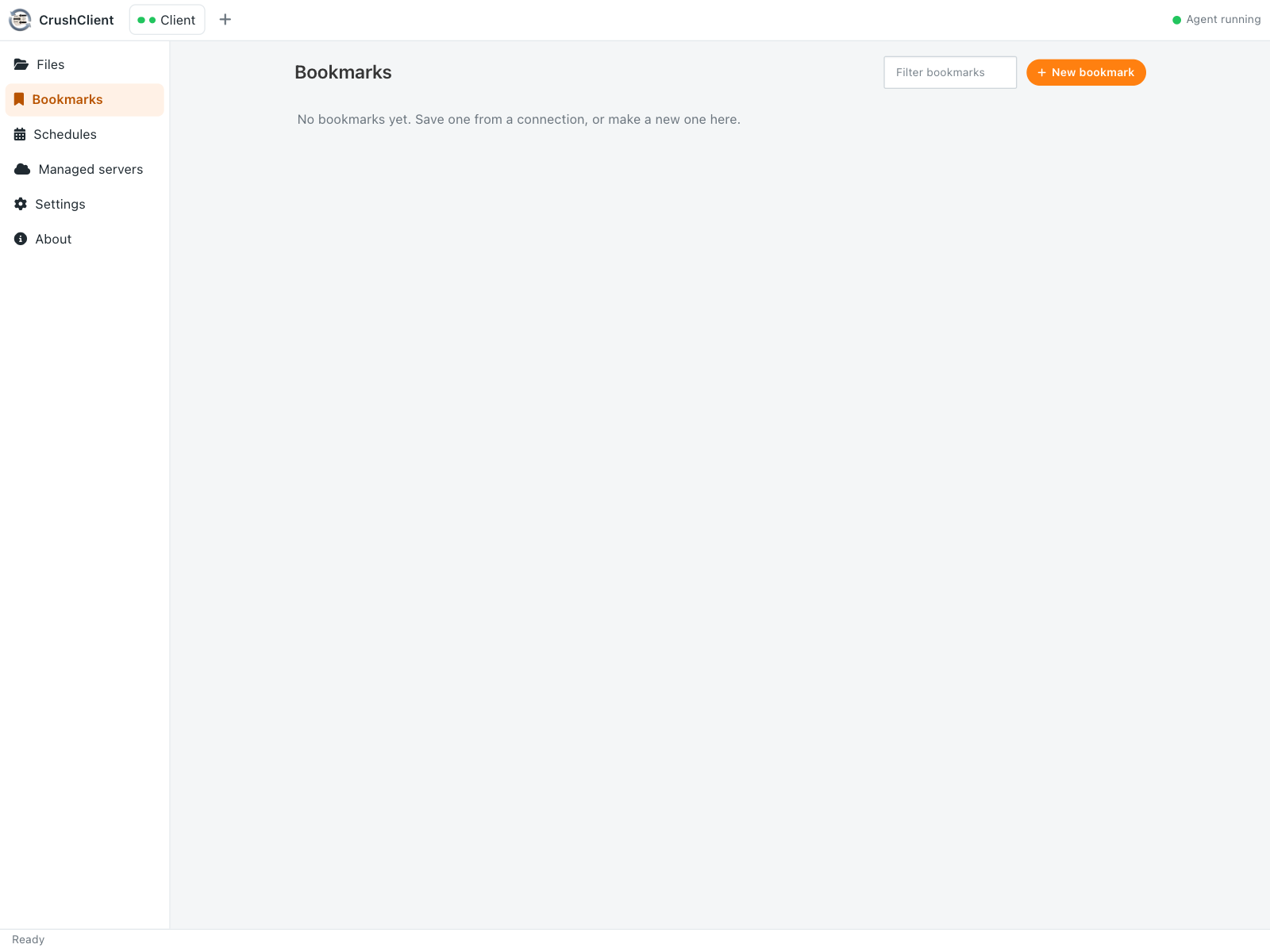
Before you have any, the page says so:
Making a bookmark#
- While connecting: tick Save as bookmark in the connection form and give it a name.
- On the Bookmarks page: New bookmark.
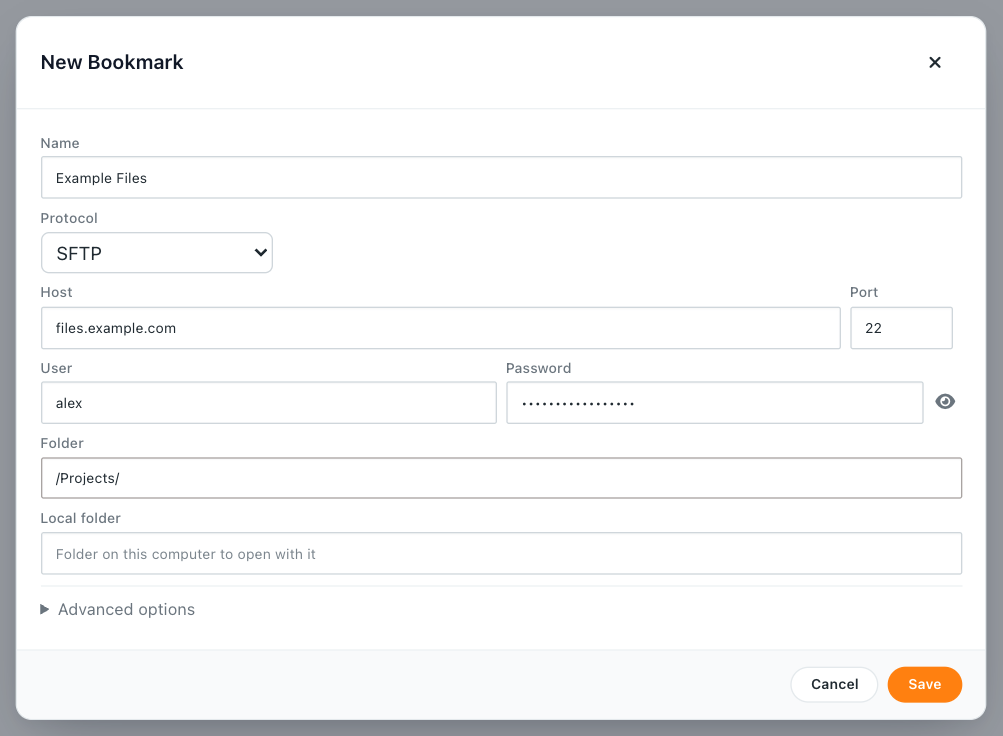
| Field | What it is |
|---|---|
| Name | how the bookmark is listed |
| Protocol, Host, Port, User, Password, Folder | as in the connection form |
| Local folder | the folder the other pane opens on this computer when you use the bookmark |
| Advanced options | the protocol's options, saved with the bookmark |
A bookmark saved without a password asks for it when you connect.
Using a bookmark#
- On the Bookmarks page, Left or Right next to a bookmark connects it in that pane of the current tab.
- In a connection form, Connect to a bookmark… lists them.
- In a schedule, a bookmark supplies the address and its password, so no password is written in the script.
Changing and removing#
The pencil button on a bookmark's row opens it for editing, and the bin deletes it, after a confirmation. Filter bookmarks at the top narrows a long list.
Where they are kept#
In your user file, CrushClientUser_prefs.XML (Files and folders). Bookmarks made with the older CrushClient are read as they are.
In simple mode the Bookmarks page is hidden; saved bookmarks are still offered in the connection form.