Log and console#
Log#
The Log tab of the bottom panel shows what CrushClient is doing in this tab: each connection, listing and transfer, and the server's replies. When something fails, the reason is here.
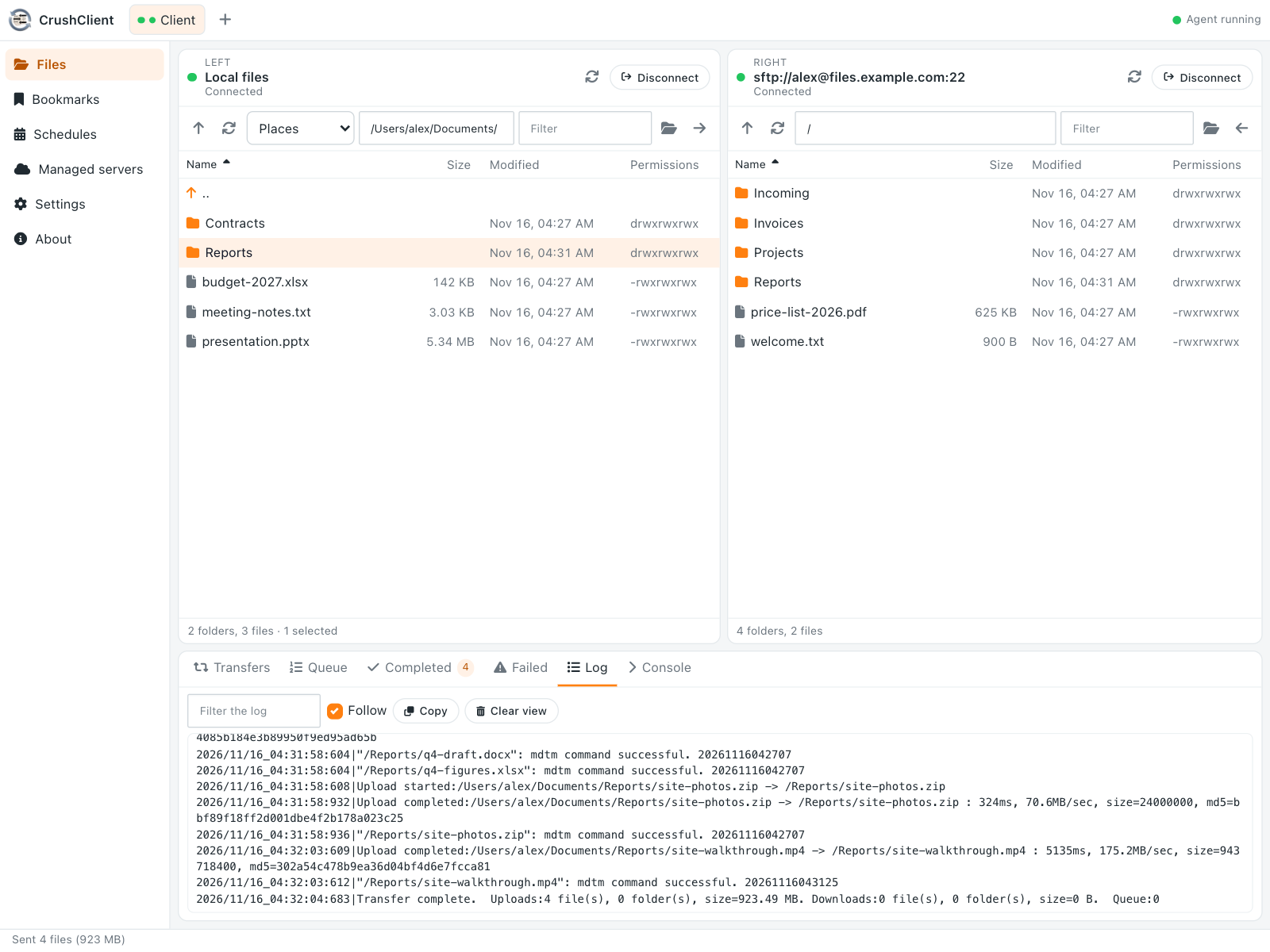
- The log of each tab is its own.
- Passwords and key passwords are never written to it.
- To keep a log file as well, turn on Write a log file under Settings › Logging (Settings).
Console#
In advanced mode the Console tab runs CrushClient commands in this tab, the same commands as the command line.
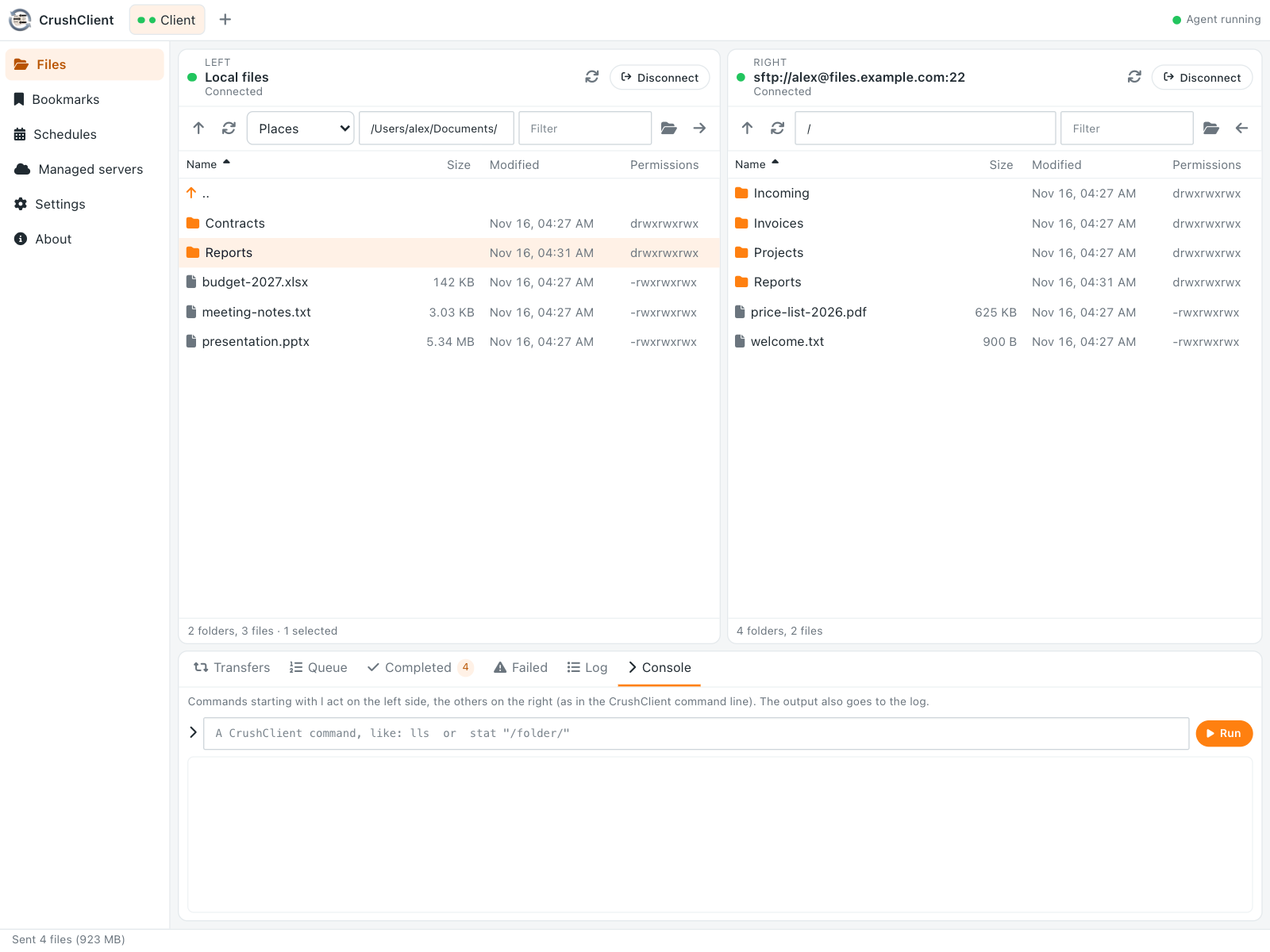
Type a command and press Run (or Enter). Commands that start with l act on the left side, the others on the right. The output also goes to the log.
Examples:
ls
lls
stat /Reports/q3-summary.docx
mkd /Reports/2027
diffput budget-2027.xlsx
The agent log#
Settings › Agent log shows the messages that do not belong to one tab: managed servers, schedules, saved host keys, and connections from other computers that were refused.