Settings#
The Settings page holds everything that is not part of a listener, in five tabs. Changes on all tabs are saved together with Save, and apply at once unless a field says "Needs restart". The exact types, ranges and defaults are in Global keys.
Admin#
The admin page's own server.
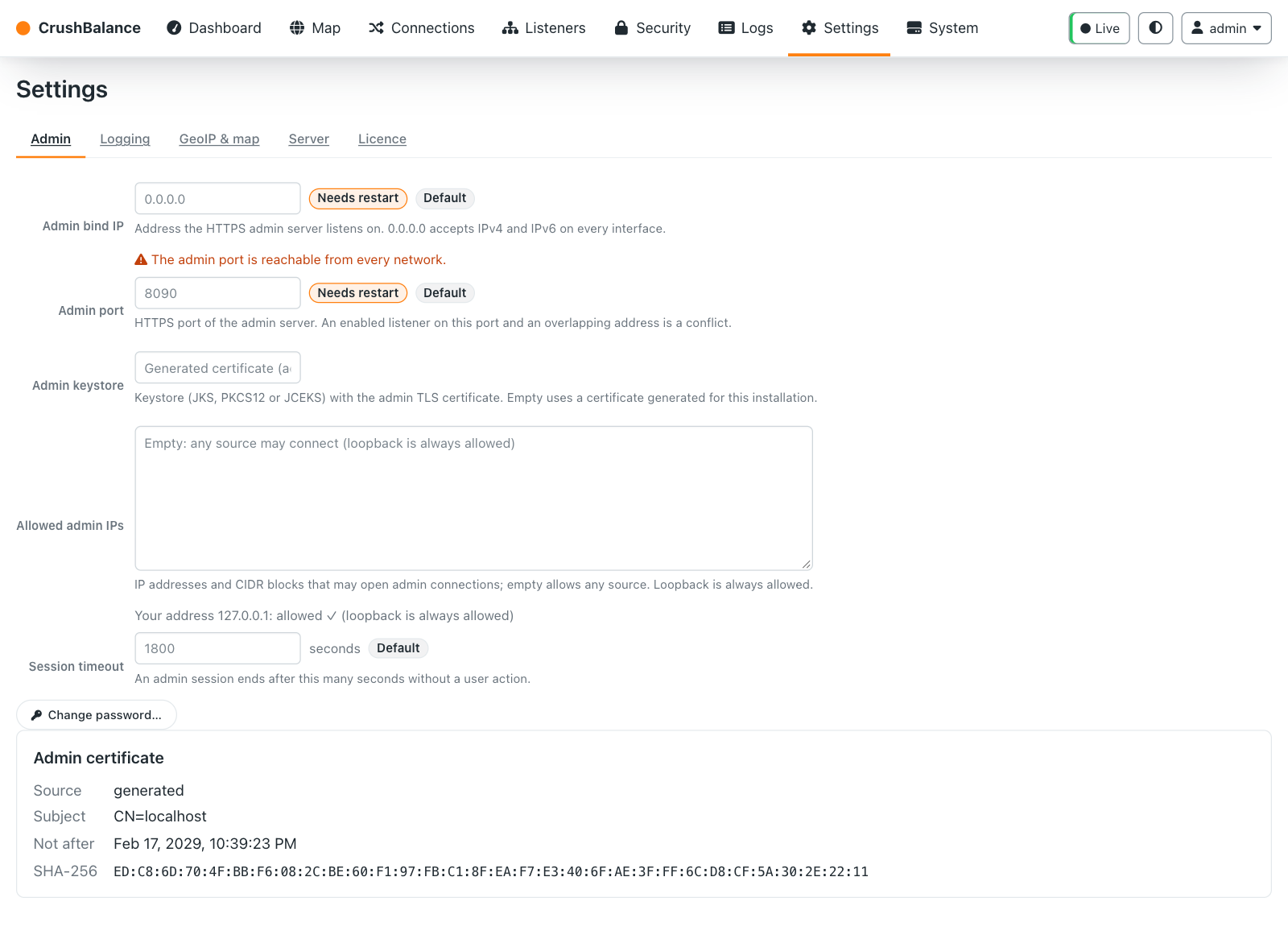
| Field | What it is |
|---|---|
| Admin bind IP | the address the admin page listens on. 0.0.0.0 accepts every interface; the page warns that the admin port is then reachable from every network. Needs restart. |
| Admin port | 8090 by default. Needs restart. |
| Admin keystore and its password | a keystore (JKS, PKCS12 or JCEKS) with your own certificate for the admin page. Empty uses a certificate generated for this installation. |
| Allowed admin IPs | the addresses and networks that may open the admin page; empty allows any. The local machine is always allowed. The page shows whether your own address would still be allowed, and refuses a save that would lock you out. |
| Session timeout | an admin session ends after this many seconds without activity |
| Change password… | sets a new admin password |
The Admin certificate card shows the certificate in use: generated or your own, its subject, expiry date and SHA-256 fingerprint.
For production, use your own certificate, limit Allowed admin IPs to your management network, and firewall the port: Hardening.
Logging#
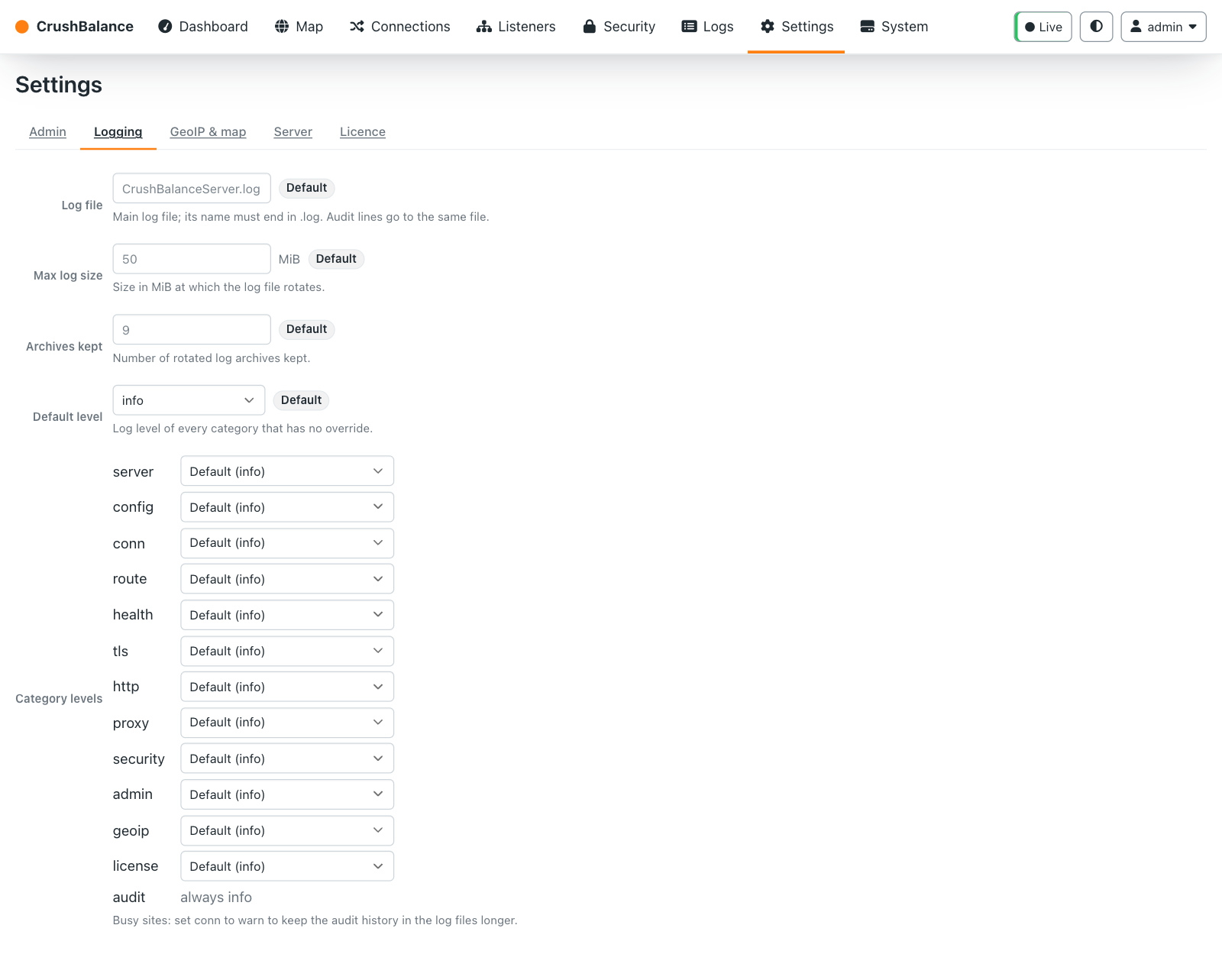
| Field | What it is |
|---|---|
| Log file | the main log file; its name must end in .log. Audit lines go to the same file. |
| Max log size | the size in MiB at which the file rotates (50) |
| Archives kept | how many rotated files are kept (9) |
| Default level | the level of every category that has no level of its own: error, warn, info, debug or trace |
| Category levels | a level for one category, for example conn = warn or health = debug. audit is always info. |
Level changes apply at once. Log categories lists the categories; the Logs page shows the result.
GeoIP & map#
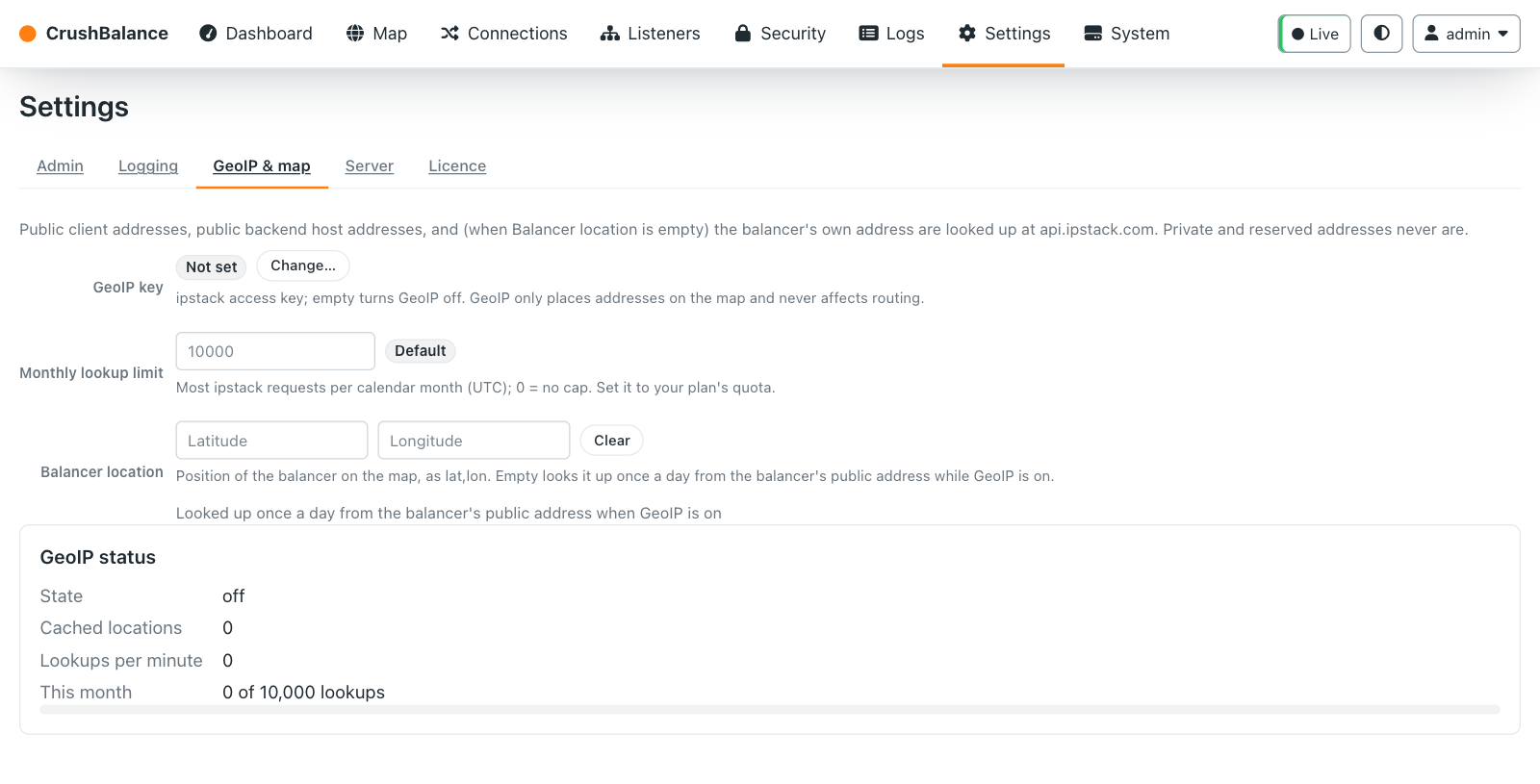
| Field | What it is |
|---|---|
| GeoIP key | your ipstack access key. Empty turns GeoIP off. GeoIP only places addresses on the map and never affects routing. |
| Monthly lookup limit | the most lookups per calendar month (10,000); set it to your ipstack plan's quota. 0 = no limit. |
| Balancer location | the balancer's position on the map as lat,lon. Empty looks it up once a day from the balancer's public address. |
The GeoIP status card shows whether it is on, how many locations are cached, the lookups per minute, and this month's count. What is sent to ipstack, and what never is: GeoIP and the map.
Server#
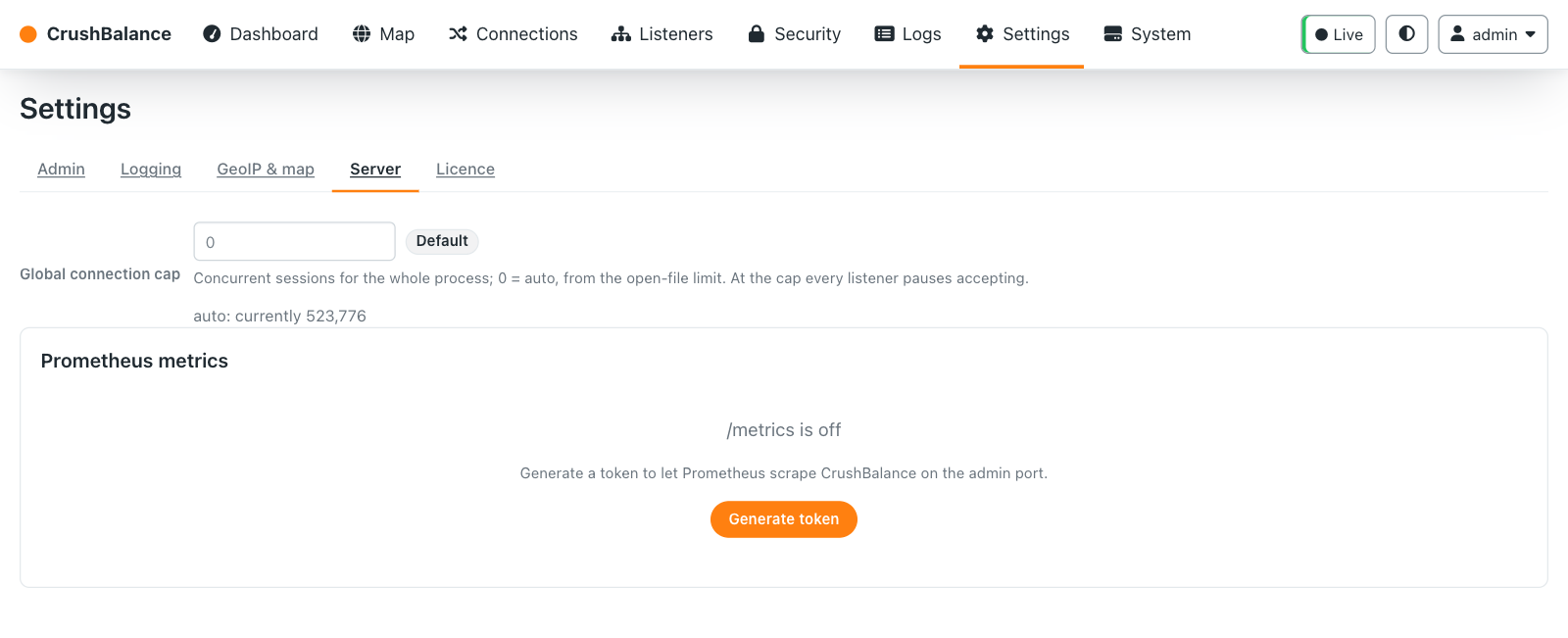
| Field | What it is |
|---|---|
| Global connection cap | the most sessions for the whole balancer; 0 = automatic, from the open-file limit of the system, and the page shows the number it works out. At the cap every listener pauses accepting. See Capacity and tuning. |
| Prometheus metrics | /metrics is off until you Generate token. The token is shown once; give it to Prometheus as a bearer token. Rotate token makes a new one and Turn off closes /metrics again. See Operating. |
Licence#
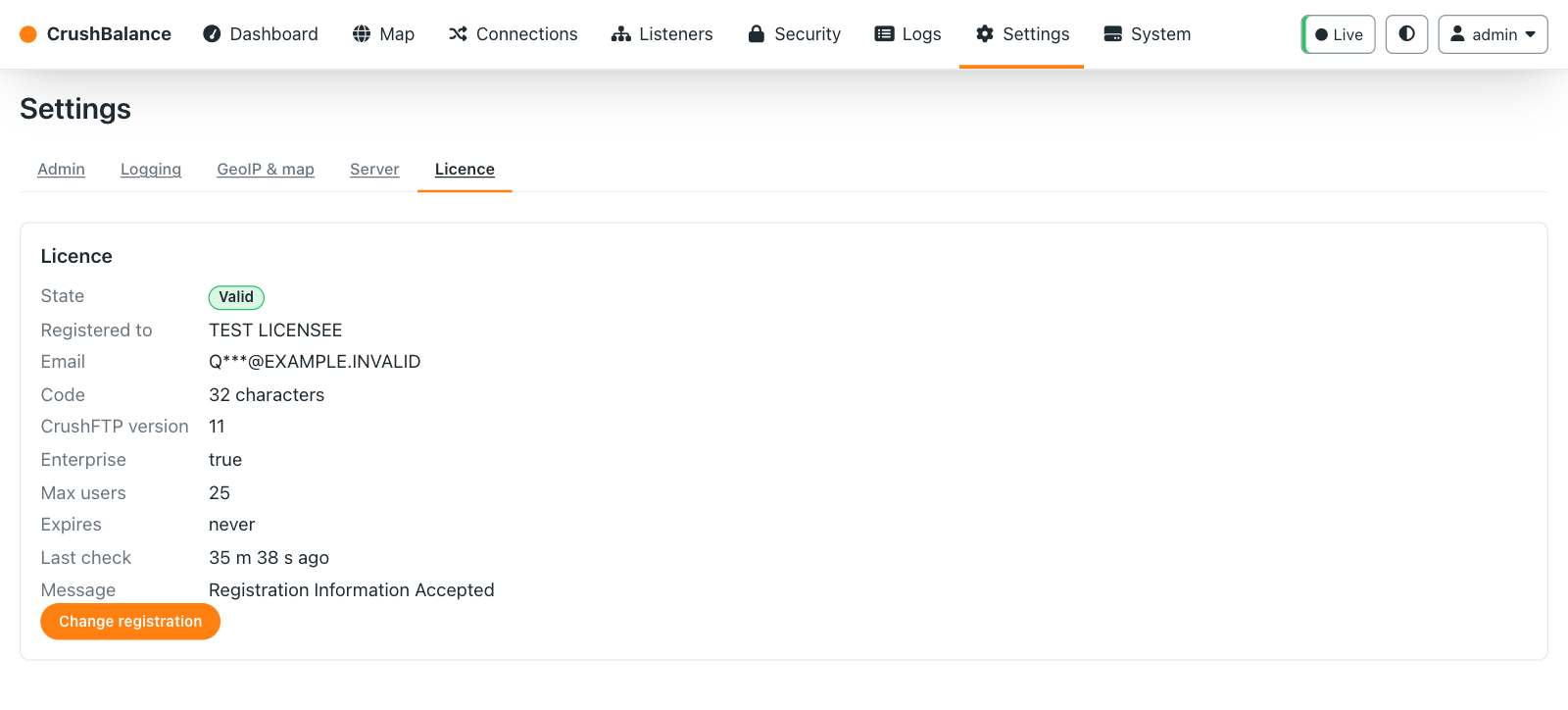
The registration: its state, who it is registered to, the CrushMFT version and Enterprise flag of the code, the expiry date, and when it was last checked. Register (or Change registration) opens the dialog for the name, email and code. See Registering.