Logs#
The Logs page shows what CrushBalance writes to its log file, live. The line under the title names the file: CrushBalanceServer.log in the install folder, unless you changed it.
Reading the log#
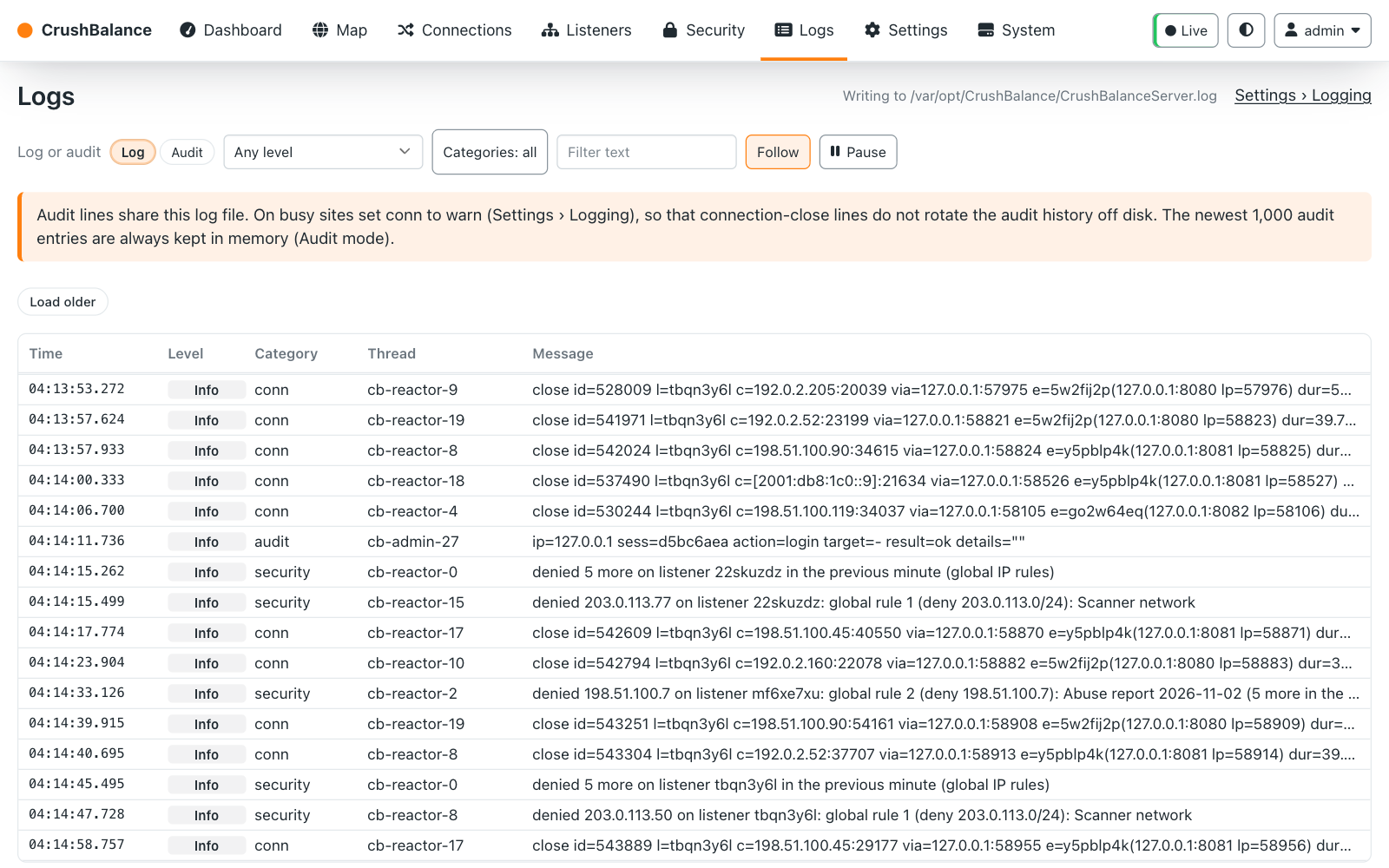
Each line has its time, level, category, thread and message. Click a line for its full text, with a Copy button.
- Level: show only lines of that level or more severe (Error, Warn, Info, Debug, Trace).
- Categories: tick the categories to show. Log categories says what each one writes.
- Search filters by text.
- Follow keeps the newest line in view. Scroll up and it pauses; a "new lines" marker brings you back.
- Pause stops the live updates.
- Load older fetches earlier lines. The page reaches back over the newest 5,000 lines; for anything older, open the log file.
The page can only show lines that are written. What is written is set under Settings › Logging: a default level, and a level per category (Settings). The line at the bottom shows the current levels, with a link to change them.
Audit#
Audit switches to the audit trail: who did what on the admin page.
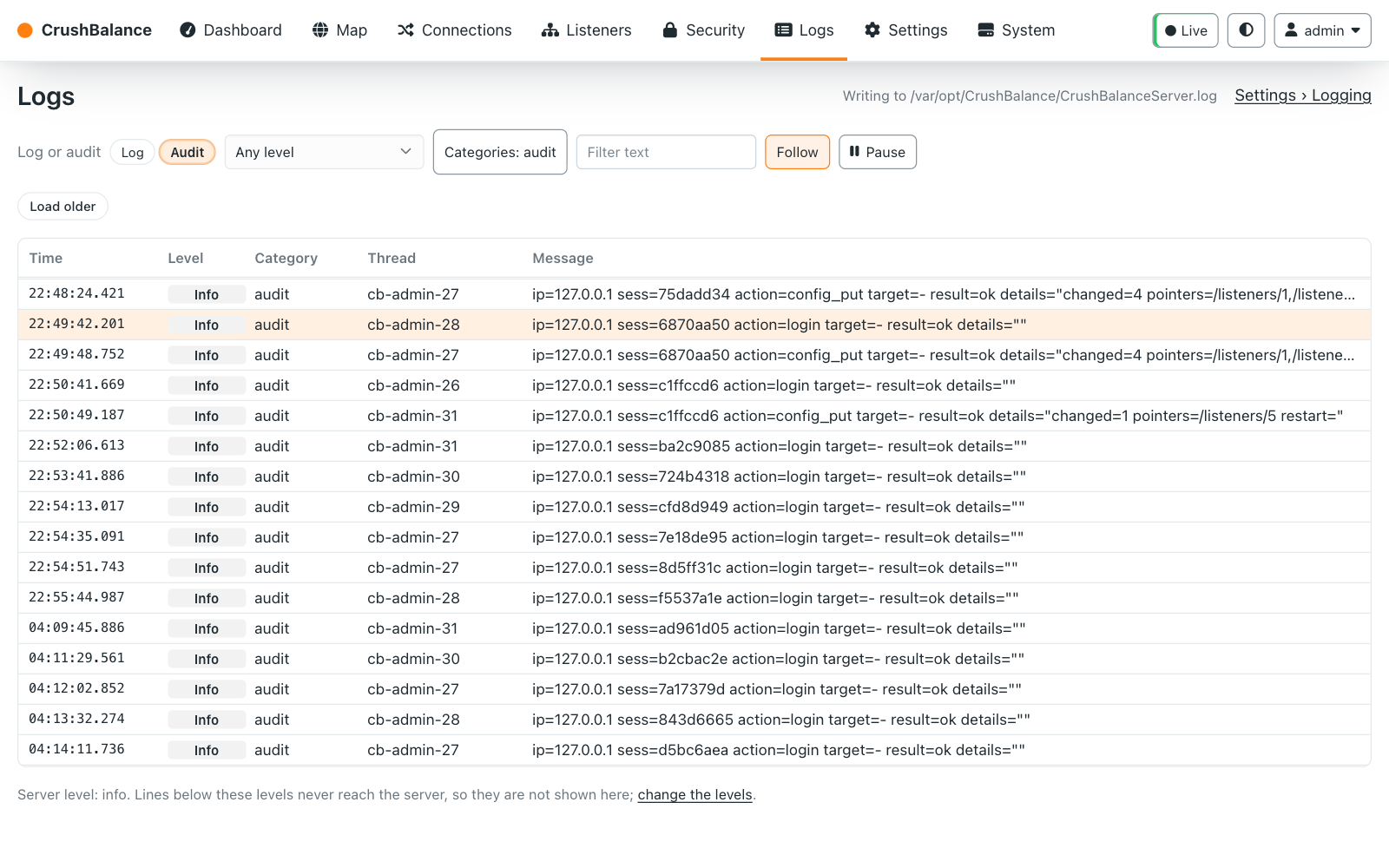
Each entry has the address, the session, the action, its target and the result. Recorded are sign-ins and failed sign-ins, the setup, password changes, saves and restores of the configuration, blocked addresses and closed connections. Passwords, tokens and the registration code are never written.
The newest 1,000 audit entries are always kept in memory. They are also lines in the same log file, in the category audit.
Tip
On a busy site, set the conn category to warn under Settings › Logging. At info it writes one line for every closed connection, and those lines push the audit history out of the log files quickly.
The log file#
CrushBalanceServer.log, with lines of the formyyyy/MM/dd_HH:mm:ss:SSS|CATEGORY|LEVEL|message.- At 50 MiB it rotates into
CrushBalanceServer1.log…CrushBalanceServer9.log. The size and the number of archives are settings. - More about running and reading logs: Operating.