Admin UI#
The admin page is where you set up and watch CrushBalance. It is served by CrushBalance itself, over HTTPS on port 8090: https://<host>:8090/. The first visit asks for the setup token (First-run setup); after that you sign in with the admin password.
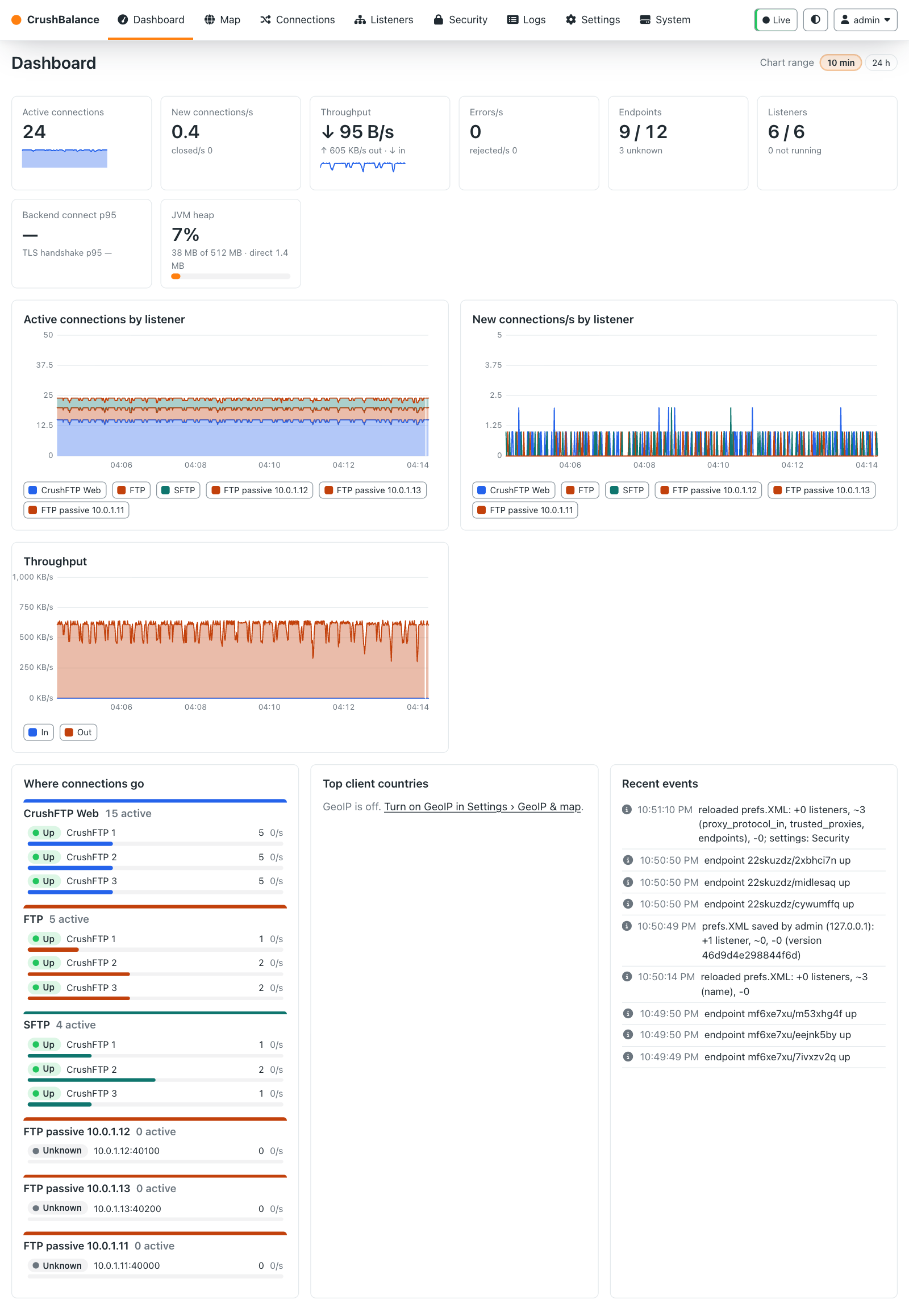
The pages#
| Page | What it is for |
|---|---|
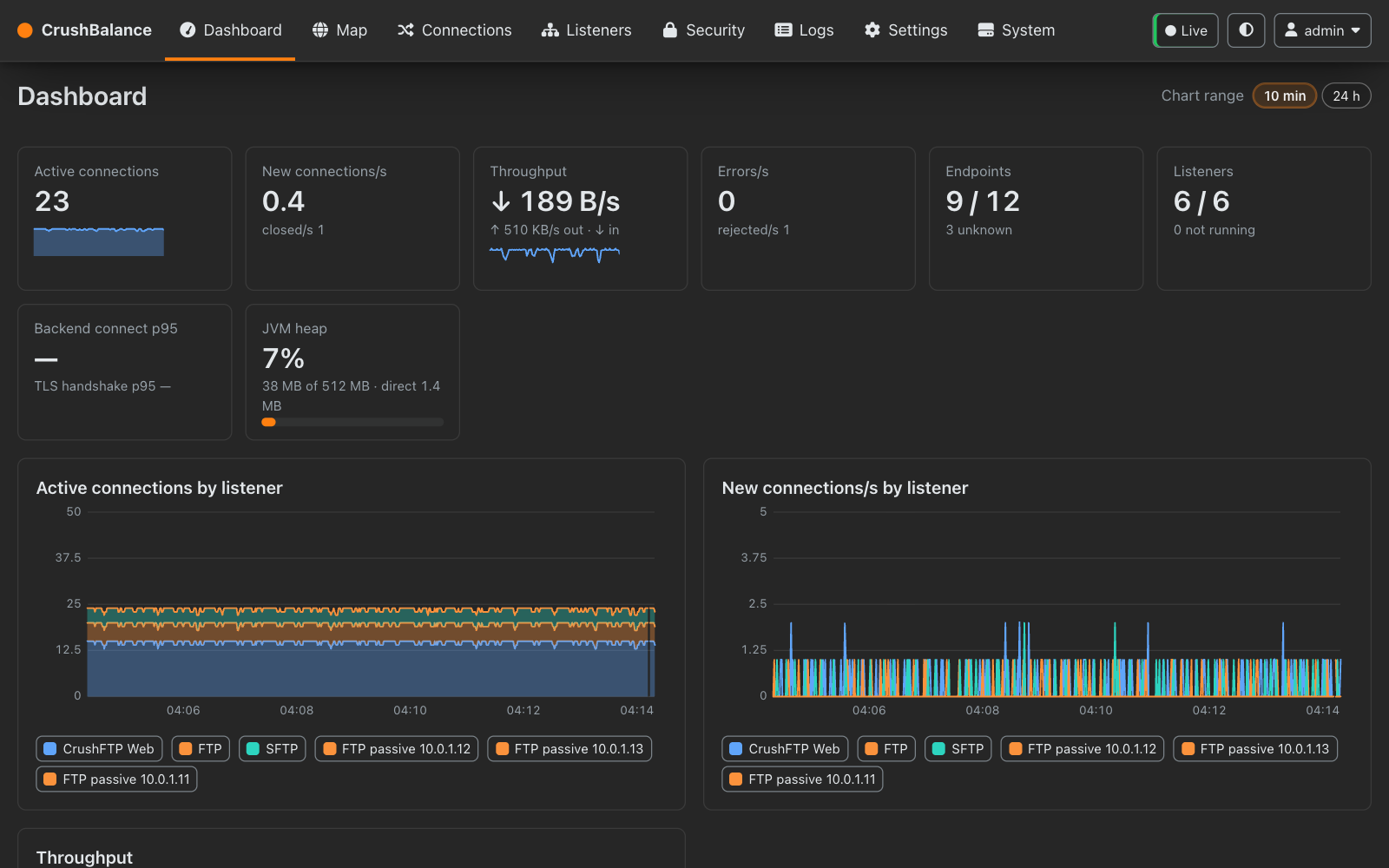
| Dashboard | the state of everything at a glance: connections, throughput, endpoints, charts, recent events |
| Map | where clients connect from, and where your servers are |
| Connections | every open session, with filters; close a session or block an address |
| Listeners | the ports CrushBalance accepts clients on; add, edit, start and stop them |
| Security | the IP rules for everything, per listener and per endpoint; test an address |
| Logs | the live log and the audit trail |
| Settings | the admin server, logging, GeoIP, the connection cap, Prometheus metrics, the license |
| System | version, Java, memory and CPU, configuration problems, backups, the Windows service |
The header#
At the right of the header:
-
● Live shows that the page is receiving live data. It turns to "Reconnecting in … s", "Paused (tab hidden)" or "Offline"; click it to reconnect at once.
-
The theme button switches between System, Light and Dark.
-
The user menu (admin ▾) has Change password… and Sign out, and shows the version.
Notices#
Problems that need your attention appear as a banner under the header, on every page: for example "Unlicensed: listeners are stopped", a certificate that is about to expire, or a prefs.XML that could not be read. Most have an Open link that takes you to the page where you fix it, and some can be dismissed. Notices lists them all.
Editing and saving#
- Nothing changes until you press Save. A page with changes shows a bar at the bottom with the number of unsaved changes, Discard and Save.
- A save applies at once, with no restart, and open sessions are never cut by it. The two exceptions, the admin address and admin port, are marked "Needs restart".
- Every save keeps a backup of the previous
prefs.XML. System lists the backups and restores one. - Each setting explains itself on the page, and has a Default or Reset to default button. The same explanations, with types and ranges, are in the Key reference.
- Two people editing: if the configuration changed elsewhere while you were editing, the page tells you before it saves.
Signing in#
- Sessions end after a time without activity (Settings › Admin › Session timeout).
- Five wrong passwords from one address within 15 minutes lock that address out for 5 minutes, and longer each time, up to 60 minutes. People who are already signed in are not affected.
- A forgotten password is reset on the server with
java -jar CrushBalance.jar -set-admin-password(Command line). - To limit who can reach the admin page at all, use Allowed admin IPs and a firewall (Hardening).