Connections#
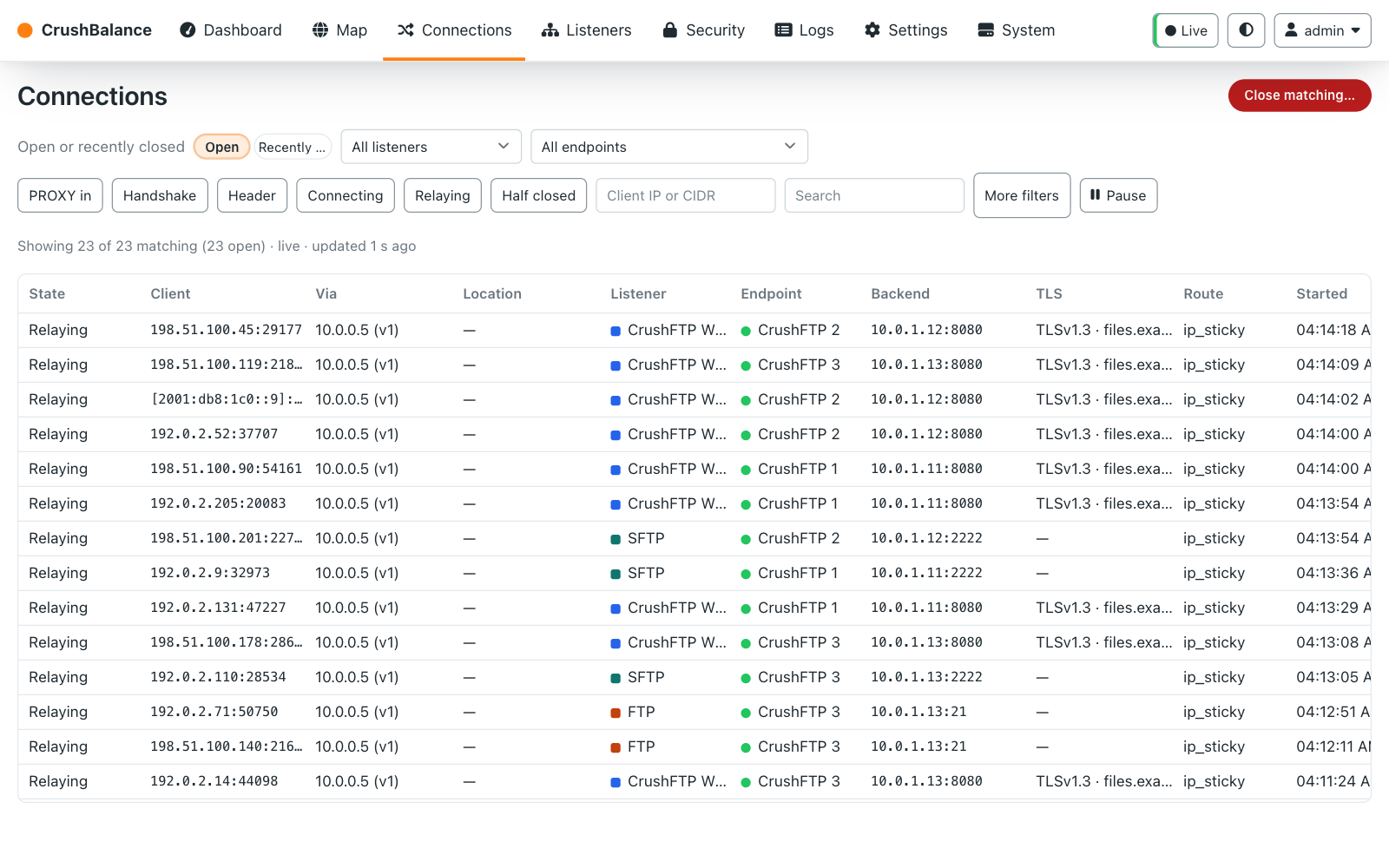
The Connections page lists every open session: who the client is, which listener it came in on, and which CrushMFT server it went to. The list updates live.
Finding sessions#
-
Open | Recently closed switches between the open sessions and the last ones that ended.
-
All listeners and All endpoints limit the list to one listener or one server.
-
The state buttons show only sessions in that state:
State The session is PROXY in waiting for the PROXY header from a load balancer in front Handshake in the TLS handshake with the client Header reading the first HTTP request Connecting connecting to the CrushMFT server Relaying passing data both ways Half closed closed by one side, finishing the other -
Client IP or CIDR shows one address or a network (
203.0.113.0/24). -
Search matches the client and backend address, the TLS server name and the city; two letters also match a country code.
-
More filters: sessions open longer than a number of seconds, or with more than a number of bytes.
-
Pause stops the live updates while you read; Resume starts them again.
The line above the table says how many sessions match and how many are open in all. Click a column heading (Client, Listener, Endpoint, Started, Idle, In / Out) to sort.
The columns#
| Column | Shows |
|---|---|
| State | see above |
| Client | the client's address and port |
| Via | the load balancer in front that sent the client's address in a PROXY header, and the PROXY version; "—" when clients connect directly |
| Location | country and city (needs GeoIP) |
| Listener | the listener, with its colour |
| Endpoint | the CrushMFT server, with its health |
| Backend | the server's address and port |
| TLS | the TLS version and the server name the client asked for |
| Route | why this server was chosen: algorithm (the balancing method), ip_sticky (the client's address was pinned), cookie (the CrushAuth cookie), connection, retry (the first choice failed) or range (a passive port range) |
| Started, Idle, Age | when it began, how long nothing was sent, how long it has been open |
| In / Out | bytes from the client and to the client |
One session#
Click a row to open its details: the client (address, country, region, city), the load balancer in front, the balancer's own address, the listener and endpoint, the route, the backend address and PROXY version, the TLS details on both sides, and the timing and byte counts.
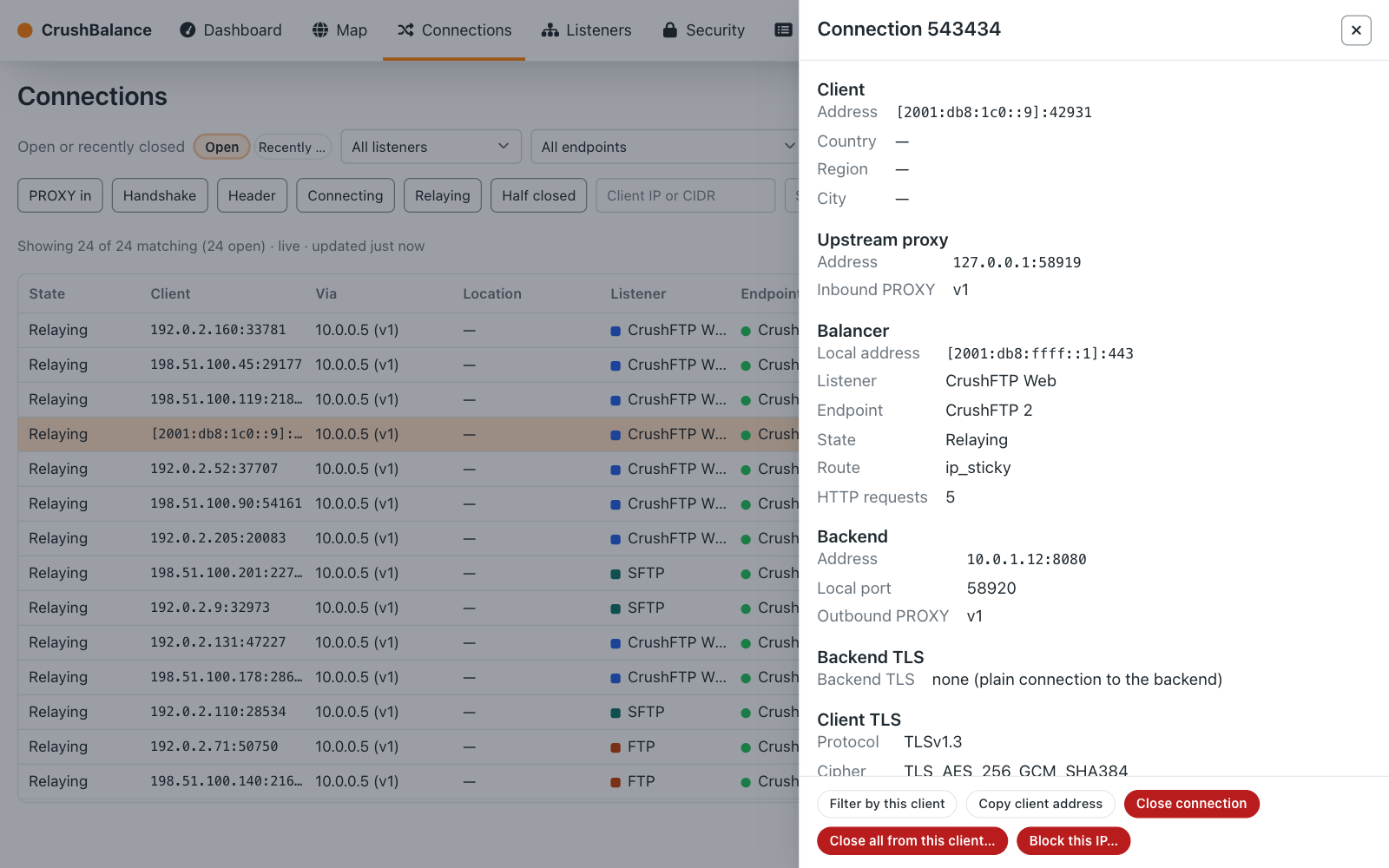
From there you can:
| Action | What it does |
|---|---|
| Filter by this client | shows only this client's sessions |
| Copy client address | |
| Close connection | ends this session, after a confirmation |
| Close all from this client… | shows how many sessions match, then ends them |
| Block this IP… | adds a deny rule for this address, everywhere or only on this listener, with a note. New connections from it are refused; open ones continue unless you also close them. An IPv6 client is blocked as its /64 network. See Access control. |
Close matching…#
The red Close matching… button ends every session that matches the current filters. It first shows how many that is, and never closes more than that number.
Recently closed#
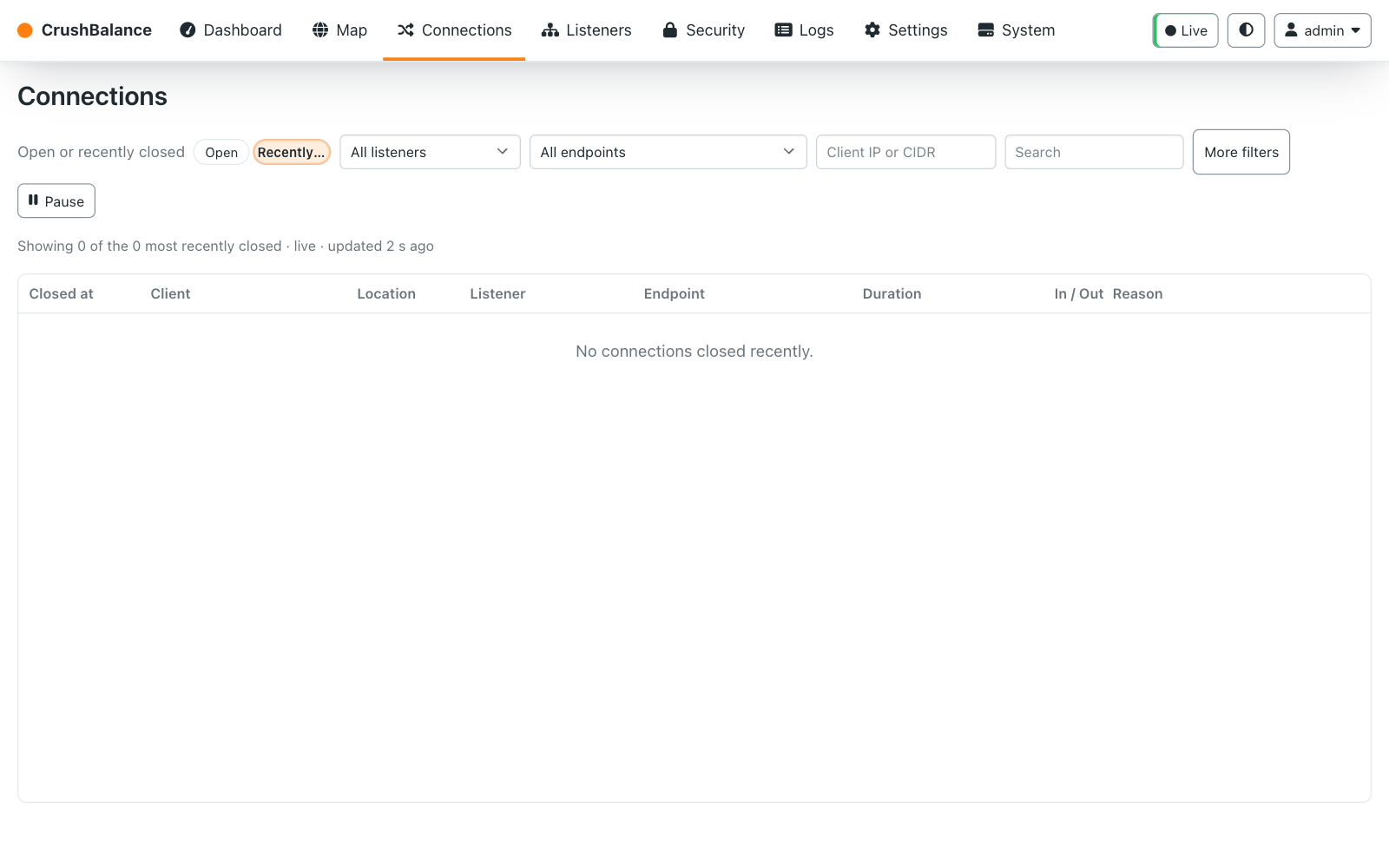
Recently closed lists the last sessions that ended (up to 2,048), with when they closed, how long they lasted, the bytes, and the reason: the client closed, the server closed, an idle timeout, a failed TLS handshake, a rule that denied the client, and so on.
Every closed session is also one line in the log, in the conn category (Logs).