Quick start#
From nothing to a balanced CrushMFT WebInterface in about ten minutes. For a production install read Before you start and the install page for your system first.
You need CrushBalance.jar, Java 25 or newer (or none: with no Java 21 or newer on the computer, the Linux script, CrushBalance.exe and CrushBalance.app download one), your CrushMFT Enterprise registration (name, email and code), and the addresses of your CrushMFT servers.
1. Start it#
Copy CrushBalance.jar into a folder of its own and start it there.
Linux, as a service (with crushbalance_init.sh in the same folder, see Install on Linux):
./crushbalance_init.sh install
Windows, as a service, from an elevated Command Prompt in the folder (see Install on Windows):
java -jar CrushBalance.jar -i
Just to try it, on any system, in a terminal:
java -jar CrushBalance.jar -d
The first start prints the admin address, a one-time setup token and the certificate's fingerprint. The token is also in setup-token.txt in the same folder.
2. Set the admin password#
Open https://<host>:8090/. The certificate is made for this installation and self-signed, so the browser warns; compare its SHA-256 fingerprint with the one the first start printed. Enter the setup token and choose a password.
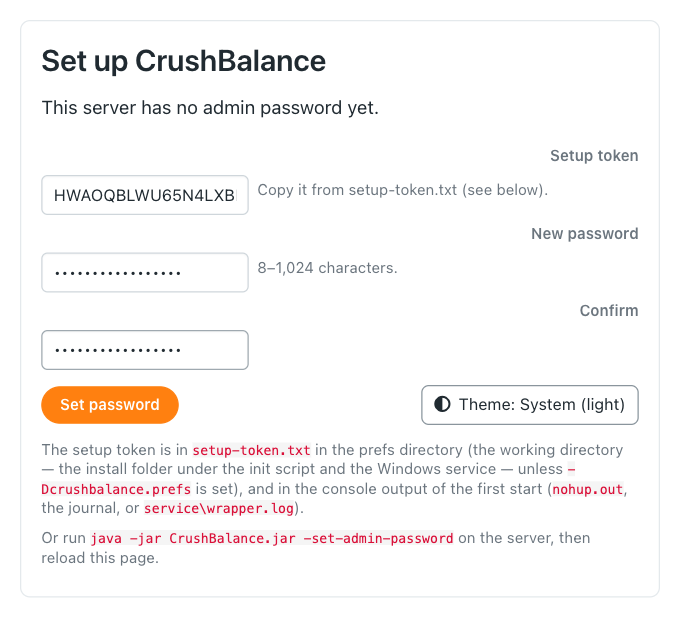
More: First-run setup.
3. Register#
The Dashboard shows a Get started card. Click Register CrushBalance… and enter the registration name, email and code exactly as in CrushMFT.
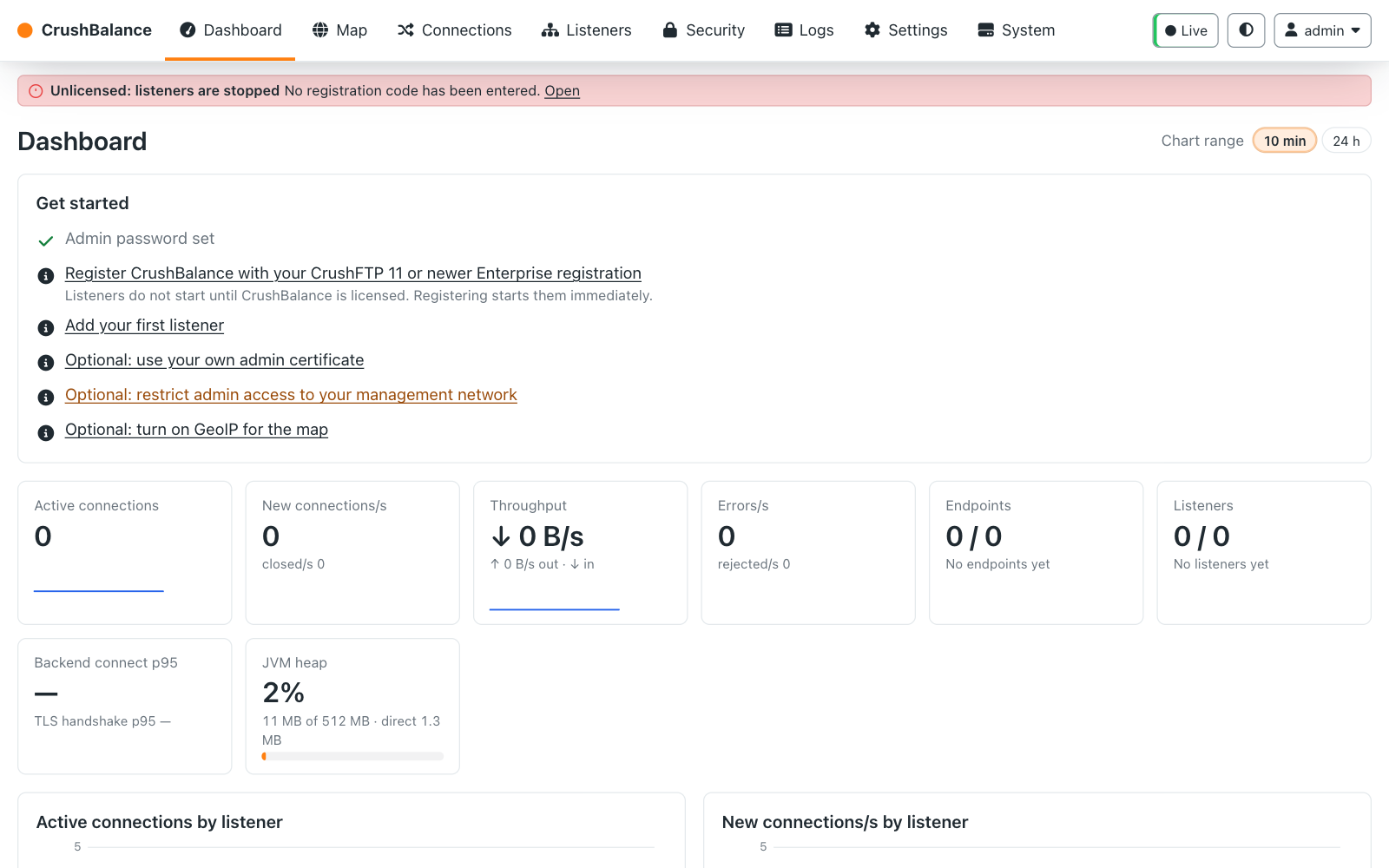
Until it is registered, CrushBalance starts no listener. More: Registering.
4. Add your first listener#
Click Add your first listener (or Listeners › Add listener) and choose HTTPS for CrushMFT WebInterface.
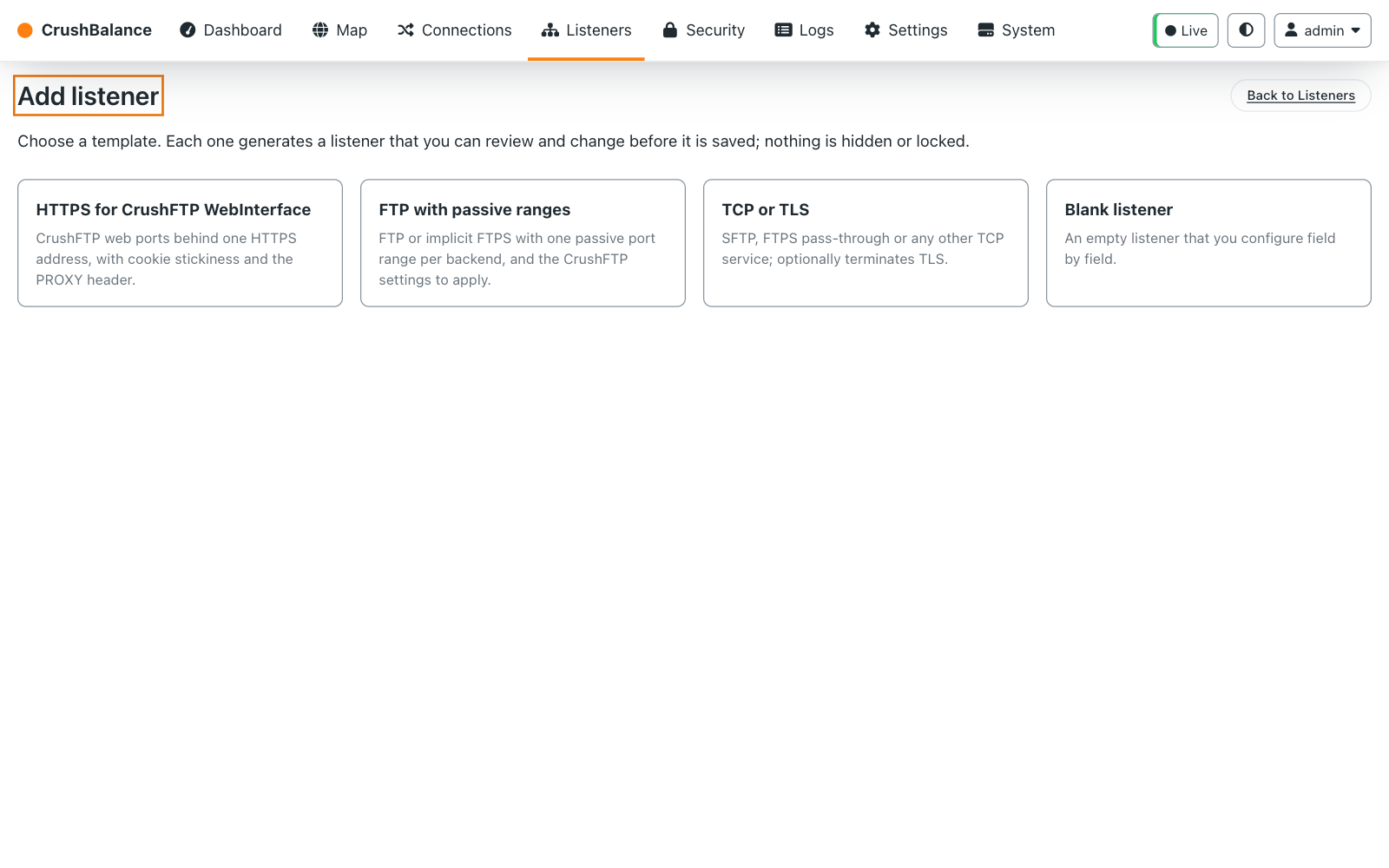
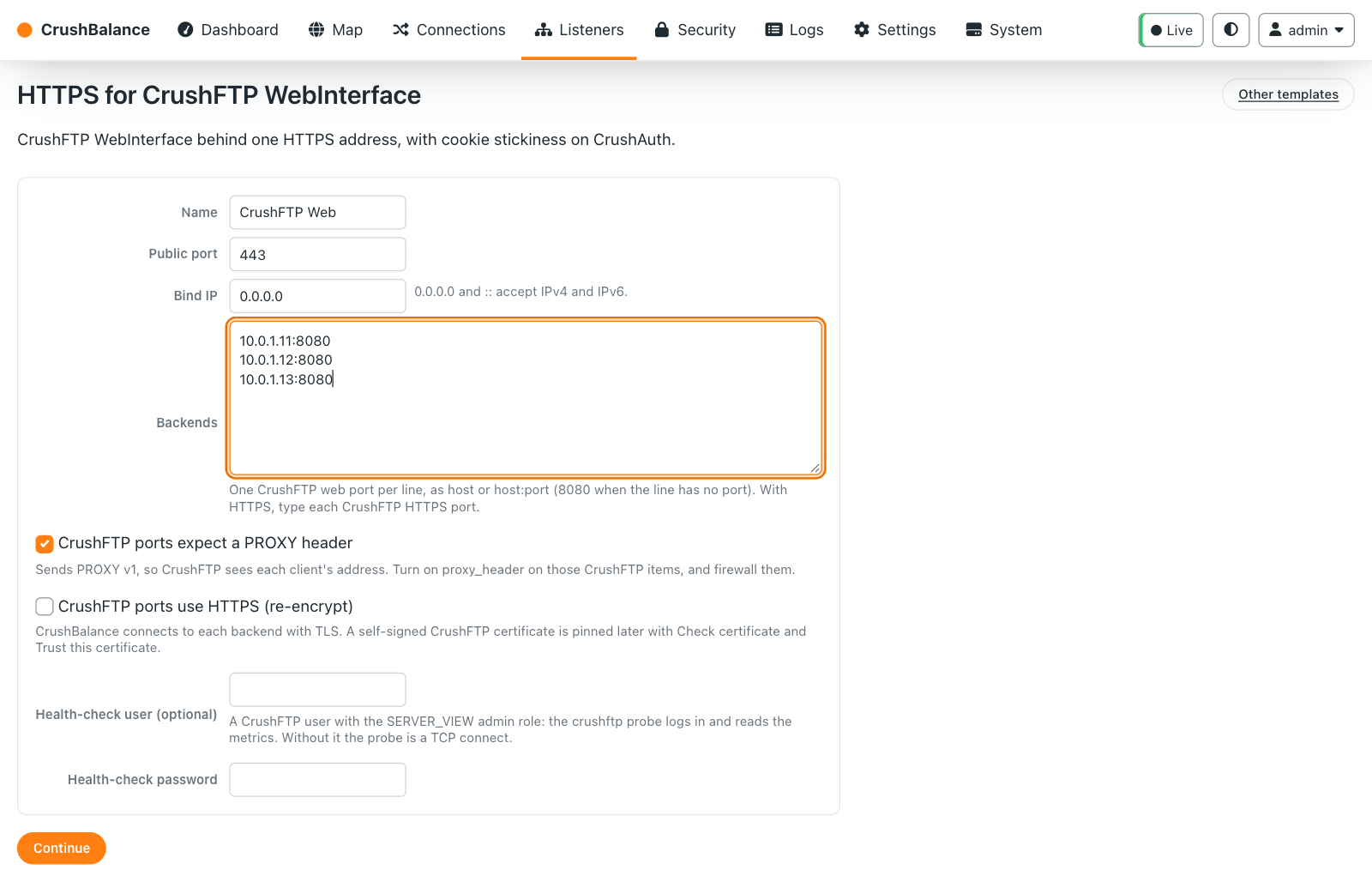
Type one CrushMFT web port per line (host or host:port), then Continue, look over the listener it made, and Save.
The listener starts at once, with a certificate CrushBalance generated. Put your own keystore on the listener's TLS tab before real users arrive.
5. Tell CrushMFT#
On each CrushMFT server, on the HTTP port the balancer connects to:
- turn
proxy_headeron, so CrushMFT reads the client's address from the balancer; - keep
https_redirectoff on that port; - let only the balancer reach that port (firewall), because CrushMFT trusts a PROXY header from anyone who can.
The full list, with the options for re-encrypting to CrushMFT, is in Template: HTTPS for CrushMFT WebInterface.
6. Check it#
- Listeners shows the listener as Running with its endpoints up.
- Open
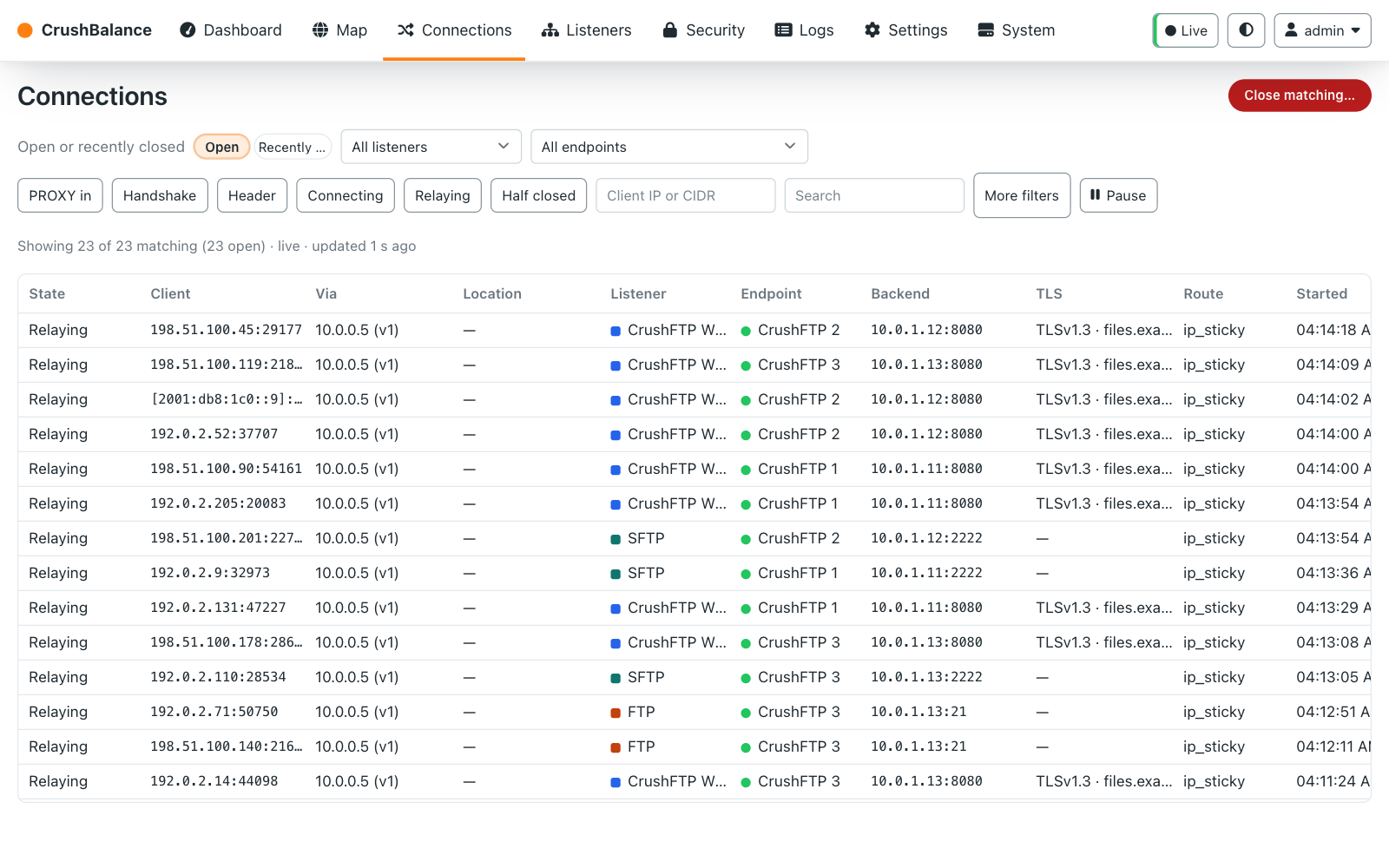
https://<balancer>/in a browser: you get the CrushMFT login page. - Connections shows your session and the server it went to.
Next#
- FTP and FTPS: Template: FTP with passive ranges.
- SFTP: Template: TCP or TLS.
- Before production: Hardening and Capacity and tuning.