Portecle#
Portecle is a free open source program that can help with certificate management. http://portecle.sourceforge.net/
Portecle runs on any OS. Here is a guide on creating a new certificate.
If you are renewing a certificate, skip the steps below that are only for a new certificate.
Run portecle directly from the portecle website. Click the link to download, and run the application. (Portecle requires java to be installed on your machine to run.)
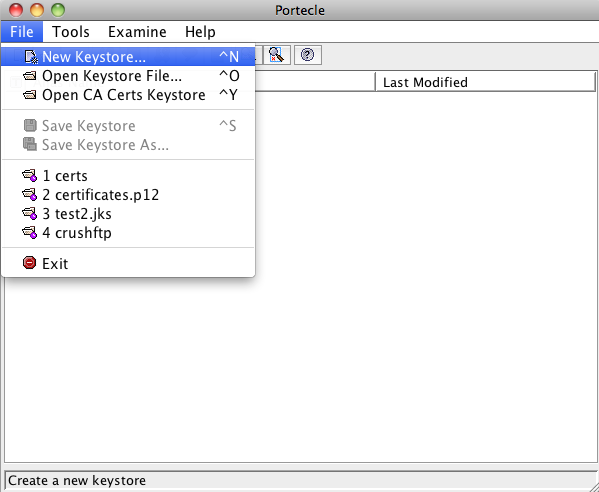
Select new keystore from the file menu. (***New certificates only.)
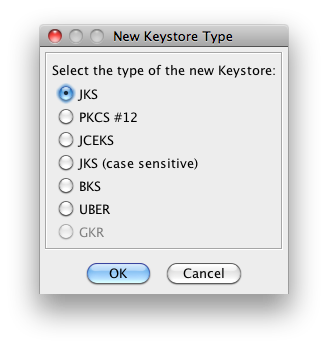
Use the default JKS format. (***New certificates only.)
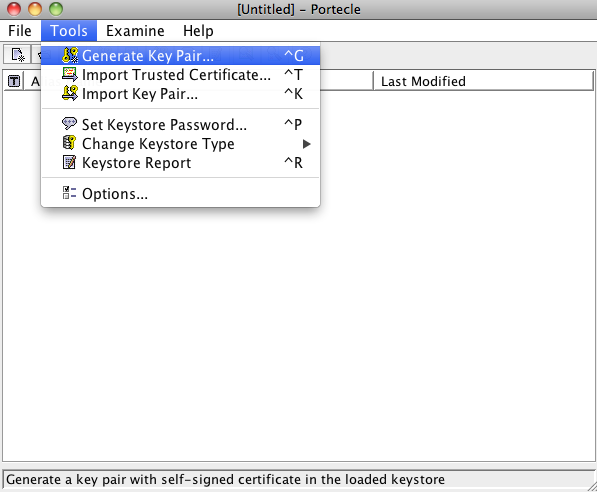
Now, select generate key pair from the tools menu. (***New certificates only.)
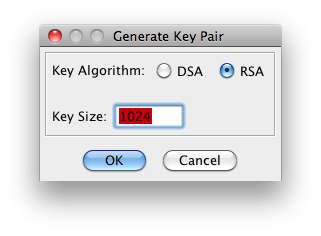
Select your bit strength. (***New certificates only.)
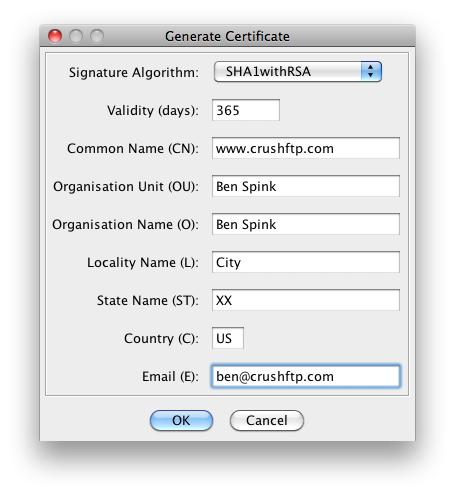
Fill in the information about you or your company. Make sure the common name is your website host address. (***New certificates only.)
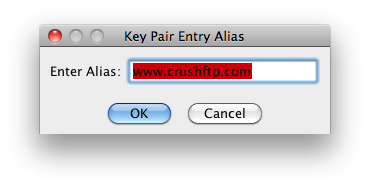
Use an alias name that is the default of your website name. (***New certificates only.)
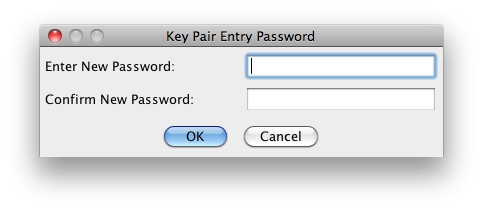
Use a password that will be used again later for the keystore password. Make it the same. (***New certificates only.)
SAVE YOUR KEYSTORE NOW! The CSR you make, all the other files you get, etc are all garbage if you loose this private key and your keystore. Save now, don't loose the keystore. You will need it after you get the signed cert back later on.#
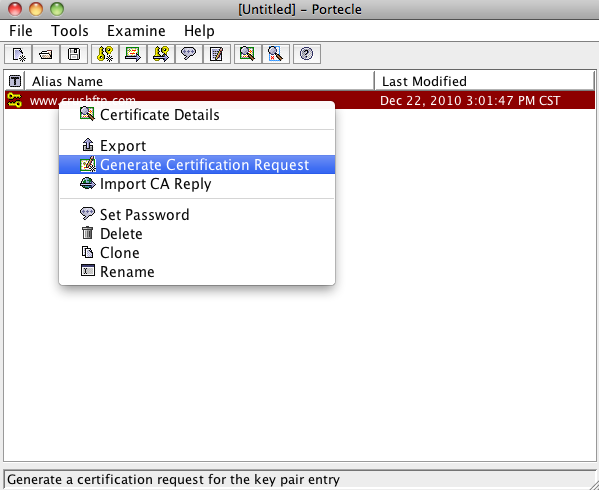
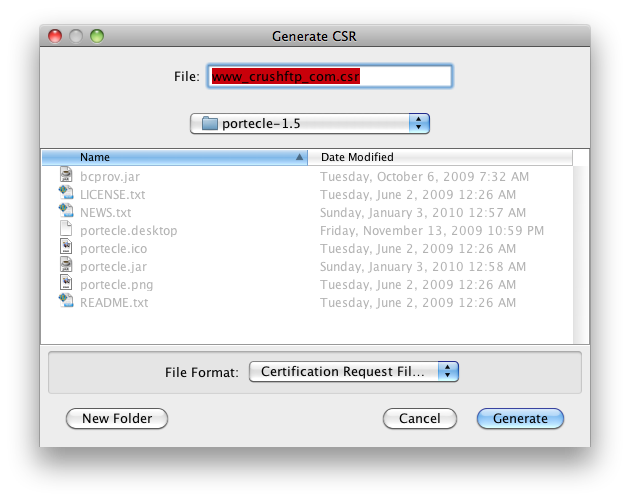
Now right click on your key pair and select generate certification request.
Save the csr to your desktop or somewhere else.
Get your CSR signed by your certificate authority. (This process is different for every cert authority. But the files you download after they have signed it should be in the Java or Tomcat format for simplicity. Do not get a bundle, but get the individual files.)
Now import the certificates given to you by your certificate authority. These are usually things like root, or intermediate, etc. (***New certificates only.)
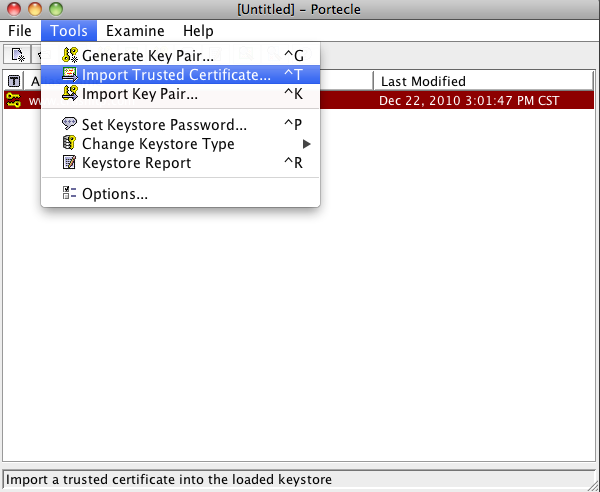
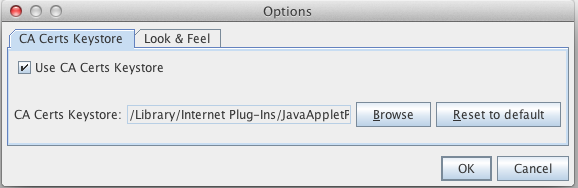
Now be sure to trust the certificate authorities builtin certificate, or else this next step will fail Go to the tools menu in Portecle, and select Options. Enable 'Use CA Certs Keystore'.
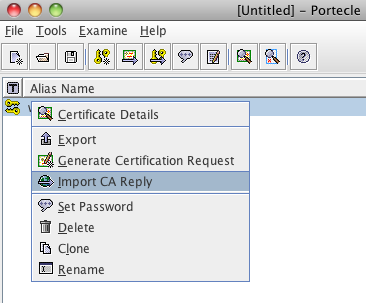
Now, import the "signed" version of your certificate file using the right click Import CA Reply menu.
The next popup will be a request for you to enter the password for your CA Certs keystore file. The password here is 'changeit'. Enter that.
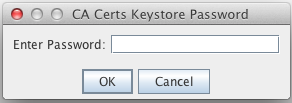
After this you may be asked for your cert password from the earlier steps. Enter it if prompted.
And finally, save your keystore with a .jks extension if its .jks or if its a pkcs12 format, then use .pfx for the extension.
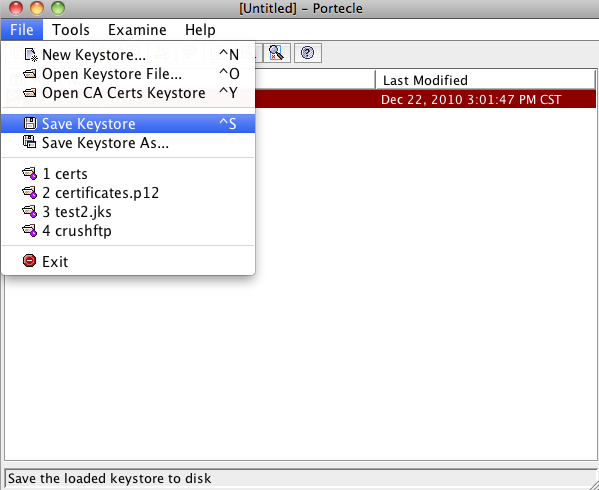
Now you can reference this keystore in CrushFTP under the server preferences, Encryption, SSL tab. Or you can set it specifically on the advanced tab of a particular port.
On some OS the Unlimited JCE plugins for Java do not install as part of JRE7 by default.
These policy files must be downloaded manually and installed in your Java lib/security folder.
Java6: http://www.oracle.com/technetwork/java/javase/downloads/jce-6-download-429243.html
Java7: http://www.oracle.com/technetwork/java/javase/downloads/jce-7-download-432124.html
You may also search google for: 'java unlimited cryptography policy files'
OS X Java 6 install location: /System/Library/Frameworks/JavaVM.framework/Versions/CurrentJDK/Home/lib/security/
OS X Java 7 install location: /Library/Internet Plug-Ins/JavaAppletPlugin.plugin/Contents/Home/lib/security/
Windows install location: C:\Program Files\Java\jre6\lib\security\ or C:\Program Files\Java\jre7\lib\security\
Once this has been done, edit the cipher list in the server prefs SSH port item, SSH tab to duplicate the AES128 ciphers and replace the 128 with 256.