Telnet#
The telnet popup tool is very useful debugging feature in the admin dashboard.
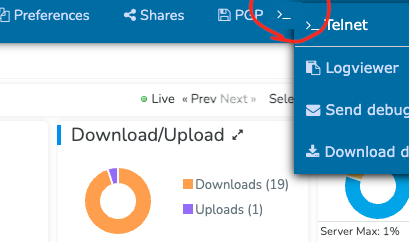
The menu is here on the server admin dashboard:
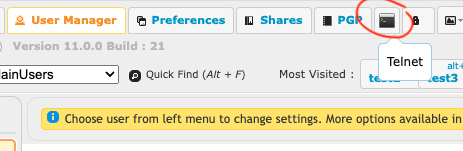
Or here on all other admin pages:
It allows you to test port connectivity from the perspective of your CrushFTP server. Its not really a full telnet tool, but it can give you the basics of true socket error messages.
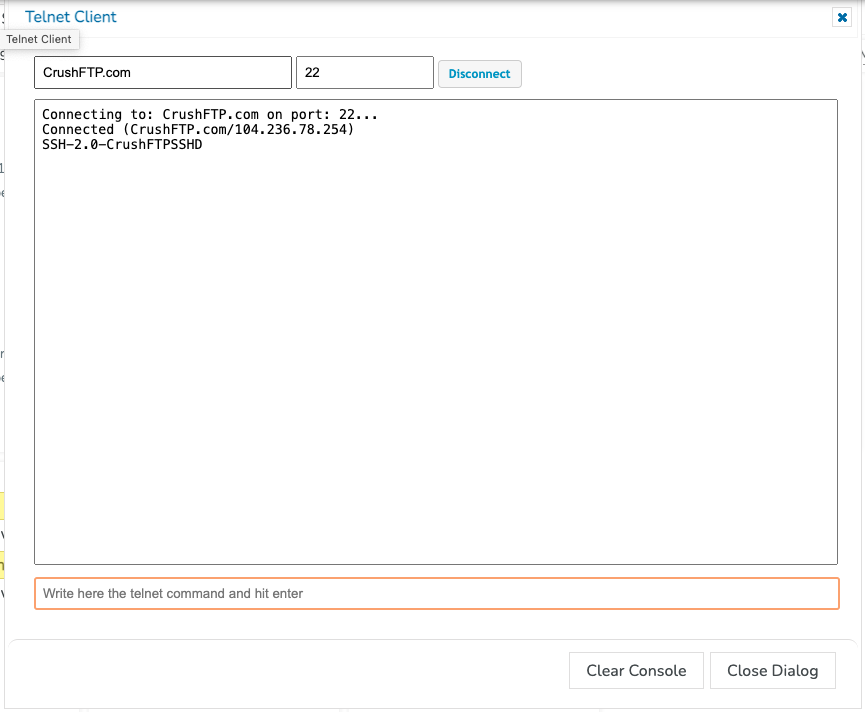
This example shows it connecting and displaying the SSH header message of our server.
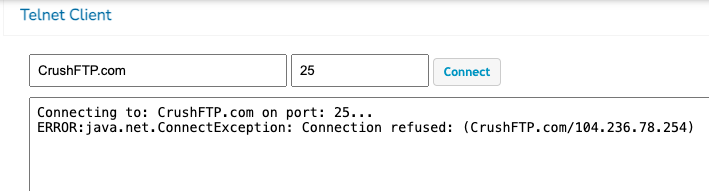
Example for a connection refused...meaning we reached the server, but no server port was listening:
Example for a connection timeout...meaning we could not reach the server because a firewall dropped our connection attempt:
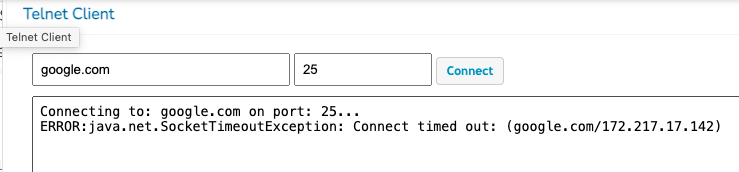
The wording is very specific and informative...there is a difference between refused, and timed out, and connected.