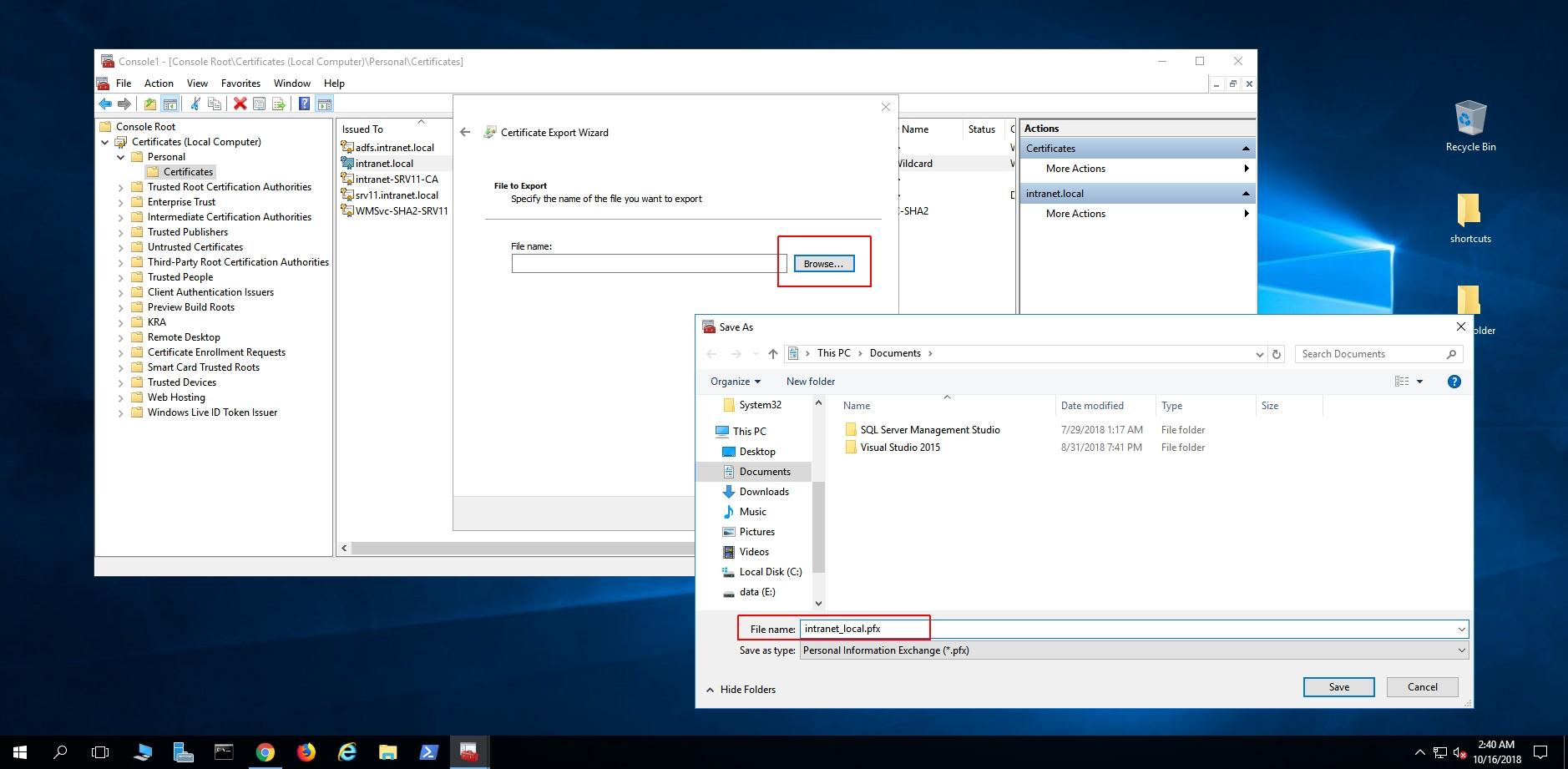
IISExport#
CrushFTP can use PFX keystores directly. IIS can export to a PFX keystore and Crush can then use that keystore.
Follow these steps to export your certificate chain from IIS into a keystore. These instructions are essentially the same for IIS 6.5 to IIS 10.
Start a DOS command prompt / powershell instance and type mmc
1.) Add the "Certificates" snap-in to your console management.
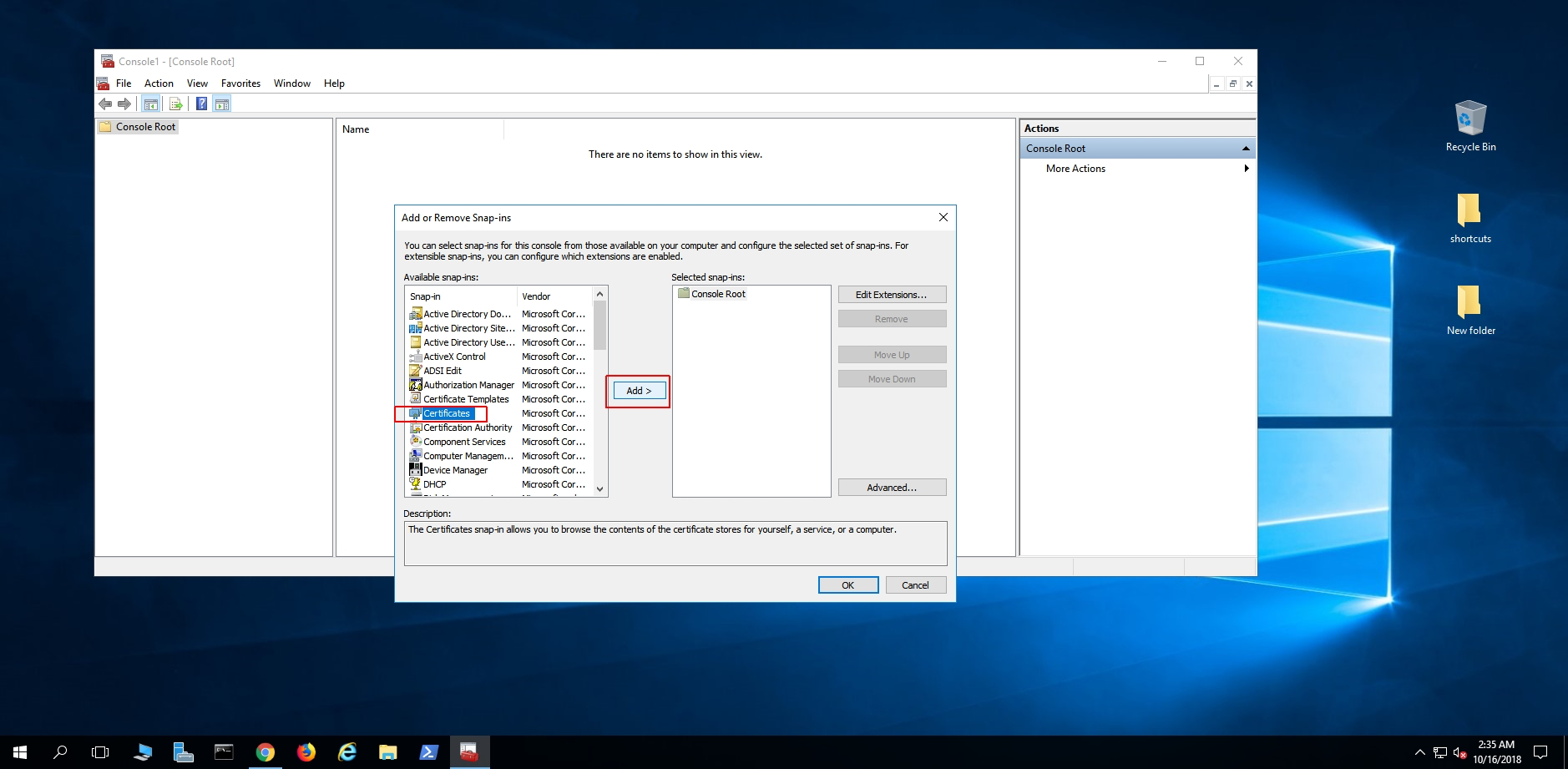
For Computer Account:
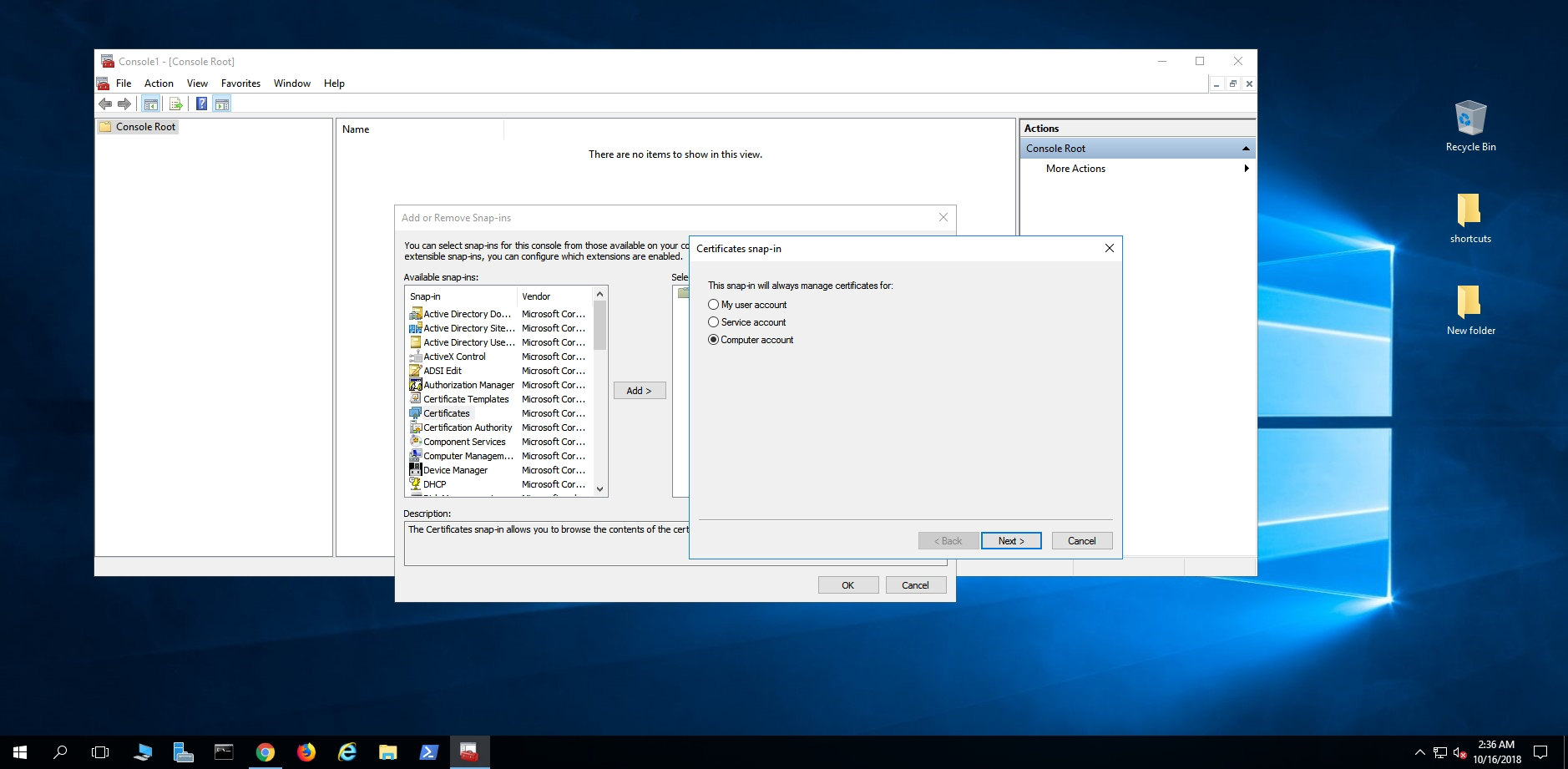
Local computer:
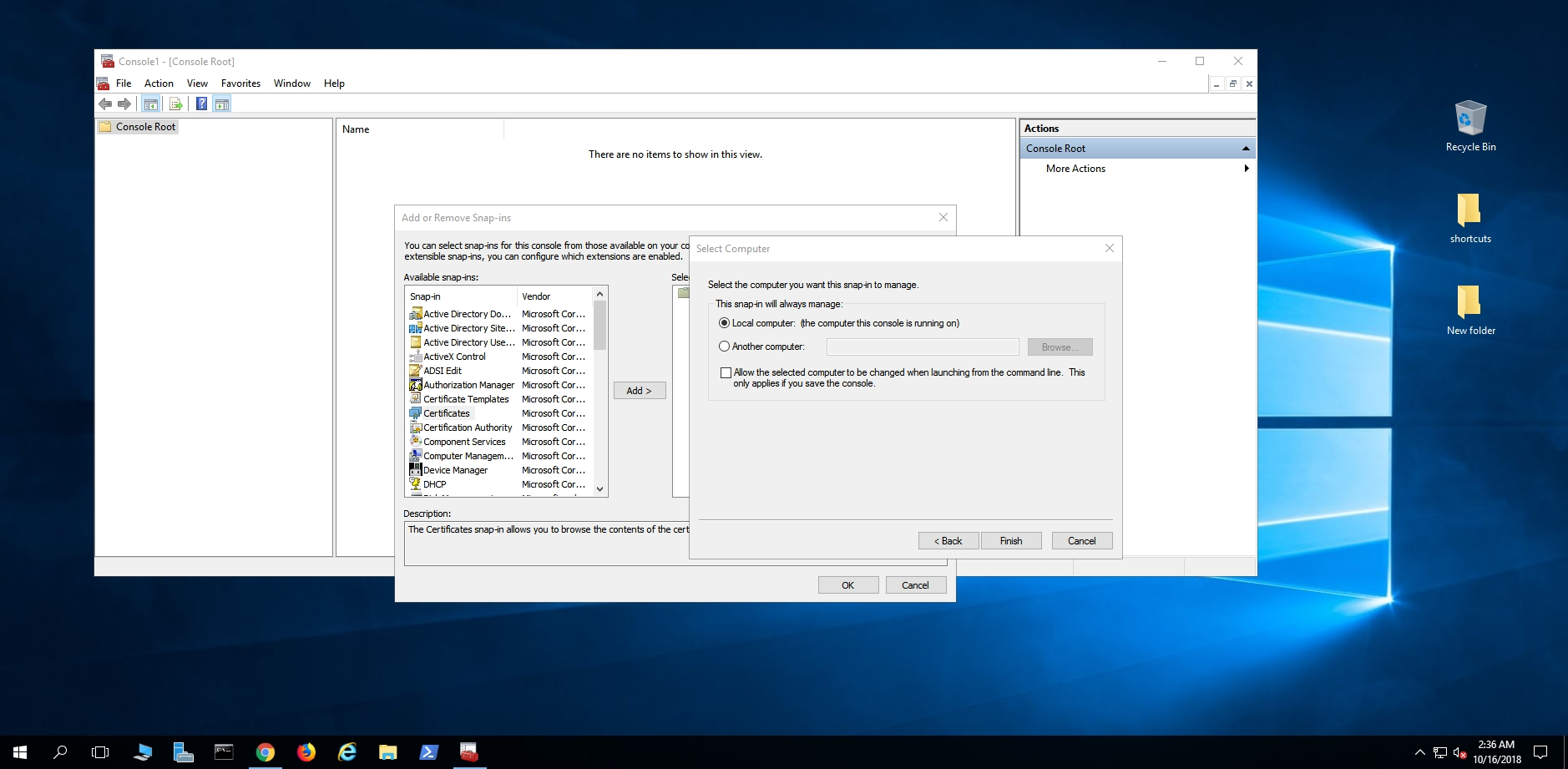
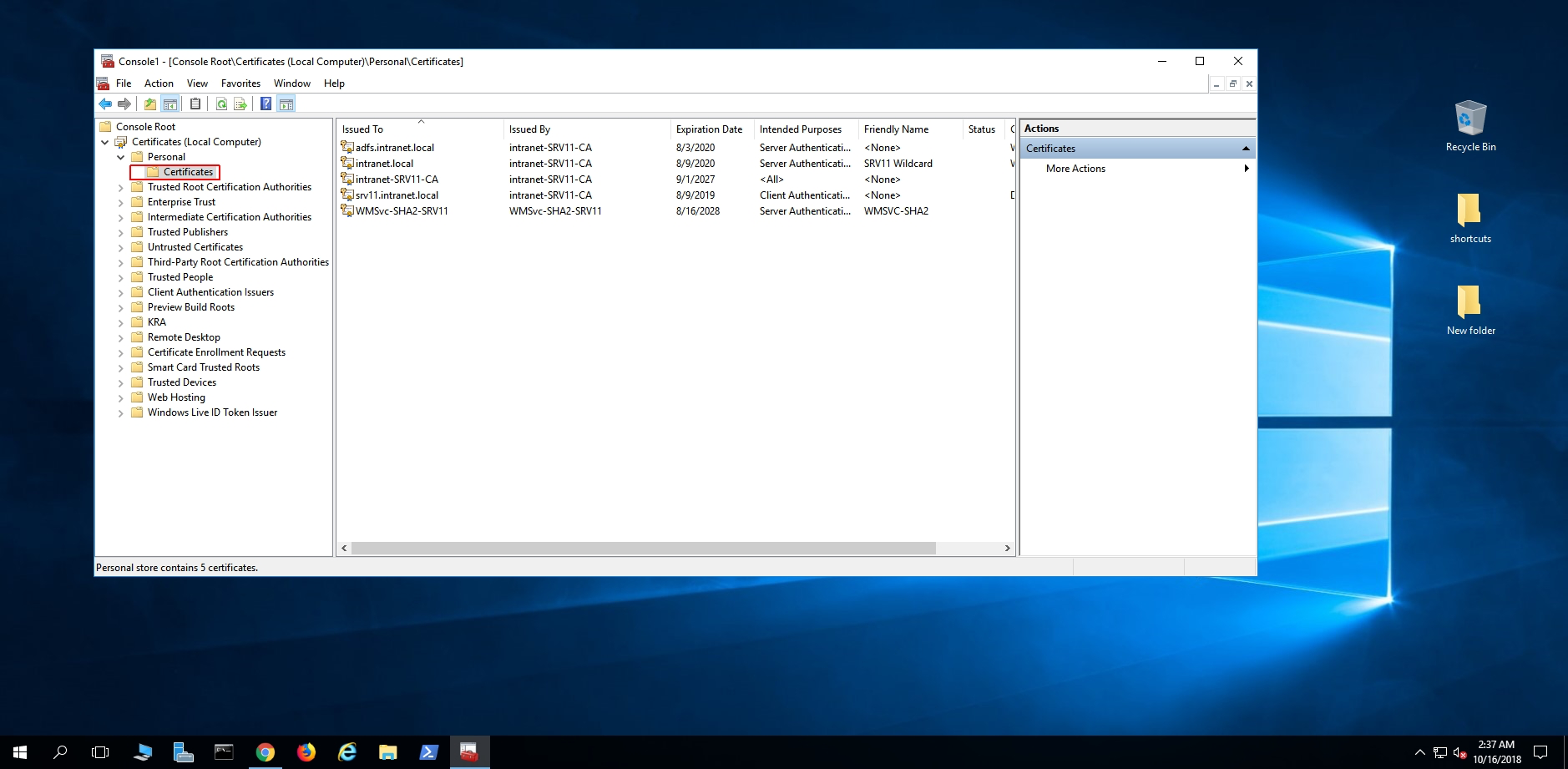
2.) Now choose your certificate, personal, certificates.
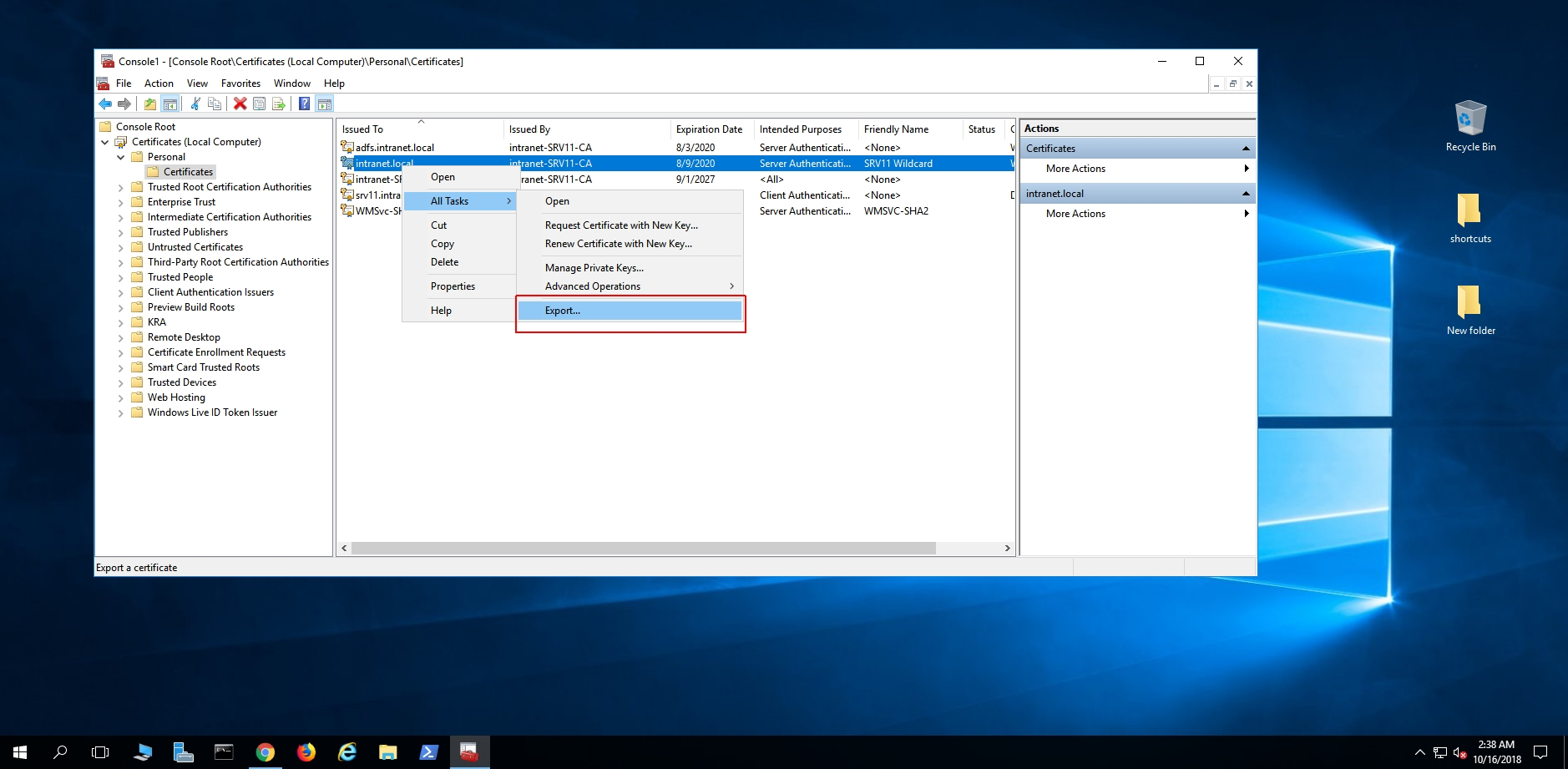
3.) Right click and select export under All Tasks.
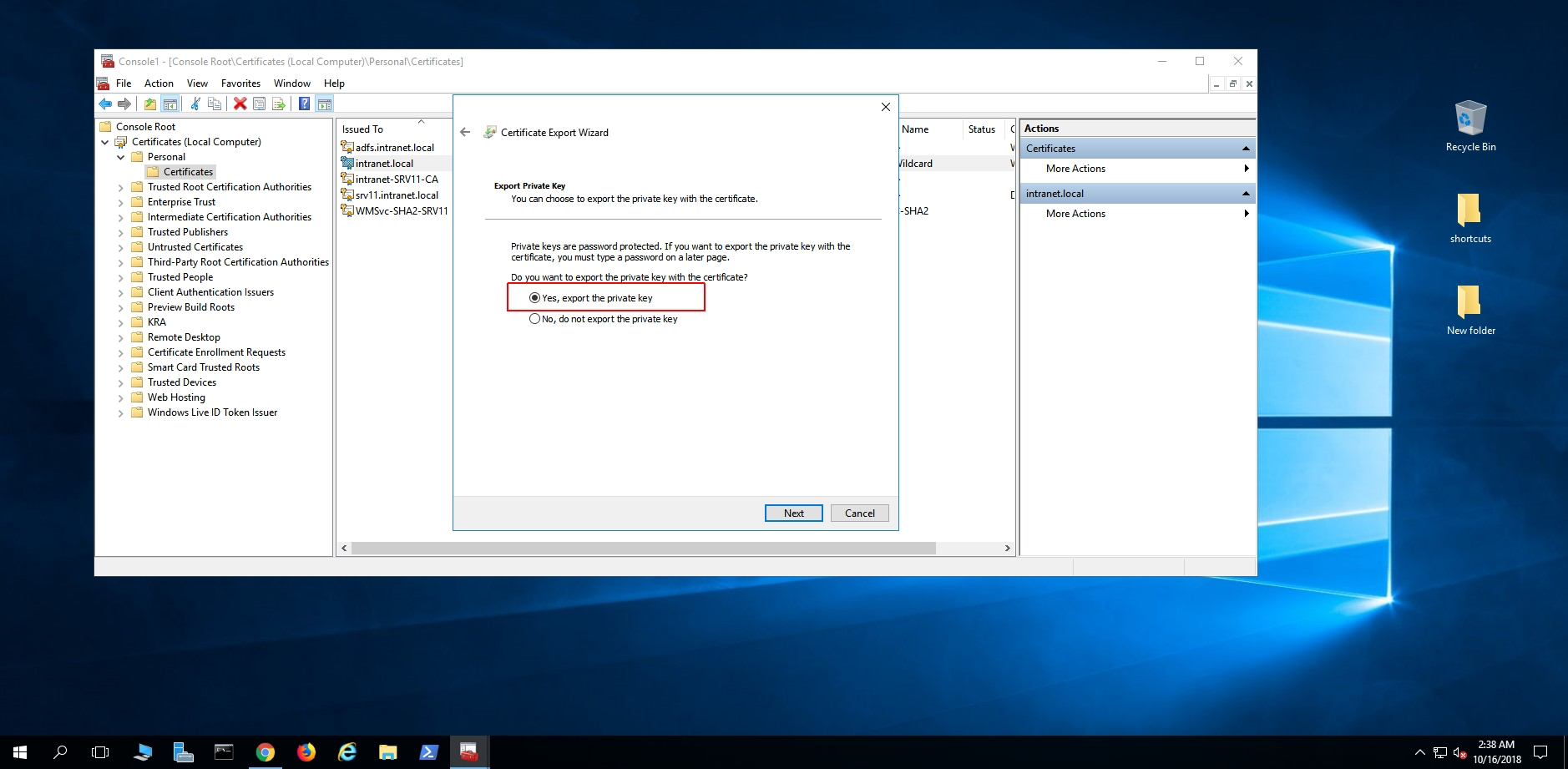
4.) Yes, export the private key. This is critical or else the PFX is worthless.
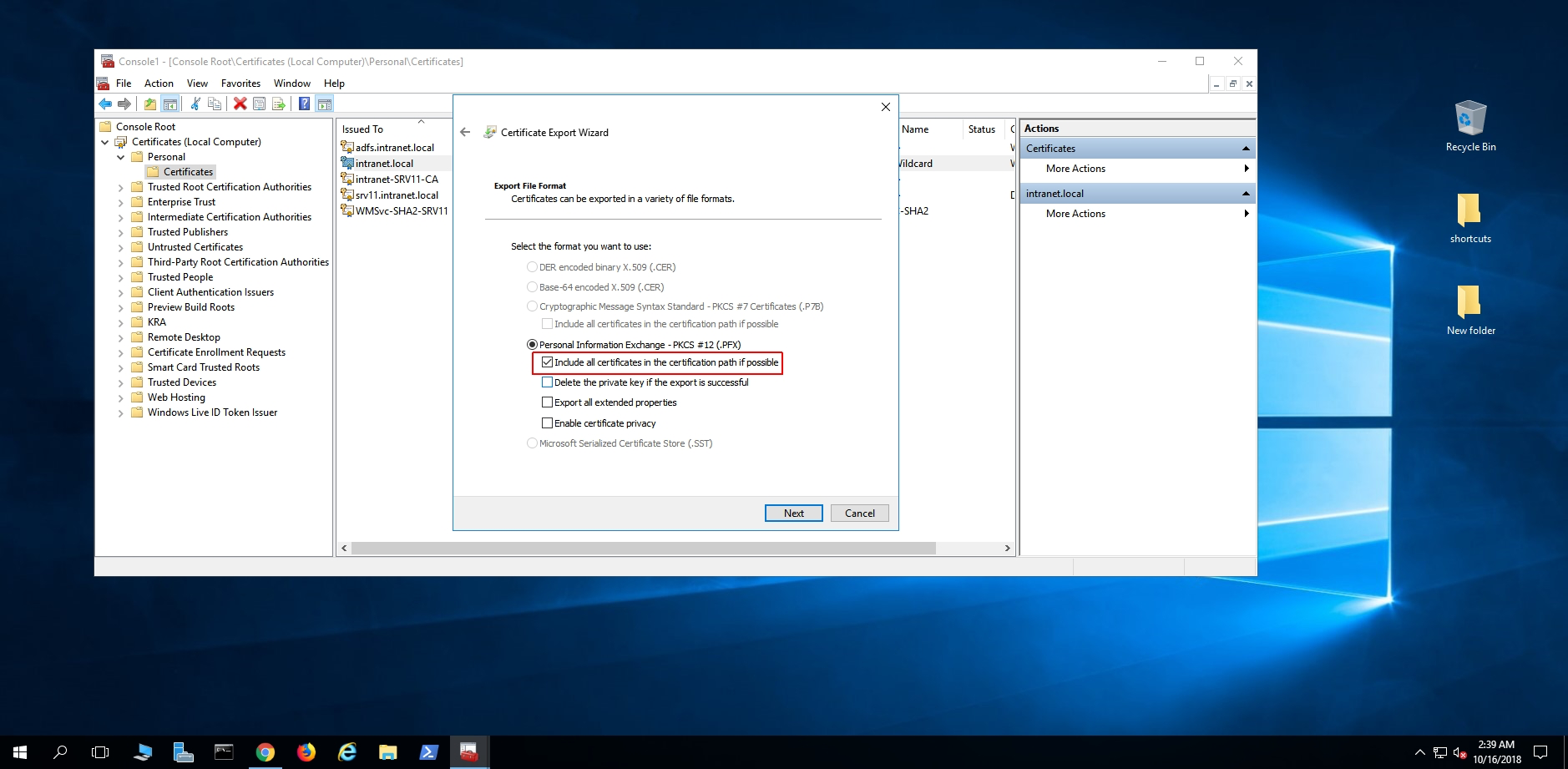
5.) PKCS / PFX format, and include *all* certificates in the certification path. DO NOT select delete.
You need to check the Export all extended properties as well.
6.) Enter a password for this export, only a password, not a windows account. Remember this password as you are going to need to enter this in CrushFTP.
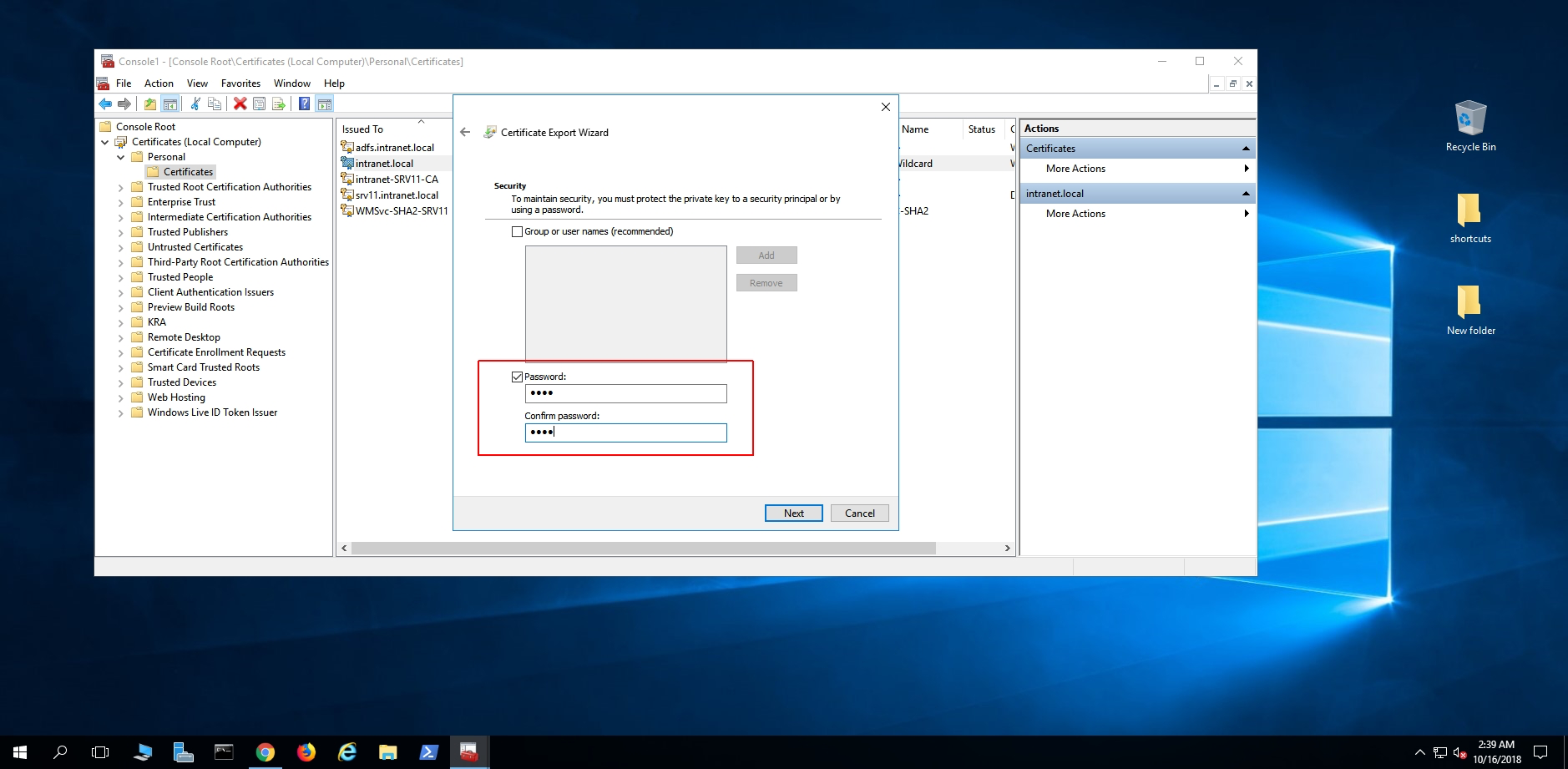
7.) Choose where to save the PFX file.