PGP#
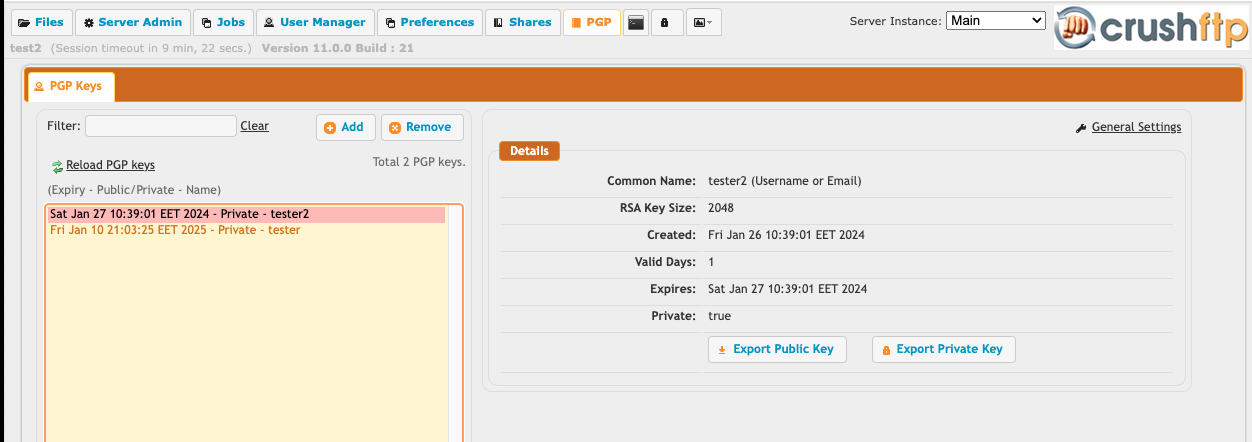
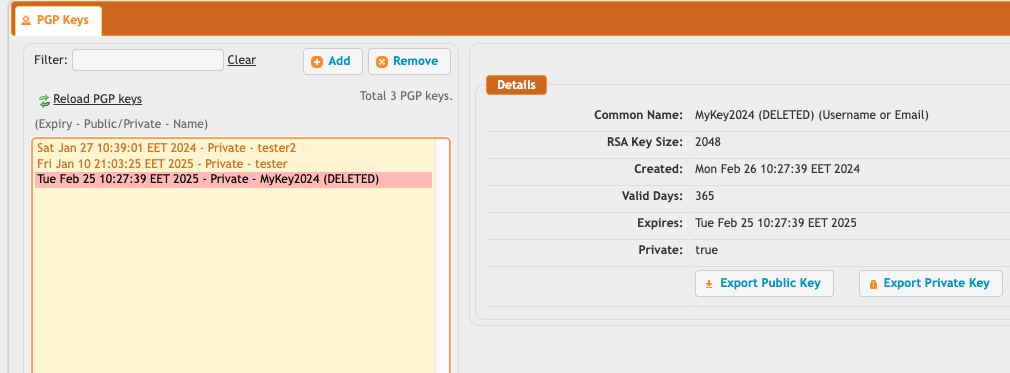
PGP keys in CrushFTP can be stored internally in a centralized keystore. You can manage them from the admin dashboard, PGP tab. You cannot remove keys, they are added to the special deleted keystore so that just in case a future request to decrypt a file you forgot about is needed...the old key will be pulled from the deleted keystore to handle that scenario. Deleted keys show up marked in the list with (DELETED).
Deleted:
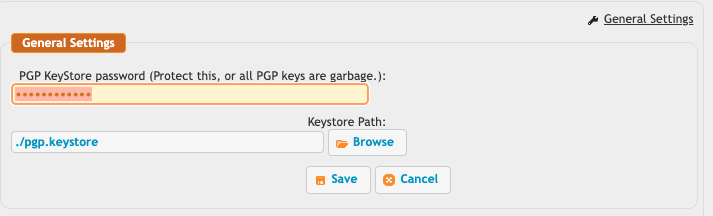
The General Settings allows you to configure where this PGP keystore is located, the default is in your CrushFTP folder.
You can easily add new keys that are generated...
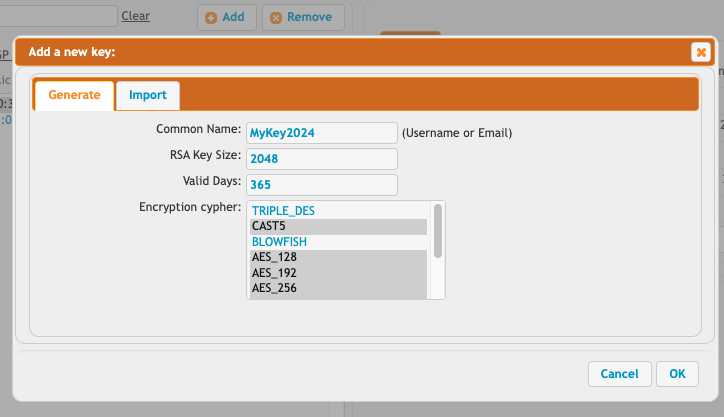
or import from a copy/paste of text.
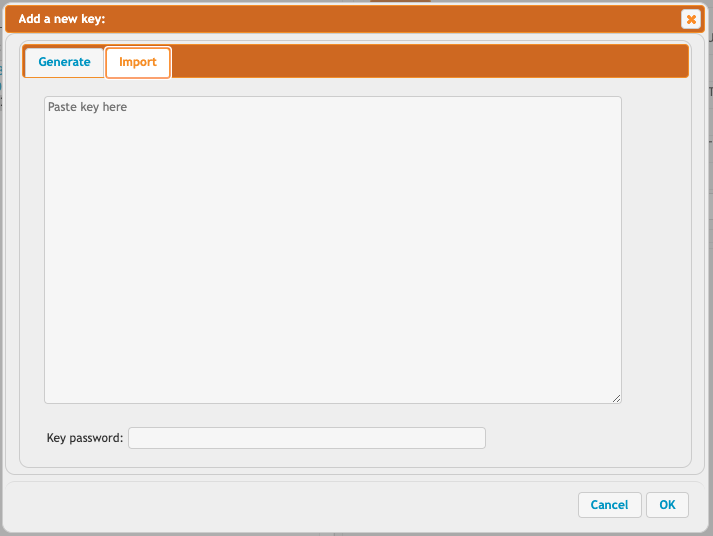
You can export the private key if necessary, or the public key.
Usage#
Using a private key from the keystore is easy...you can just specify PGP://AUTO and it will automatically find the correct key for decryption. You do not need to pick a specific key for decryption activities because the correct private key will automatically be found.
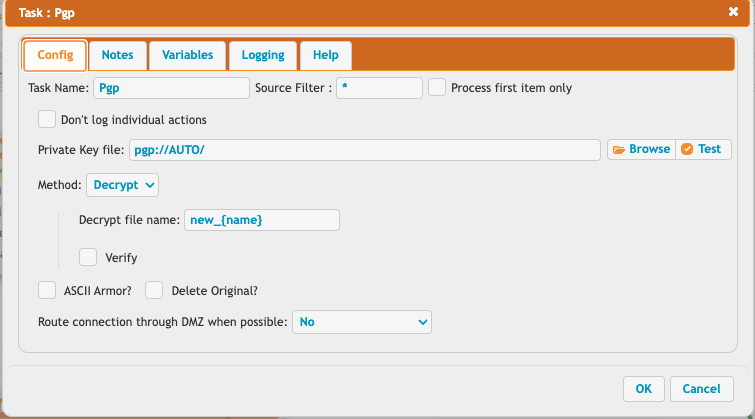
For encryption, you still need to select which key you want to encrypt using. This cannot be automatic.
You can Browse... for a key, there is a PGP browser to choose from your existing keys. This can be used in Jobs, User Manager, VFS, etc. Any place you use PGP can use this scenario.
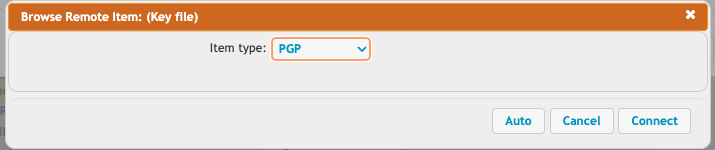
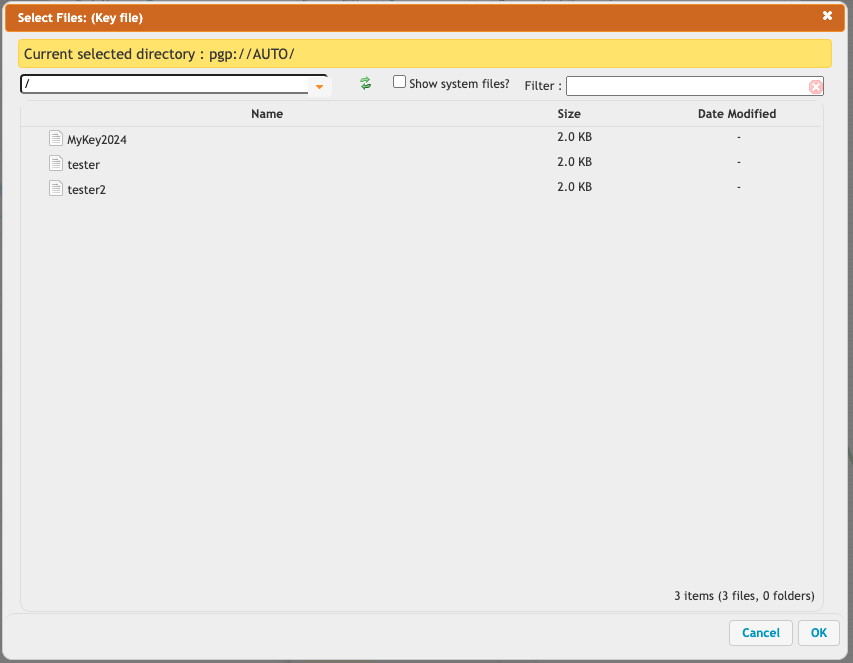
So in summary, anytime you do decryption, you can use the URL "PGP://AUTO" to let CrushFTP automatically find the correct decryption key from your keystore. Anytime you need to do encryption, you must Browse... and choose the key to encrypt with.