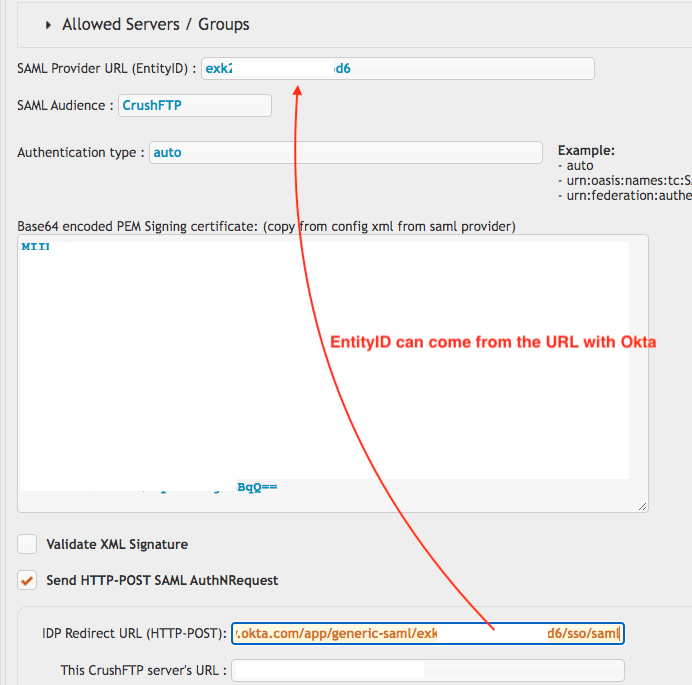
Okta#
Signup for okta for your company first to get an Okta account.
https://www.okta.com/
After you have signed up, validated your account and signed in, go to the admin panel area.

Add a new app.
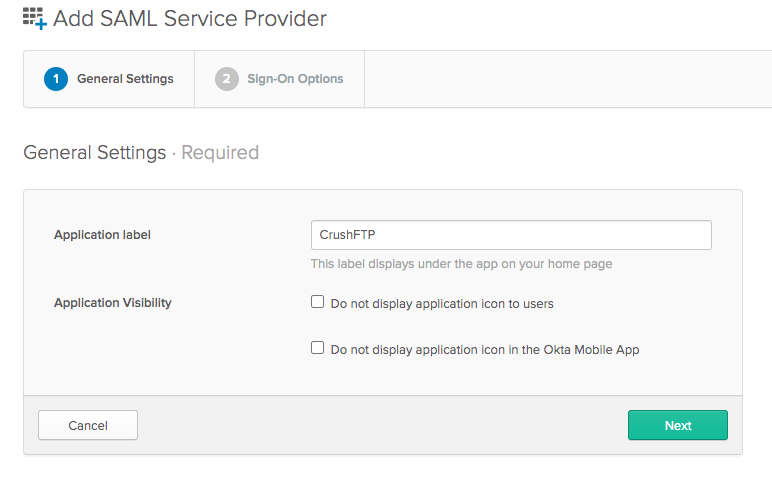
Step1 is setting the name:
Step2 is configuring the URL and entity ID:
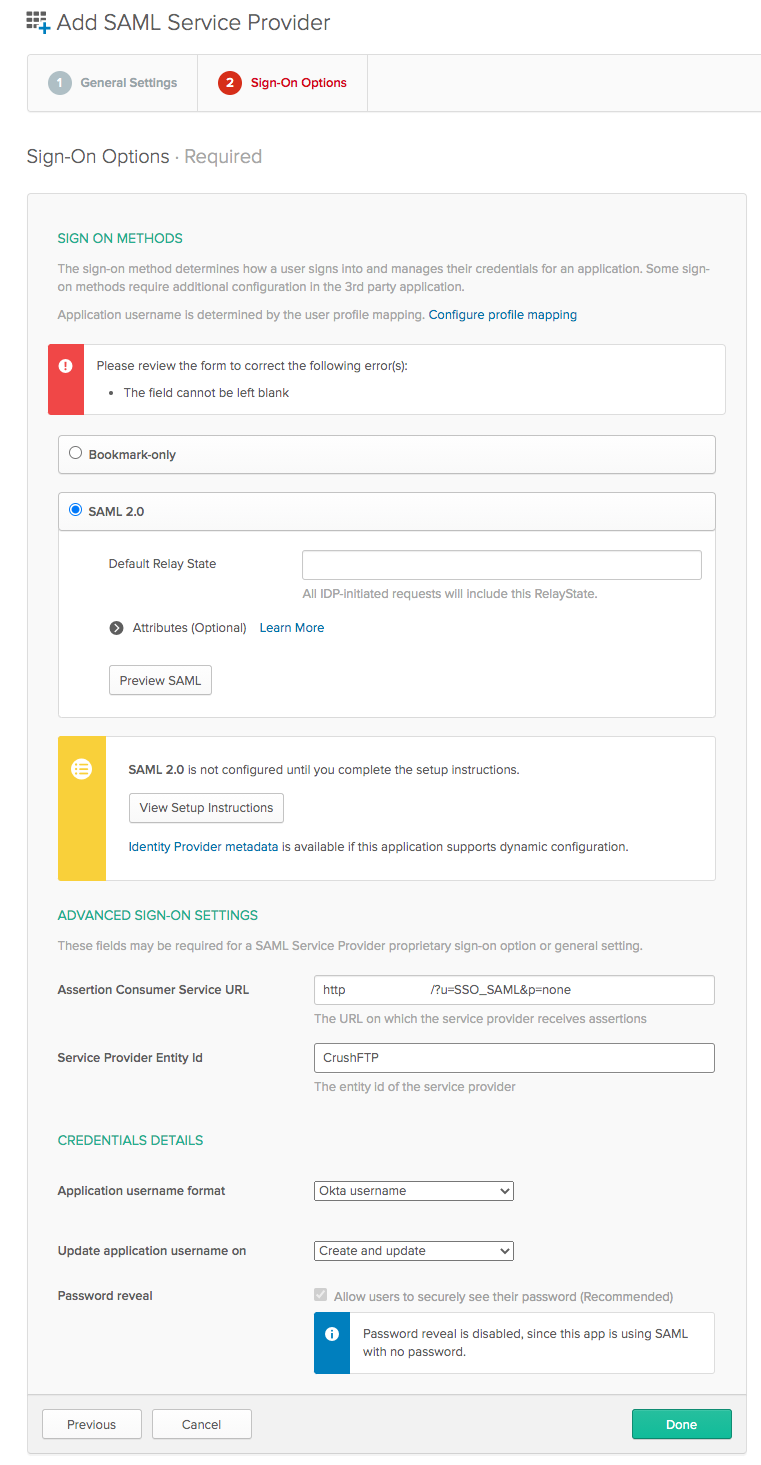
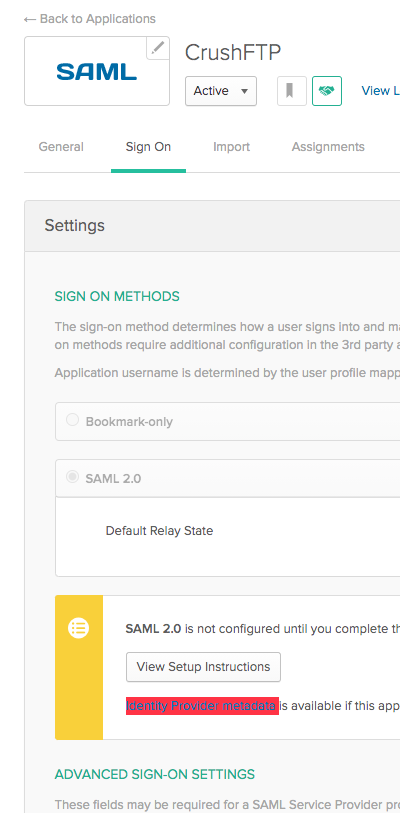
You can preview the SAML, or come back afterwards to get the Meta Data file so that you have the last two parts needed.
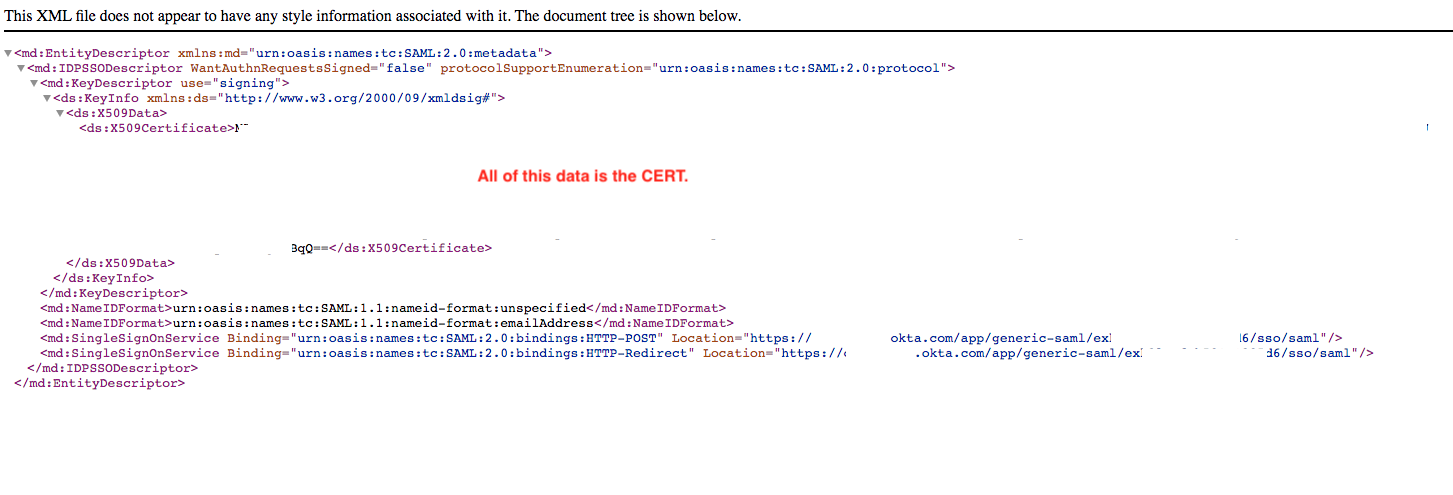
You need to copy the entire cert out of the XML file...all the contents from the start and end tags, but without the tags.
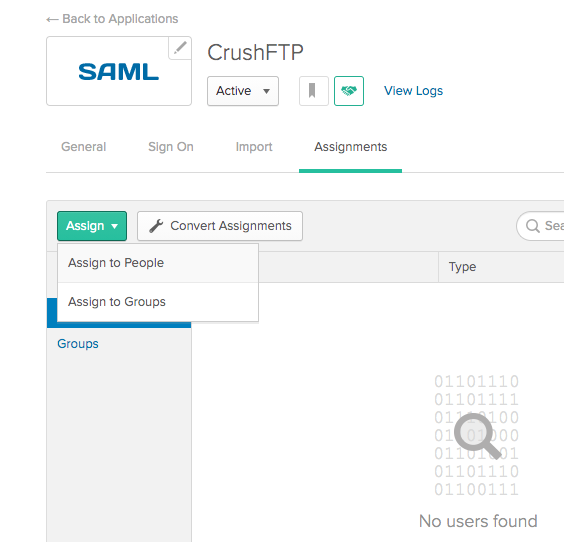
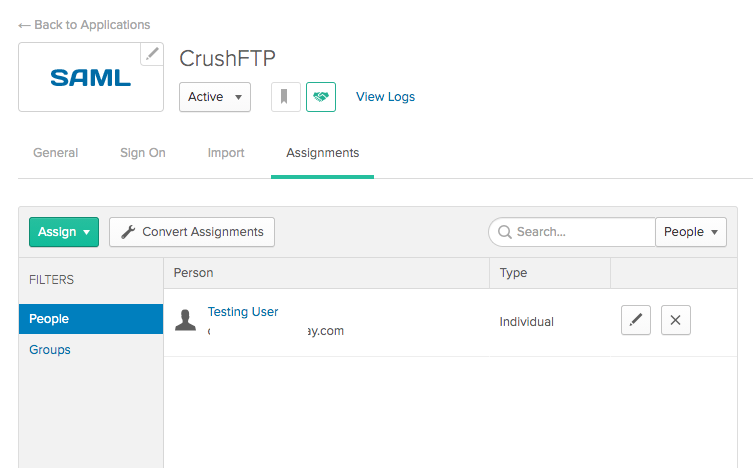
Finally you need to assign the app to your user so that you can login.
--- The CrushFTP SAMLSSO plugin side of things needs the HTTP-POST url filled in from the Meta Data, and the EntityID filled in which is on the General tab of the SAML application, or you can copy its segment out of the HTTP-POST URL for how Okta does things.