First connection#
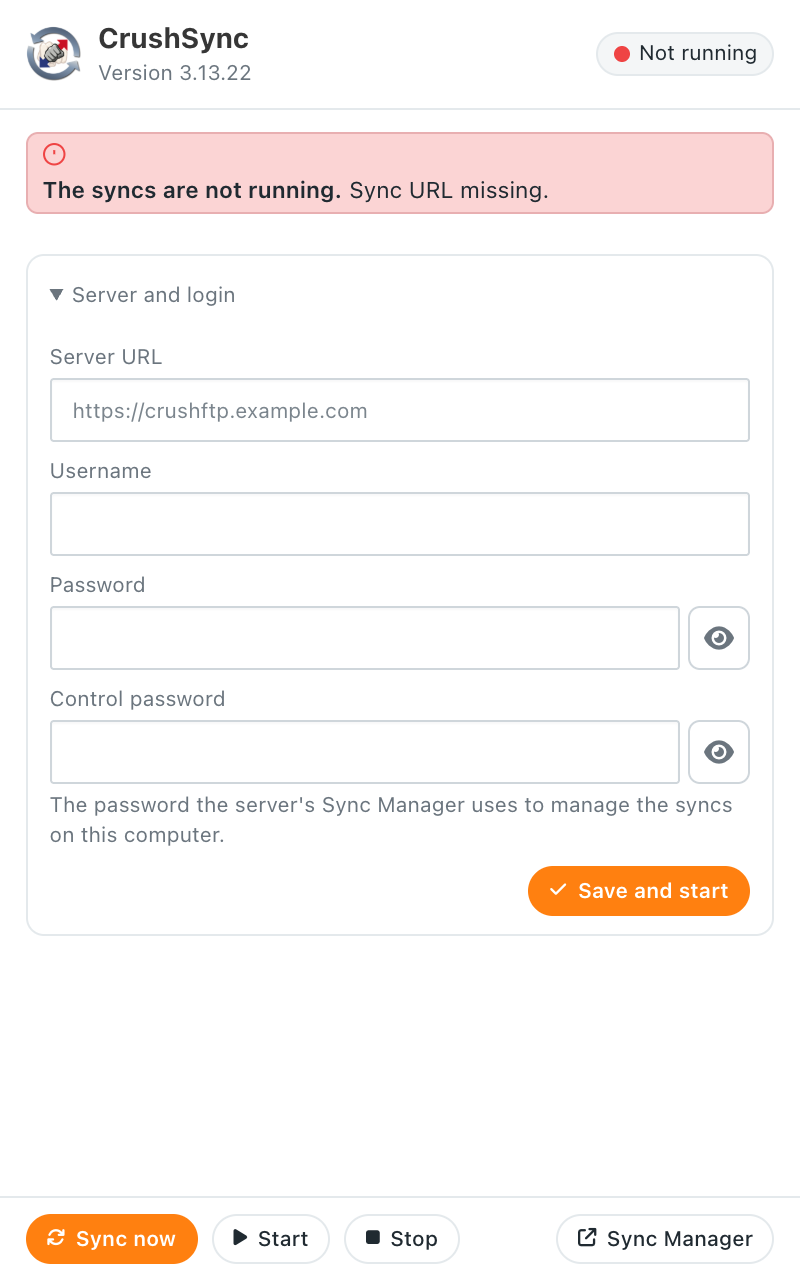
When CrushSync starts for the first time it does not know your server yet.
Enter the server and your login#
Open CrushSync's window (its menu › Settings…) and fill in Server and login:
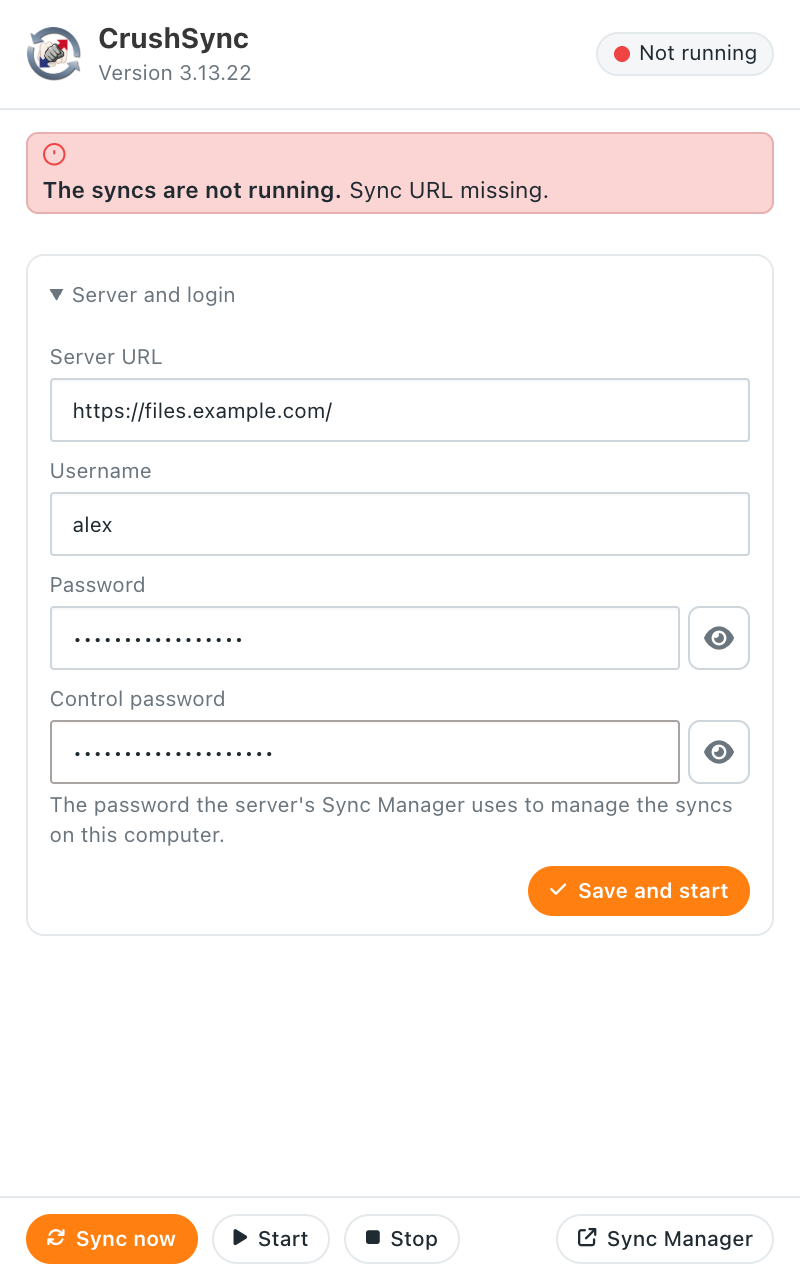
| Field | What to enter |
|---|---|
| Server URL | your CrushMFT server's web address, for example https://files.example.com/ |
| Username, Password | your CrushMFT login |
| Control password | a password of your choice. The server's Sync Manager page asks for it before it changes the syncs on this computer, so that nobody else who gets at your account can redirect your folders. |
Press Save and start. CrushSync logs in to the server and starts the syncs that are set up for this computer.
Set up what to sync#
A new computer has no syncs yet:
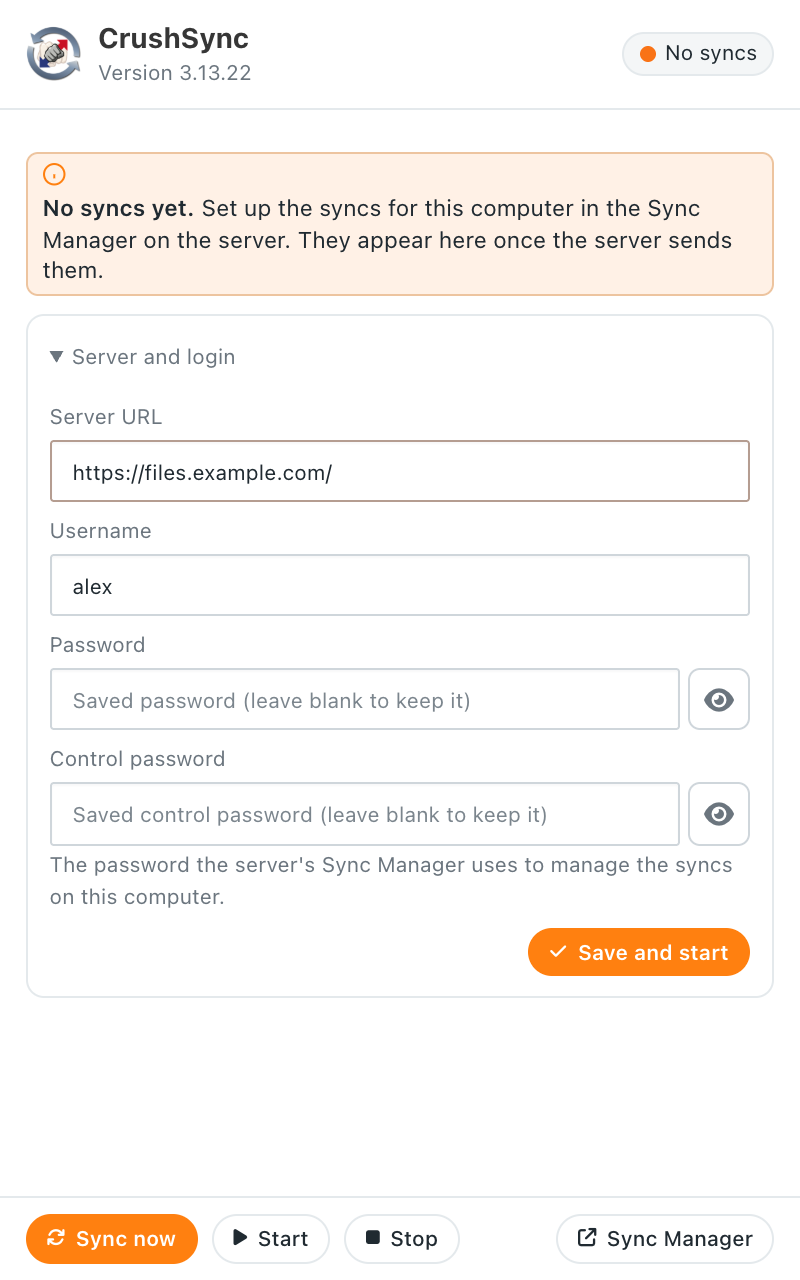
The syncs are made in the Sync Manager, a page on the server. Press Sync Manager at the bottom of the window (or choose it in the tray menu); it opens in your browser. There you choose a folder on this computer and the folder on the server it belongs to: Sync Manager.
As soon as the server sends them, the syncs appear in CrushSync's window and start.
After that#
There is nothing more to do. CrushSync starts with your computer, logs in, and keeps the folders the same. Its icon and its window show what it is doing: Syncs and status.
If the server cannot be reached, CrushSync says so and keeps trying; your local changes are sent when it is back.