# Receiving AS2 Payload
To act as an **[AS2 server](AS2-EDI.md)** (receiving partner), the following conditions are to be met:
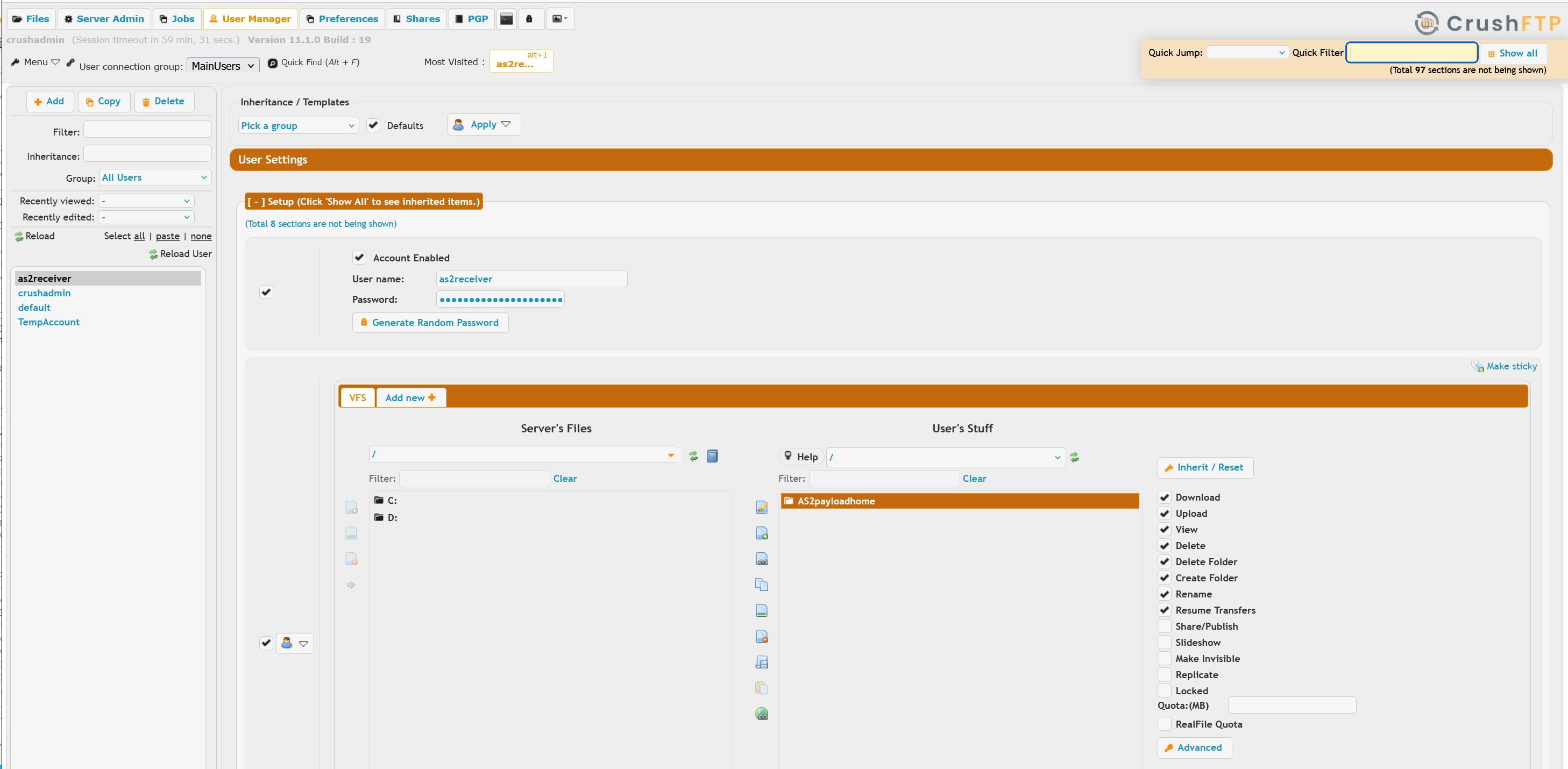
Create user account with a valid **[VFS](VFS.md)** directory. This directory will receive the decrypted payload, also a local copy of the MDN files generated.The VFS directory name doesn't matter, but it's important the user account not to have more than one VFS directory assigned to.
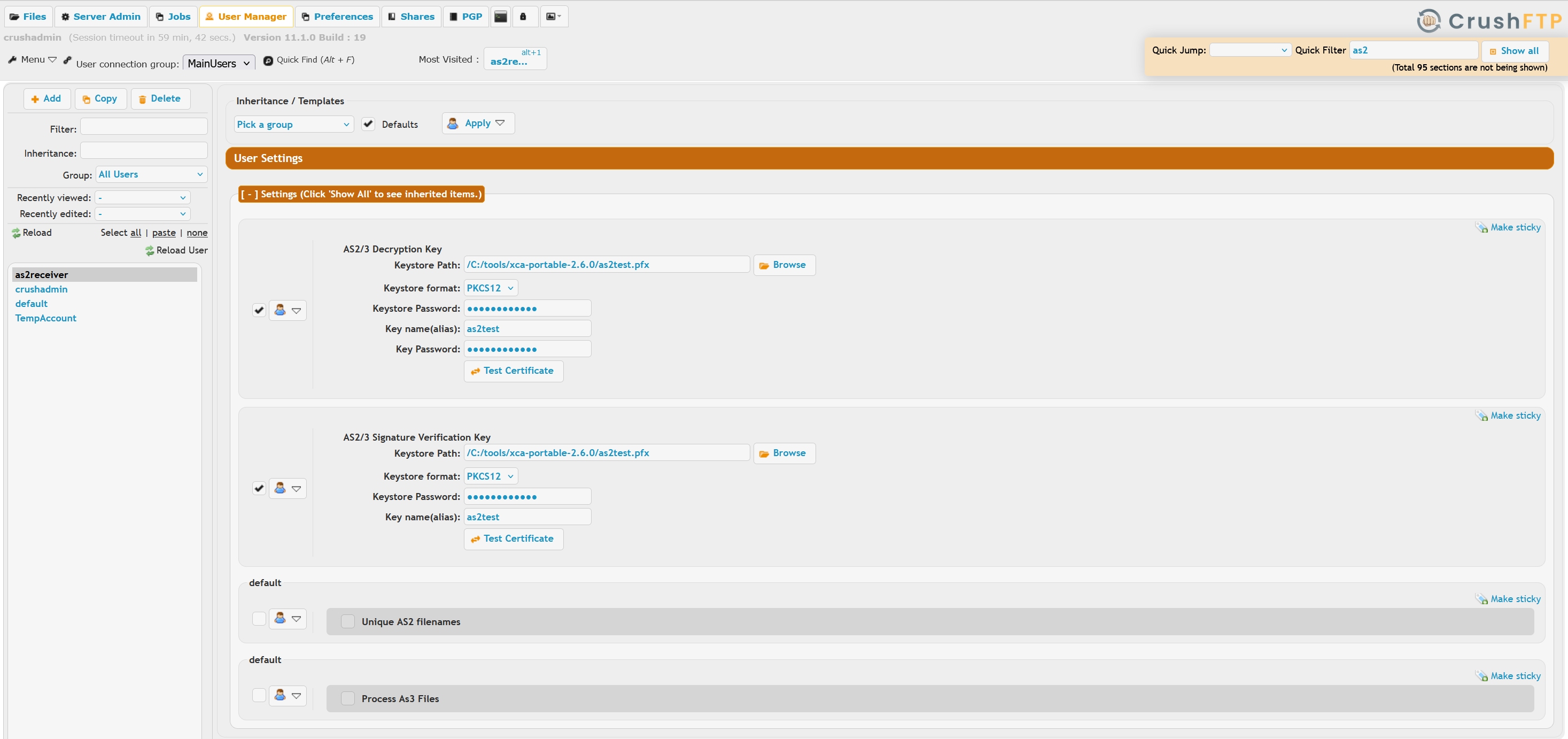
 Configure the account in **[User Manager "AS2"](AS2.md)** section with the decryption key and signature validation cert.
 An publicly available HTTPS port. In a vanilla deployment, there is a port 443 server listener already in placem can also add a custom port on the **[IP Servers](IP-Servers.md) page.**