# CrushDrop
### This module is only available for enterprise licenses. Normal CrushFTP licenses will not allow the CrushDrop functionality to operate.
---
You can download the CrushDrop Attachment Redirector app here:
macOS: [https://www.crushftp.com/early10/CrushDrop/CrushDrop_macOS.zip](https://www.crushftp.com/early10/CrushDrop/CrushDrop_macOS.zip)\
Windows: [https://www.crushftp.com/early10/CrushDrop/CrushDrop_windows.exe](https://www.crushftp.com/early10/CrushDrop/CrushDrop_windows.exe)\
MD5 Hashes: [https://www.crushftp.com/early10/CrushDrop/CrushDrop_md5.txt](https://www.crushftp.com/early10/CrushDrop/CrushDrop_md5.txt)
---
An Electron based full replacement for the aged Attachment Redirector application, now running in OS-native code.\
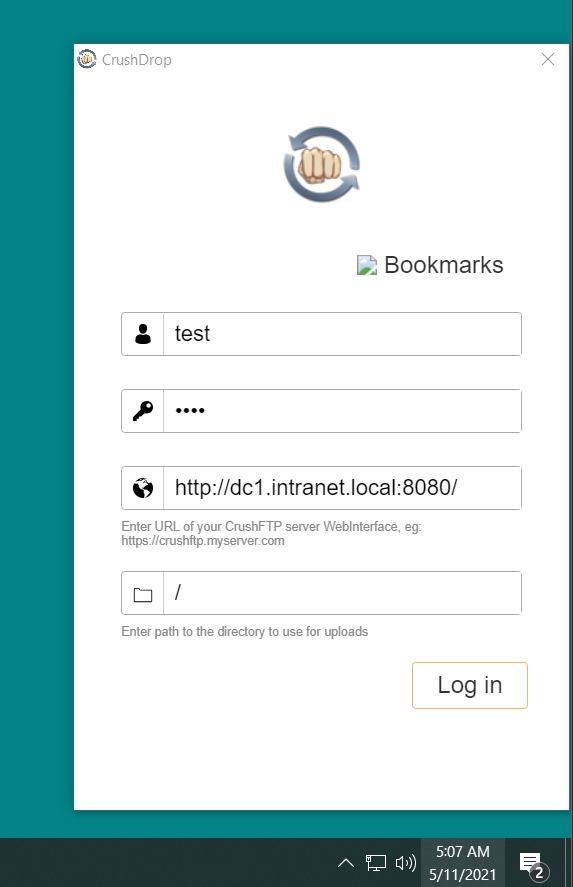
To install it, download the package for your OS platform, run it, set the login credentials and URL pointing to your CrushFTP server. HTTPS requires a valid SSL certificate, or CrushDrop will refuse to connect.\
No additional server side configuration required any more.
 ---
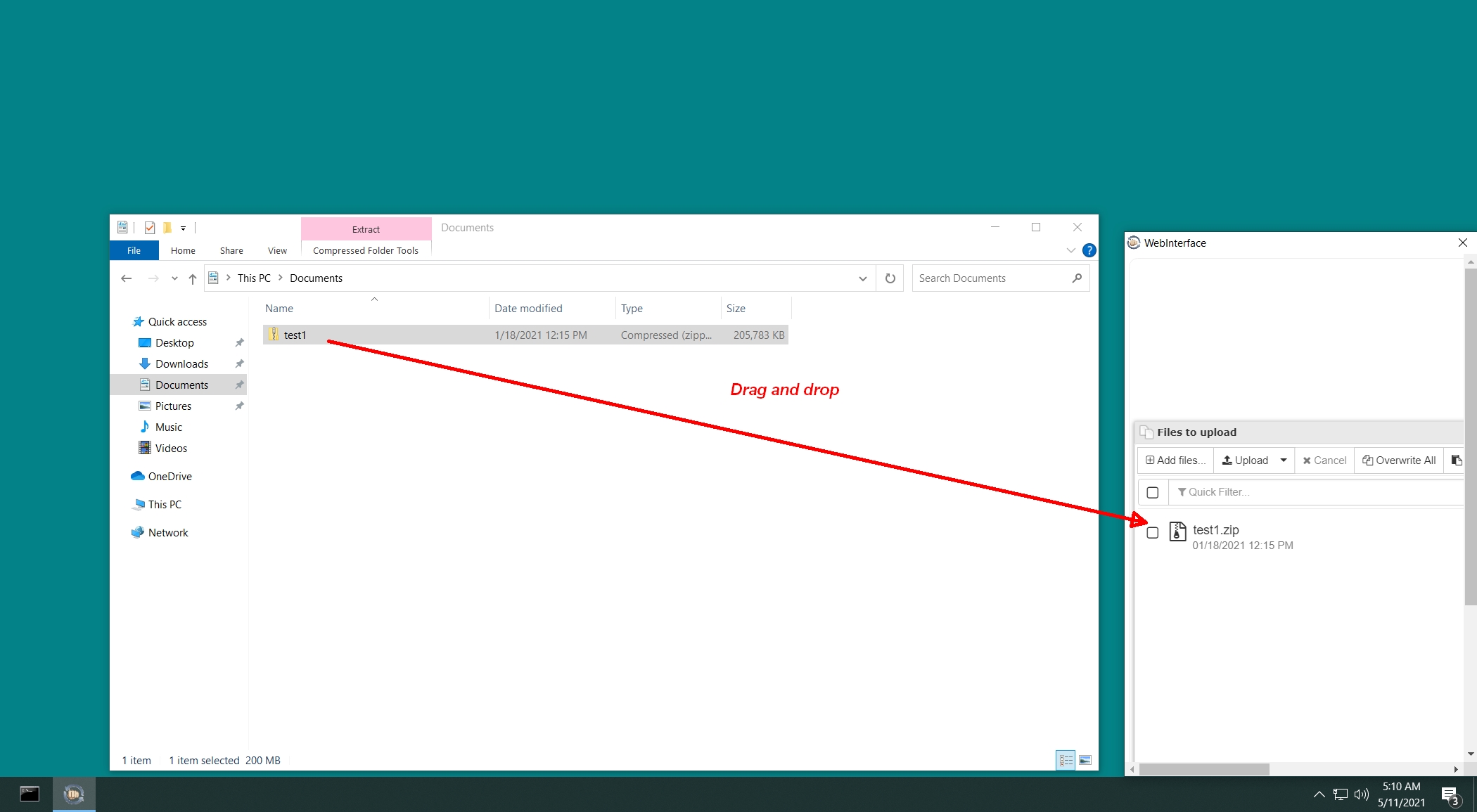
To use it, click the tray icon to raise the drag and drop panel, drag files onto